Install external foot/rocker switch 2 Installation
5.
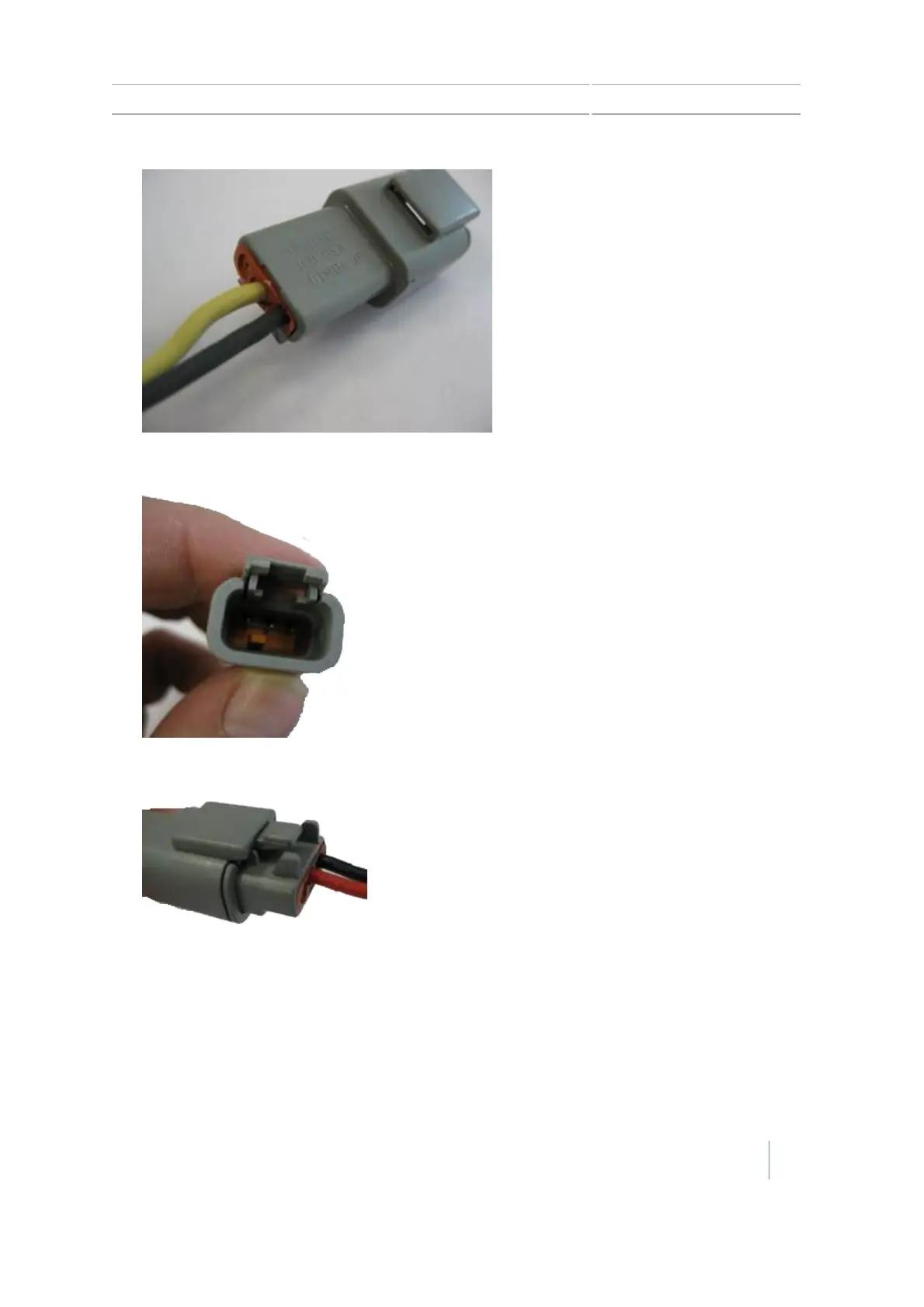
For the rocker or foot switch, re-insert the wedge into the receptacle.
6.
Connect the attached receptacle to the 3-pin DTM plug on the remote engage adapter cable.
7.
Plug the other end of the remote engage adapter cable into the port replicator (pin 10 and pin
11) on the EZ-Pilot® cable that is connected to Port B on the CFX-750 display.
Version 7.0, Revision A CFX-750 Display User Guide 33



 To Next Page