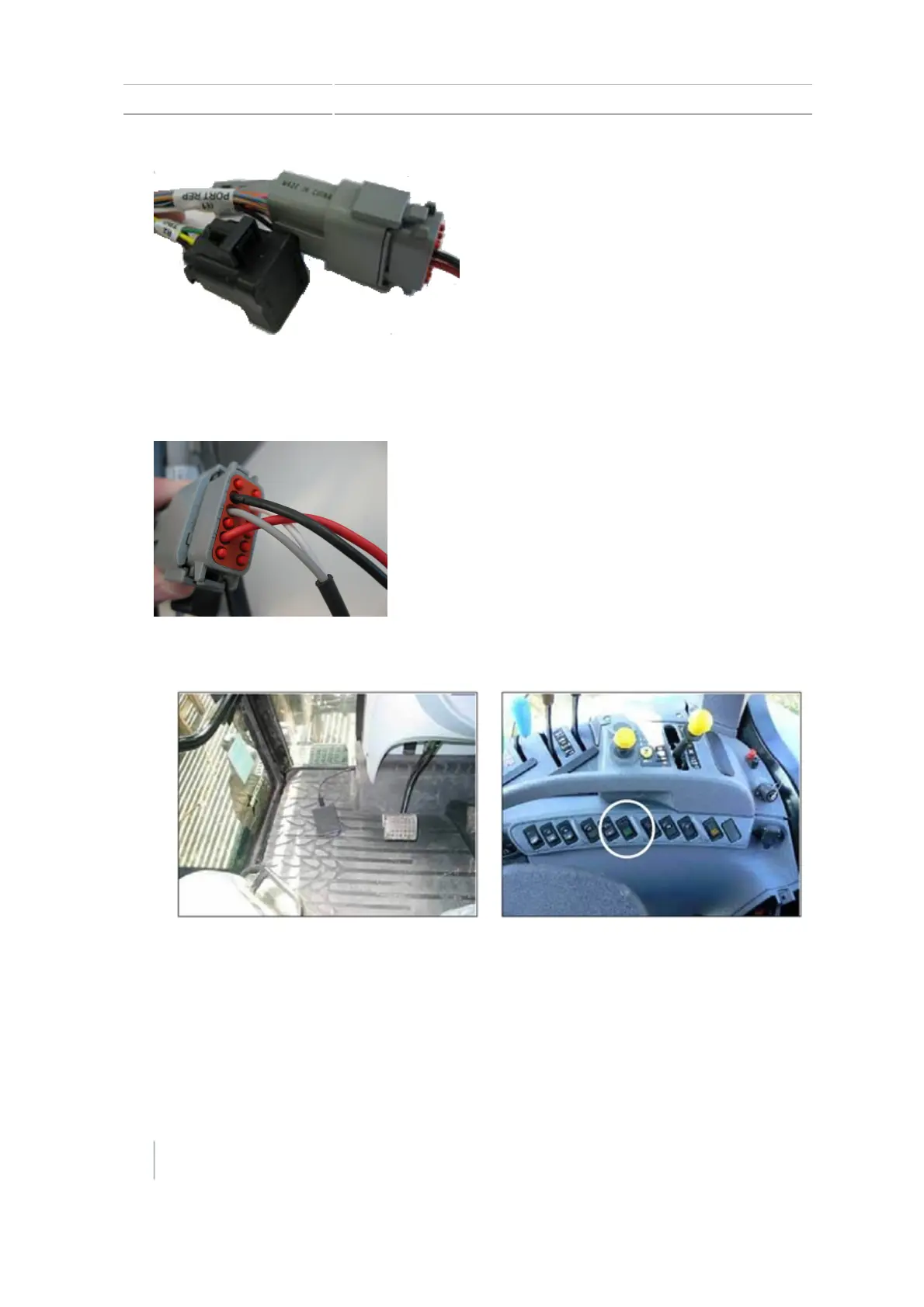
2 Installation Install external foot/rocker switch
Note – If you are using a sonalert, you must remove engage pin 10 and move it to pin 8 so
that the remote engage functions run between pin 8 and pin 11 and the sonalert functions
between pin 2 and pin 10.
8.
Route the cables of the footswitch or rocker switch to the required location.
34 CFX-750 Display User Guide Version 7.0, Revision A



 To Next Page