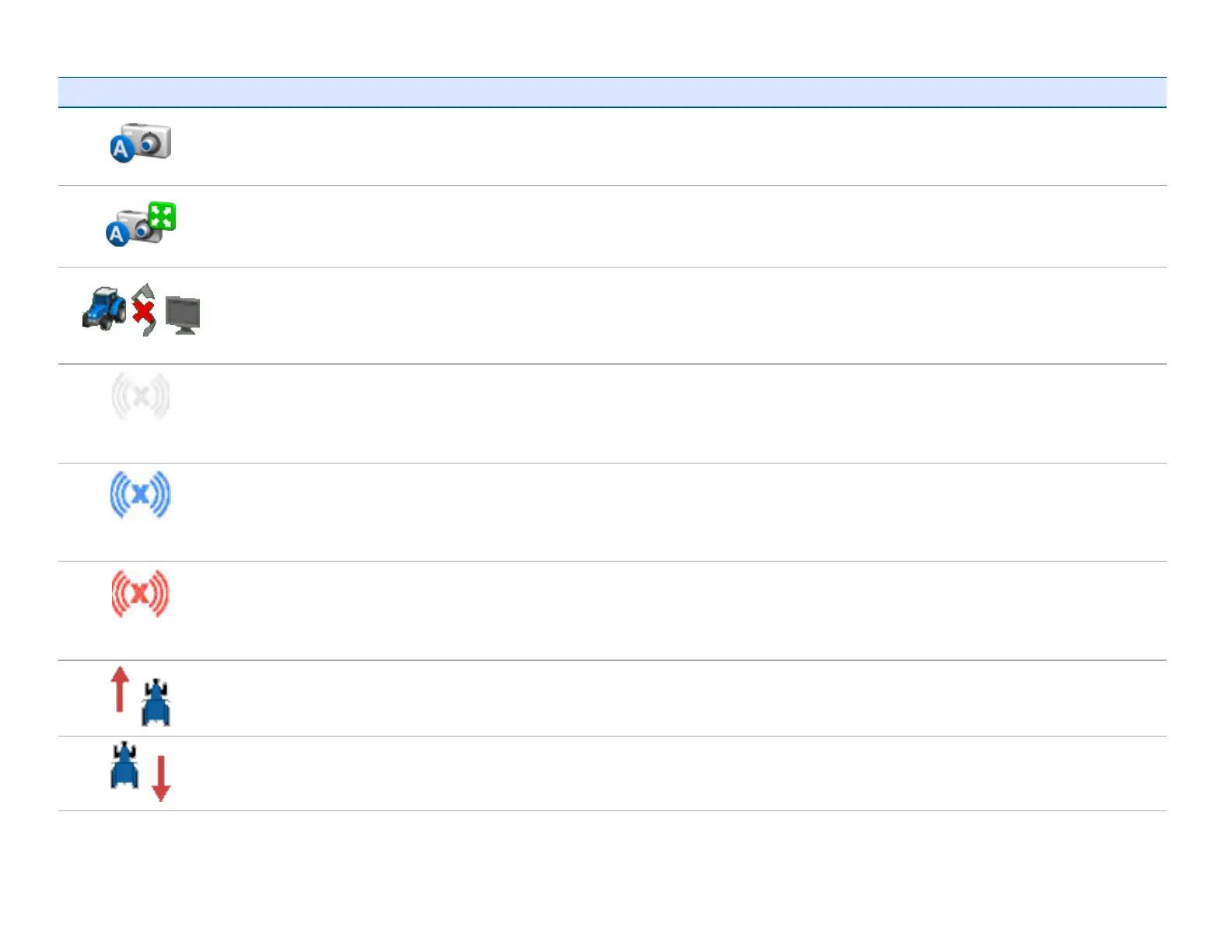
Button Function Tap to.../Indicates...
Activate external video input
View full screen external video
To replace guidance screen with video feed. Tap again to resume
guidance screen viewing.
Status of data transfer for Office Sync
l If field data is being sent or received, an icon at the top right of
the screen displays.
l If data is being sent or received, an orange arrow blinks between
the tractor and office computer.
(White)
Status of xFill Indicates xFill is ready
(Blue)
Status of xFill Indicates xFill is engaged, has been used between 0 and 15 minutes
(Red)
Status of xFill Indicates xFill is engaged, and 5 minutes remain
Forward movement
For EZ-Pilot and EZ-Steer® assisted steering system, indicates you are
traveling forward.
Reverse movement
For EZ-Pilot and EZ-Steer system, indicates you are traveling in
reverse.



 To Next Page