FuelsManager Defense
80 Administrator Manual
Alarm test value
• If the data format is numeric, the Test Value button will be disabled. Test
Values have to be typed in manually in the edit box
• If the data format is a coded variable, the Test Value button will be enabled to
choose a test value from the Select Coded Variable dialog box
• If the data format is a user-defined string type, the Test Value button will be
enabled to configure the string in the String Configuration dialog box. This
dialog box lists the attributes of the selected user-defined string type. The
user selects the appropriate string found in the list box
• If the data format is Time and Date, the time and date must be typed in for the
Result Code, which is set to the system default time and date
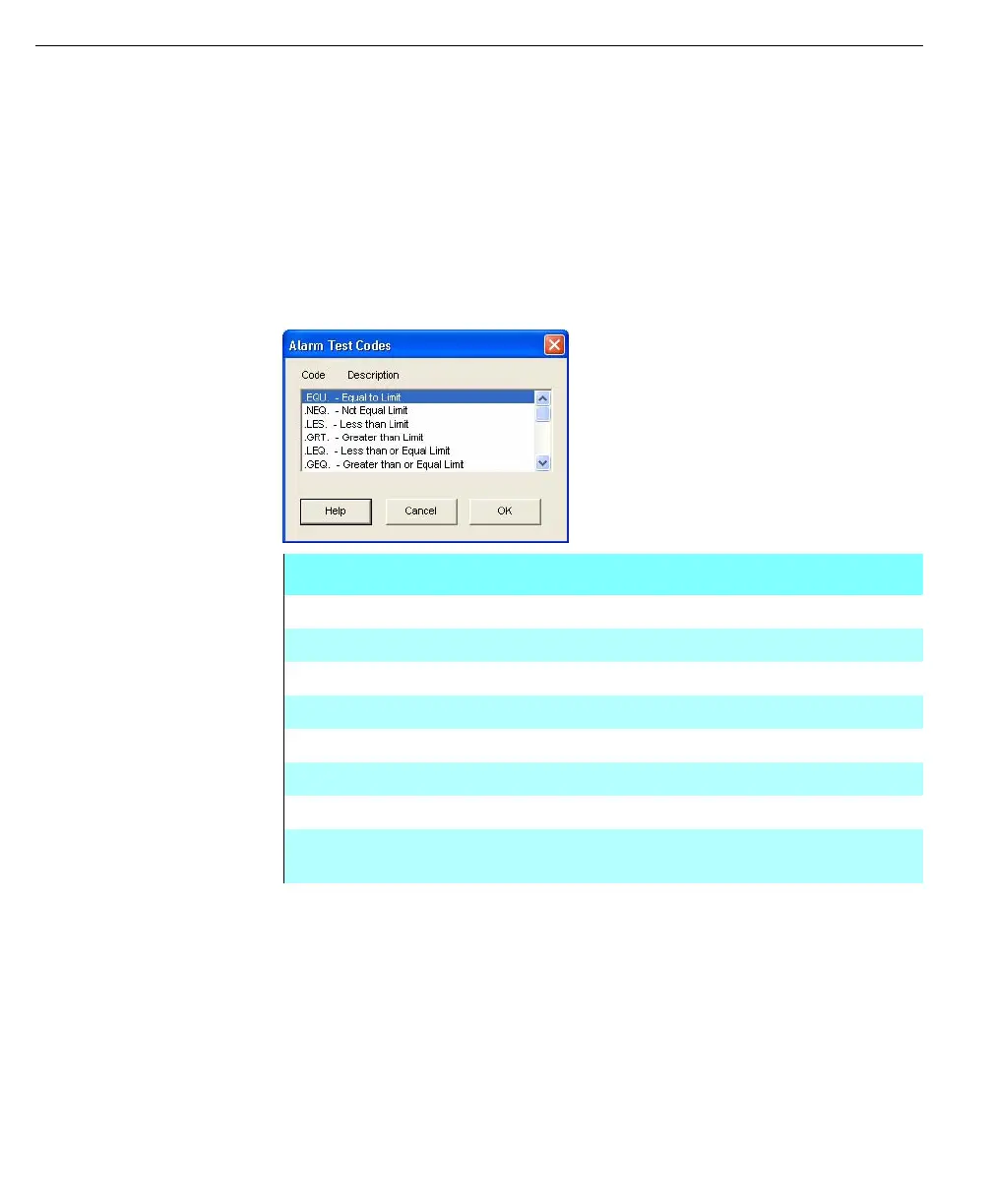
Alarm Test Codes
dialog box
Test Conditions
.EQU. Database Value equal to Test Value
.NEQ. Database Value not equal to Test Value
.LES. Database Value less than Test Value
.LEQ. Database Value less than or equal to Test Value
.GRT. Database Value greater than Test Value
.GEQ. Database Value greater than or equal to Test Value
.BIT. Bit Set in Database Value which matches Bit in Test Value
.MASK. Any Bit(s) Set in Database Value matches any Bits in Test
Value



 To Next Page