FuelsManager Defense
236 Administrator Manual
Editing Movement Paths
This section describes how to edit defined Movements. Sources and Destinations
can only be added or deleted. Nodes, the basic component of Sources and
Destinations, can be deleted or modified.
Modifying Nodes
Note! This feature is used mostly
when users want to enter a name
other than the default level name
available during Tank
Node configuration.
Note! Each Node name must be
unique.
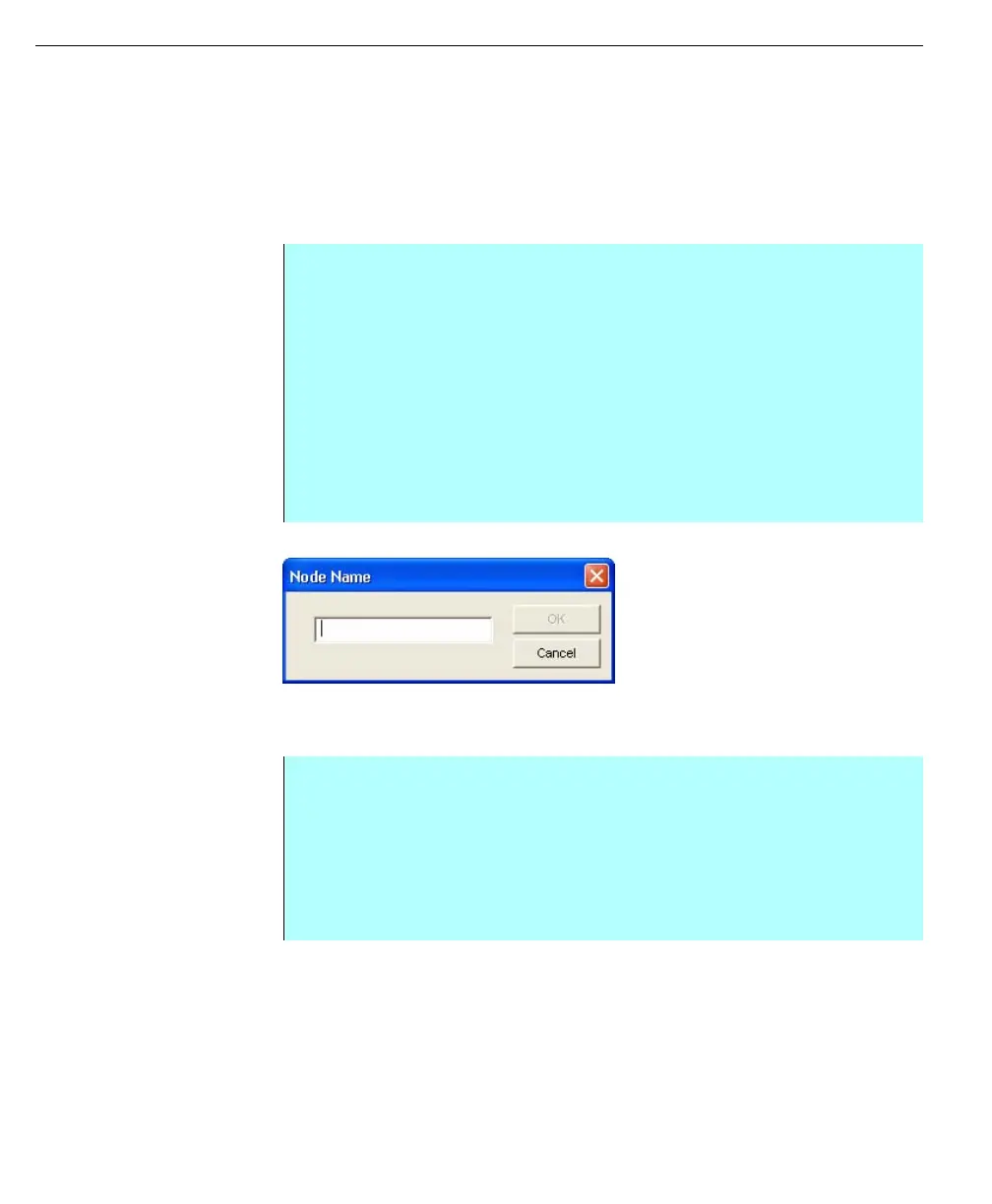
Node Name dialog
Deleting Nodes
Note! Only those nodes that have
not been assigned as a source or
destination can be deleted. If you
have chosen a node assigned as a
source or destination the Delete
button will not be enabled.
Step by Step:
• From the Movements dialog box, click Nodes. The Nodes dialog box
appears. This dialog box lists all nodes and lets you select one or more
nodes
• Click on the desired node. The Node is highlighted and the Modify button is
enabled
• Click Modify. The Node Name dialog box appears
• Type in the new name and click OK
• The system returns you to the Nodes dialog box, highlighting the new node
name in alphabetical order. The Save button becomes enabled
• Click Save. The system saves your changes
Step by Step
• From the Movements dialog box, click Nodes. The Nodes dialog box
appears. This dialog box lists all the nodes
• Click one or more nodes. Use the <Ctrl> or <Shift> key to select multiple
nodes
• Click Delete. The selected node or nodes are erased from the list
• Click Save to save changes



 To Next Page