FuelsManager Defense
200 Administrator Manual
Values
A Value represents real-time data connected to a database. Creating values
include selecting a database and corresponding points and variables. This
procedure used to create values is the same procedure used in the Draw
application.
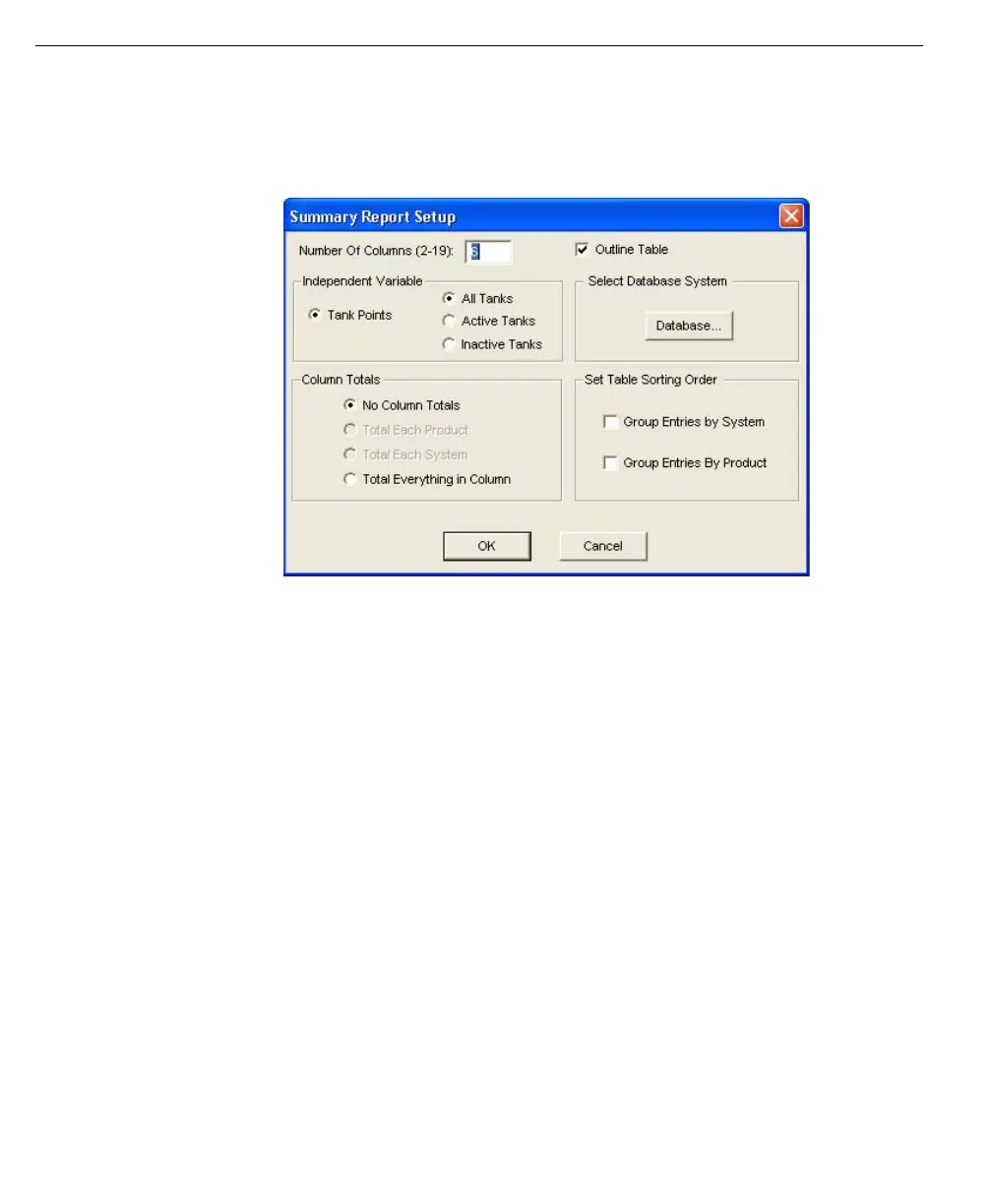
Summary Report
Setup dialog box
In addition to selecting a database, point, and point parameter, other attributes
include font appearance, positioning, field width, precision, and engineering units.
These attributes are set in the Database Value Attributes dialog box displayed
during value creation.
The user has the ability to customize or automatically set the field display. Field
Width is the number of characters allowed for the value. Precision is the allotted
number of decimal places if the value is numerical. The user can also convert to
new engineering units, if necessary.
The attributes also include font appearance and positioning. The user can select
the value size, font, and style. The table Snap option is enabled for aligning the
value if the Snap to table option (under the table menu) is checked.
Variables are parameters of a point such as time, temperature, and density. A
single point can have multiple variables. For example, a point is defined as Tank
Farm A. Tank 22. Tank Point. The variables associated with the Tank Point may be
temperature,% sediment, and tank level.
The variables available for Input and Output points are different from those
available for Tank points. Some examples of Tank point variables include
temperature, level, and density. Input and Output point variables may include an
alarm status or process value.
For a complete listing of point parameters, refer to the Glossary.



 To Next Page