FuelsManager Defense
144 Administrator Manual
Copying and renaming points
Database Points can be renamed or copied at any database level.
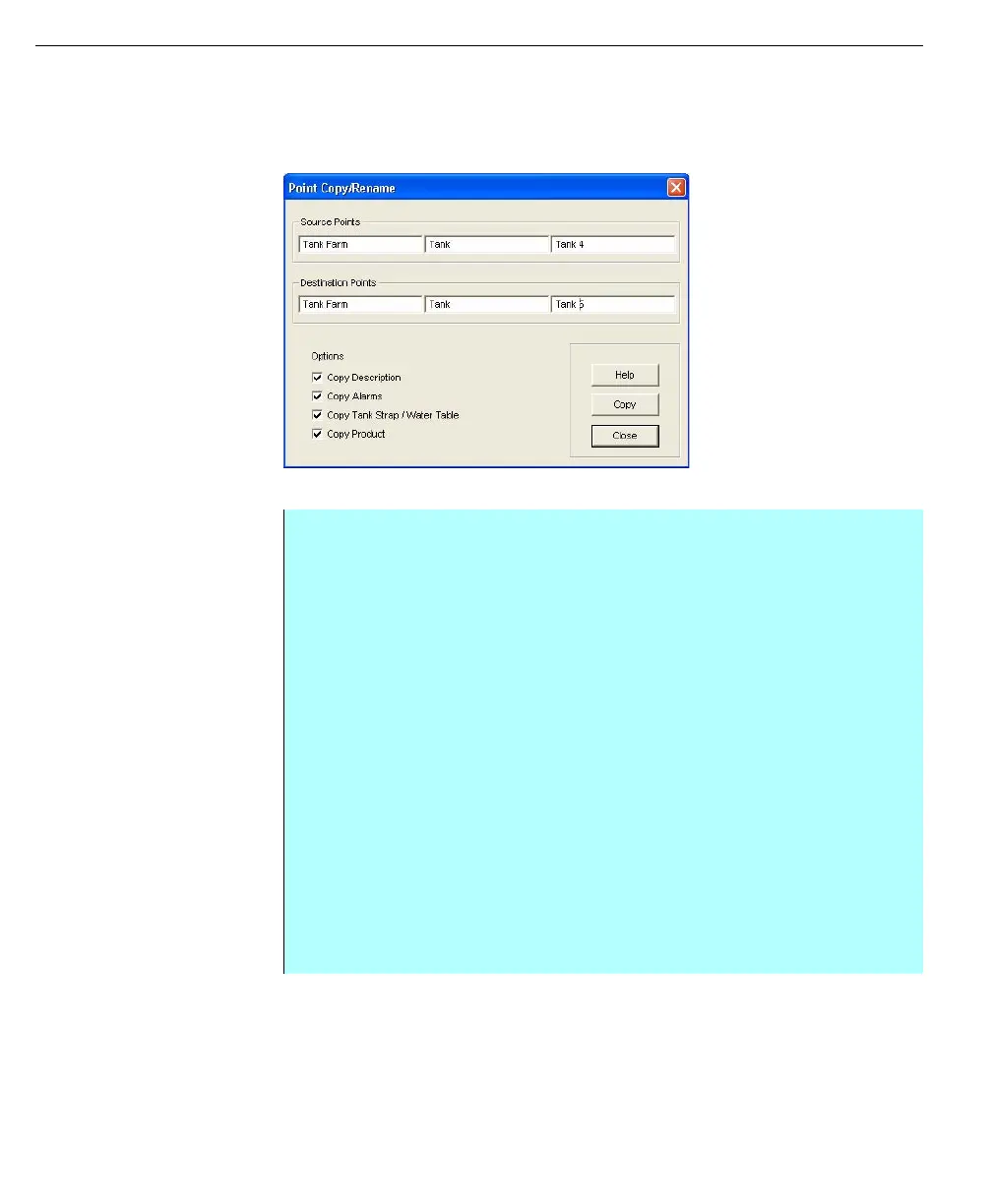
Point Copy/Rename
dialog
Step-by-Step
• From the Database Edit dialog box, select the desired database point level
• Click Copy (or Rename). The Point Copy/Rename dialog box appears, with
appropriate options to copy or rename. (The items in the Options section are
not available when Rename is selected.)
• In this dialog box, the user enters the Source points used to copy or rename
the Destination points. Each edit box corresponds to a database level. For
example, if the user were editing a two-level database point, the leftmost
edit box would be unavailable
• Enter the Source Points
• The user can rename points using a combination of methods by entering an
asterisk (*) in the appropriate edit box(es). For example, the user can type
BARGE in the Level 2 edit and then enter asterisks (*) in the remaining edit
boxes. This combination instructs the database to rename the Level 2 of the
destination points, but to leave the remaining levels unchanged
• If the entire point needs to be renamed, the user then enters the existing
point in the Source Points edit boxes and the new name in the Destination
Points edit boxes. In the above example, the Tank Farm.Tank.Tank 4 point is
renamed Tank Farm.Tank.Tank 5. The user could have also entered an
asterisk in the Destination Point’s third edit box instead of typing in GAUGE



 To Next Page