FuelsManager Defense
16 Administrator Manual
Startup
The user does not “start up” FuelsManager, it launches automatically upon start-
up of the Windows operating system. This system must start before any other
FuelsManager subprogram. The FuelsManager system can run regardless of
whether a User is logged onto the system. As long as the computer is on,
FuelsManager can run in the background.
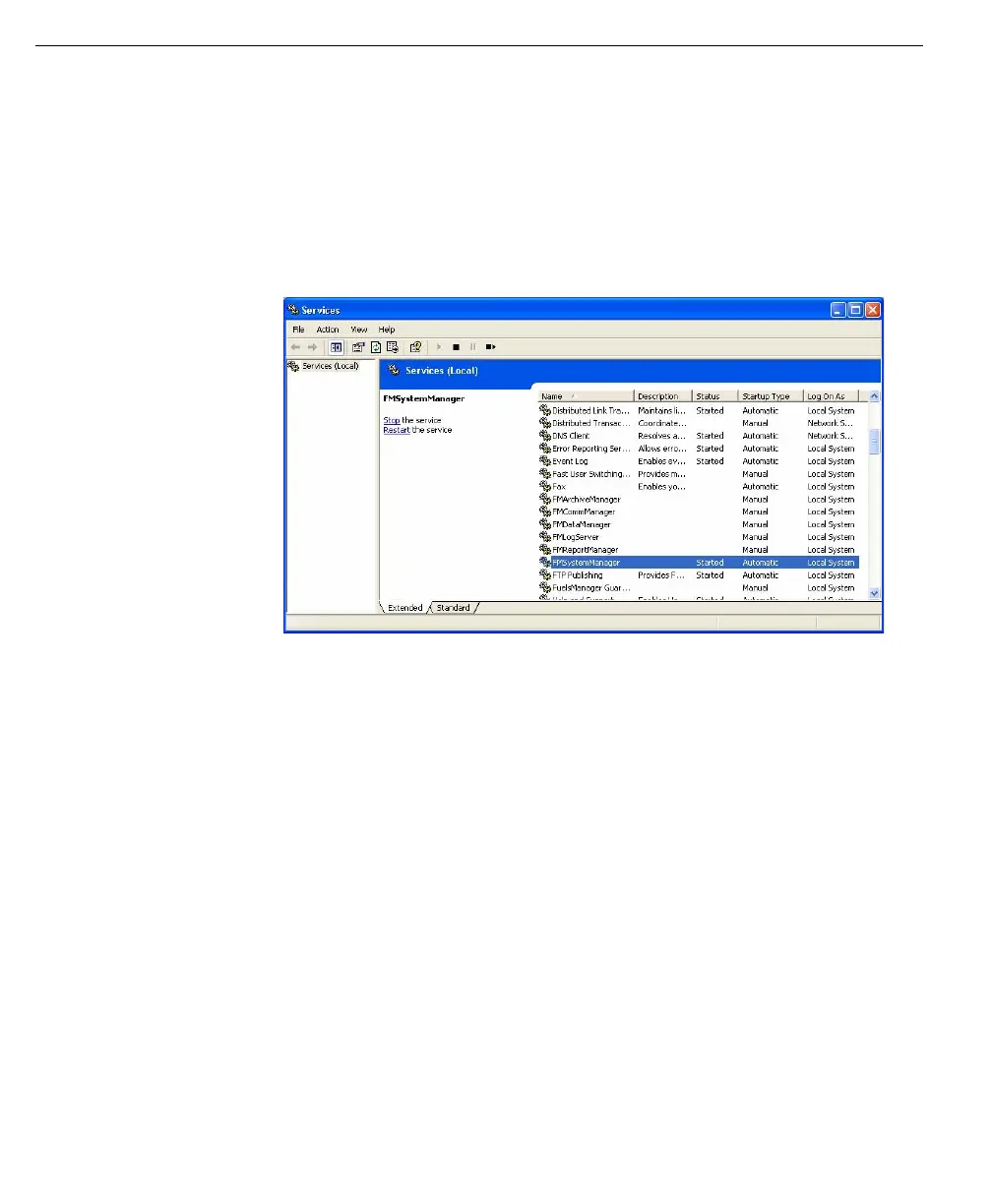
During installation, the FuelsManager system was configured to run as a service
and placed in Automatic mode. The following Services dialog box lists all Windows
services.
This dialog box can be
obtained by double-
clicking on the
Services icon in the
Control Panel window.
After loading and initializing shared system resources, FMSystemManager starts
up subsystems such as FMDataManager, FMCommManager, and
FMReportManager. The selection of subsystems depends on the local
FuelsManager configuration. Refer to the Setting Subsystem Run Modes.



 To Next Page