Creating input and output points
ADM003GVAE1005 99
Entering Details for an input/output point
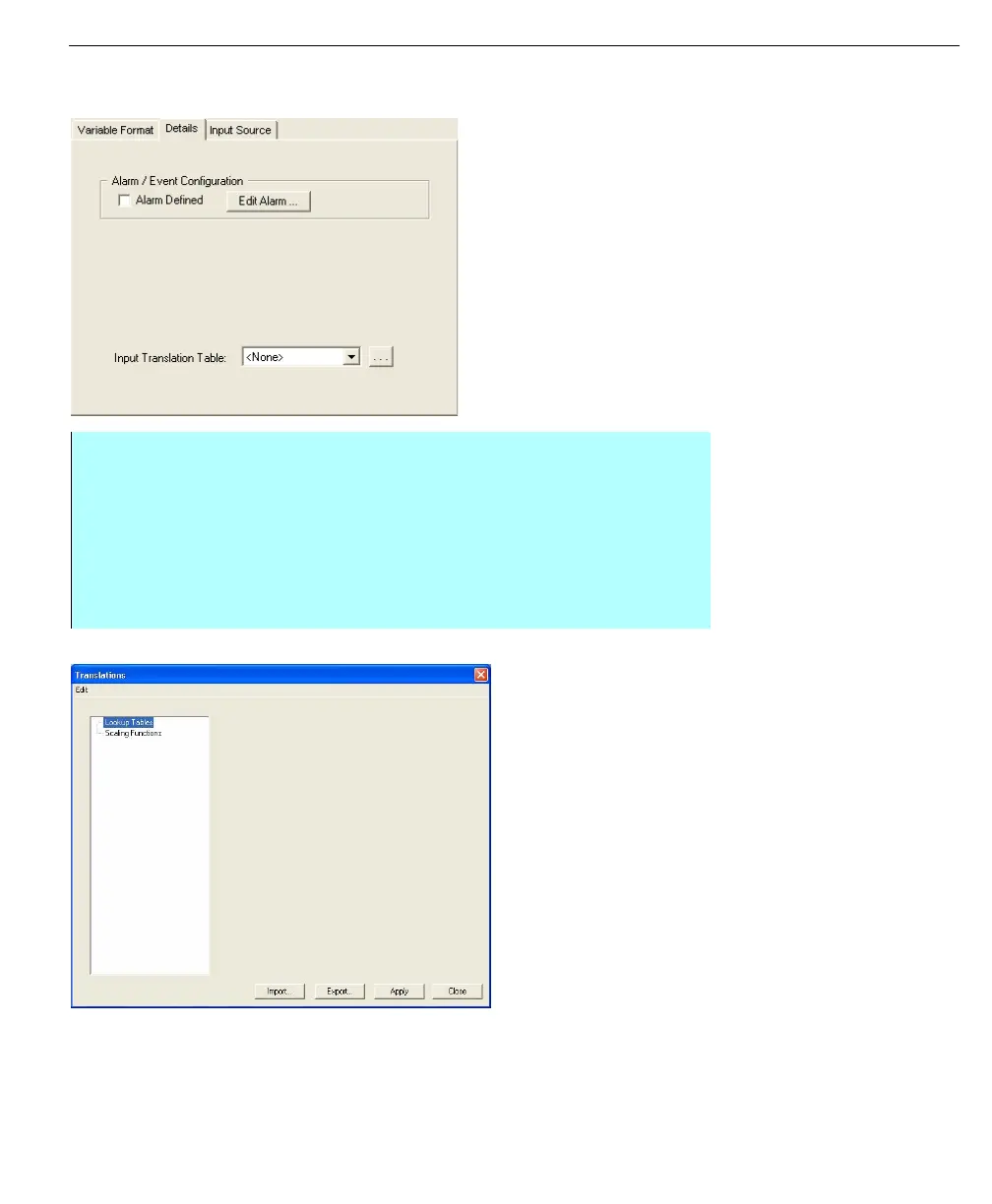
Details tab - Input/
Output point
Translation dialog
• From the Edit Point dialog box, select the Details tab
• The user can make Alarm/Event Configurations for the input/output point
here by clicking Edit Alarm and setting up alarms for the point. See
Administering Alarms section for more details.
• Click OK to return to the Edit Point dialog
• The user can select an Input Translation Table by making a selection in the
list. The user can also view and edit translation tables by clicking the browse
button



 To Next Page