FuelsManager Defense
126 Administrator Manual
Weights & measures information
FuelsManager allows the user to apply a software seal to a particular tank point.
This provides a method of verifying the data associated with the tank point is
weights and measures approved.
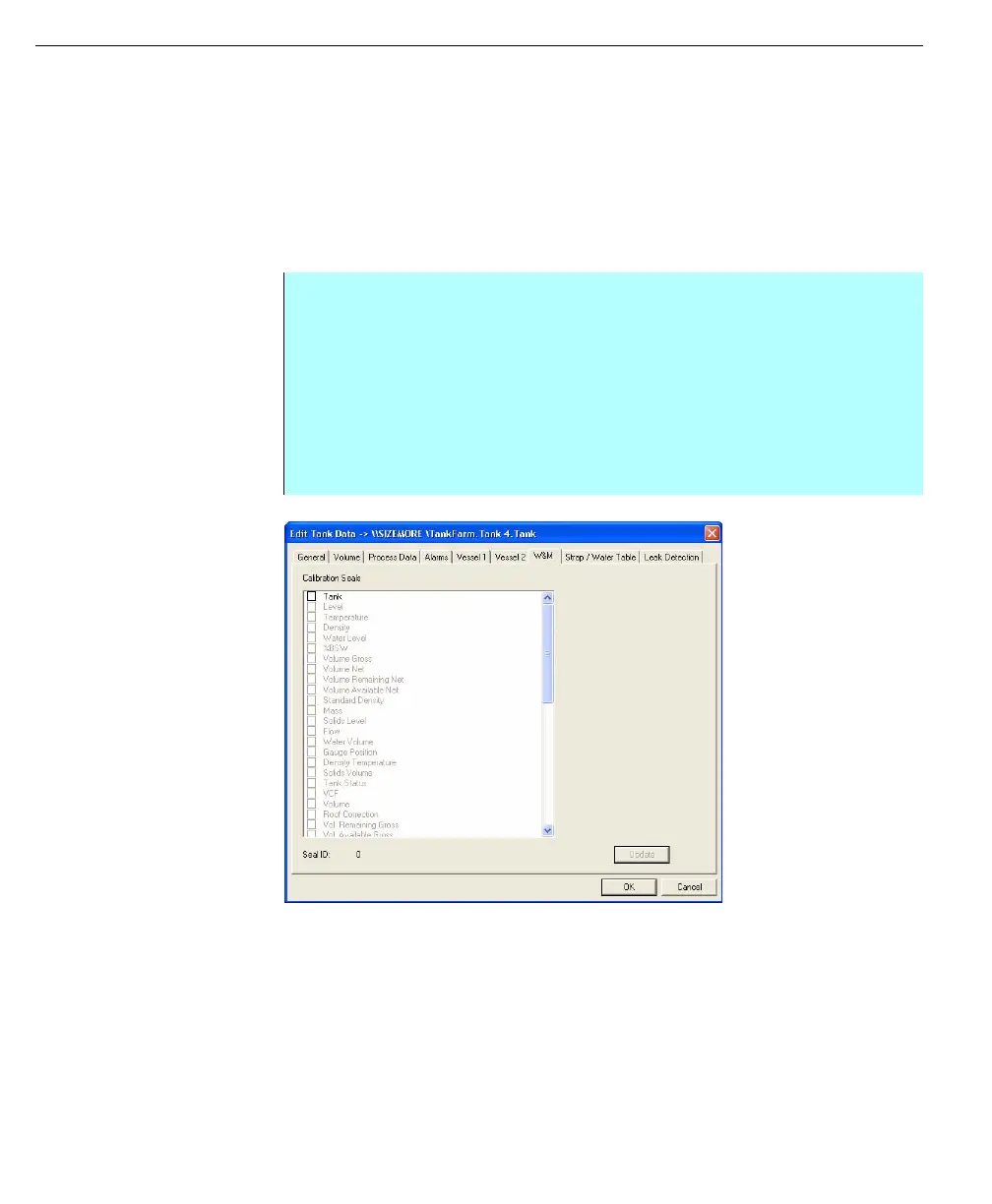
The W&M property tab in the Edit Tank Data dialog box provides a list of
Calibration Seals for a particular tank point variable. A check box indicates the
state for the Tank Seal and each input Process Variable Seal.
Note! Each time the weights and
measures Tank Seal Data is
changed, the Seal ID is increased.
This allows the weights and
measures authority to know if
seals have been removed and
subsequently reapplied.
Edit Tank Data dialog
box - Weights &
Measures tab
Note! For more information about
weight and measure functions, see
the Weight and Measure section of
this manual.
Selecting the Tank parameter prevents modifications to any tank parameters that
can effect the calculated volumes.
Selecting an individual parameter prevents modification to the data source for that
particular variable.
Step by Step
• To change the desired Seal State, click in the Seal check box with the left
mouse button
• The checkbooks is ticked
• Click the Update button
• If any Seal State changes are checked, the prompt is for entry of the
Weights & Measures Password. The Weights & Measures Password must
be properly entered to effect setting Tag Seals
• Alternately the prompt is simply for confirmation



 To Next Page