FuelsManager Defense
66 Administrator Manual
Adding a help file
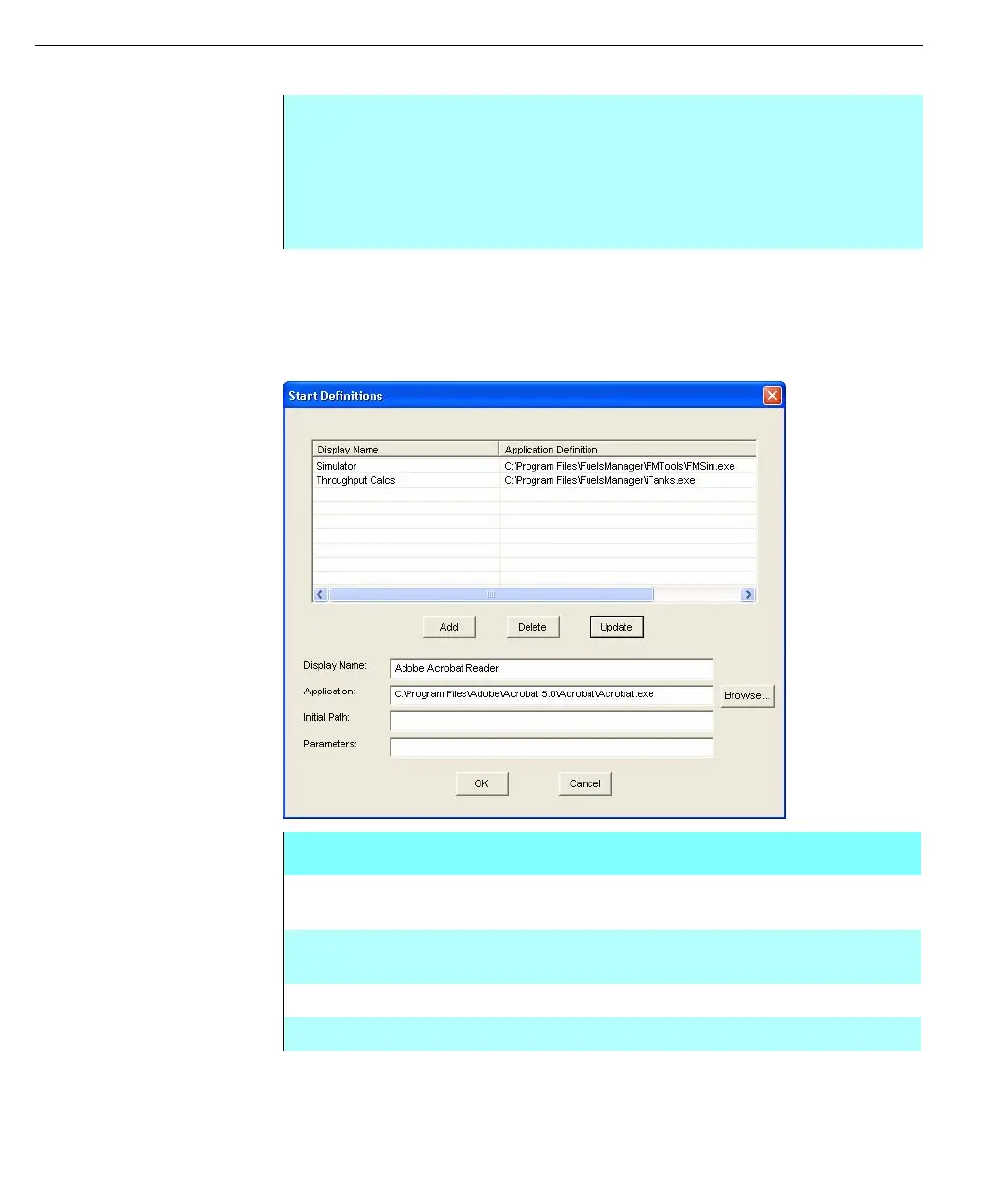
Start definitions
Start Definitions provides access to other programs through the Operate program.
This allows the Operate program to always be running while users need to use
other programs. For example, you can run Windows Calculator, Excel for
spreadsheet editing, or Notepad for shift logs.
Start Definitions dialog
box
.
Step-by-Step
• From the Resources menu in the Configuration dialog box, select the Help
File Names command, the Help Files Configuration dialog box appears
• Type in the Help file name in the edit box
• Click Add. The help file name is added to the list
• Click OK. The file is now available for assignment
Start Definitions dialog box
DISPLAY NAME Name of the defined application to be seen in the
Operate program.
APPLICATION Name of the application to run when the display name is
selected in the Operate program.
INITIAL PATH Beginning path of the application.
PARAMETERS Parameters to be passed into the application.



 To Next Page