FuelsManager Defense
246 Administrator Manual
Setting Sample Interval to 5 Minutes
Step-by-Step
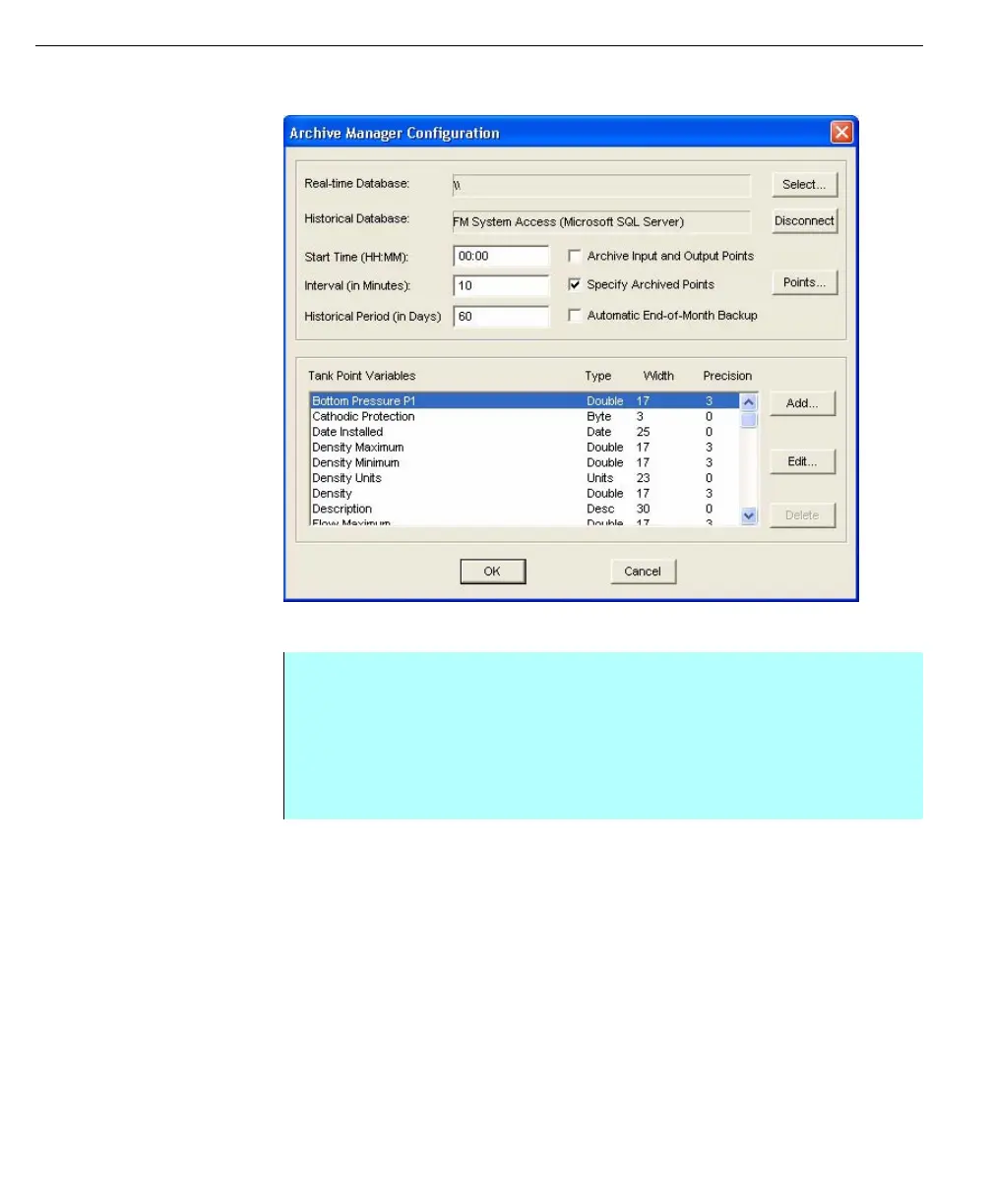
• From the FuelsManager Configuration application, click the Database menu
and click ArchiveManager. The Archive Manager Configuration dialog box
appears
• Change the Interval entry to 5 and click OK. The system closes the Archive
Manager Configuration dialog box and updates ArchiveManager with the
new settings



 To Next Page