FuelsManager Defense
328 Administrator Manual
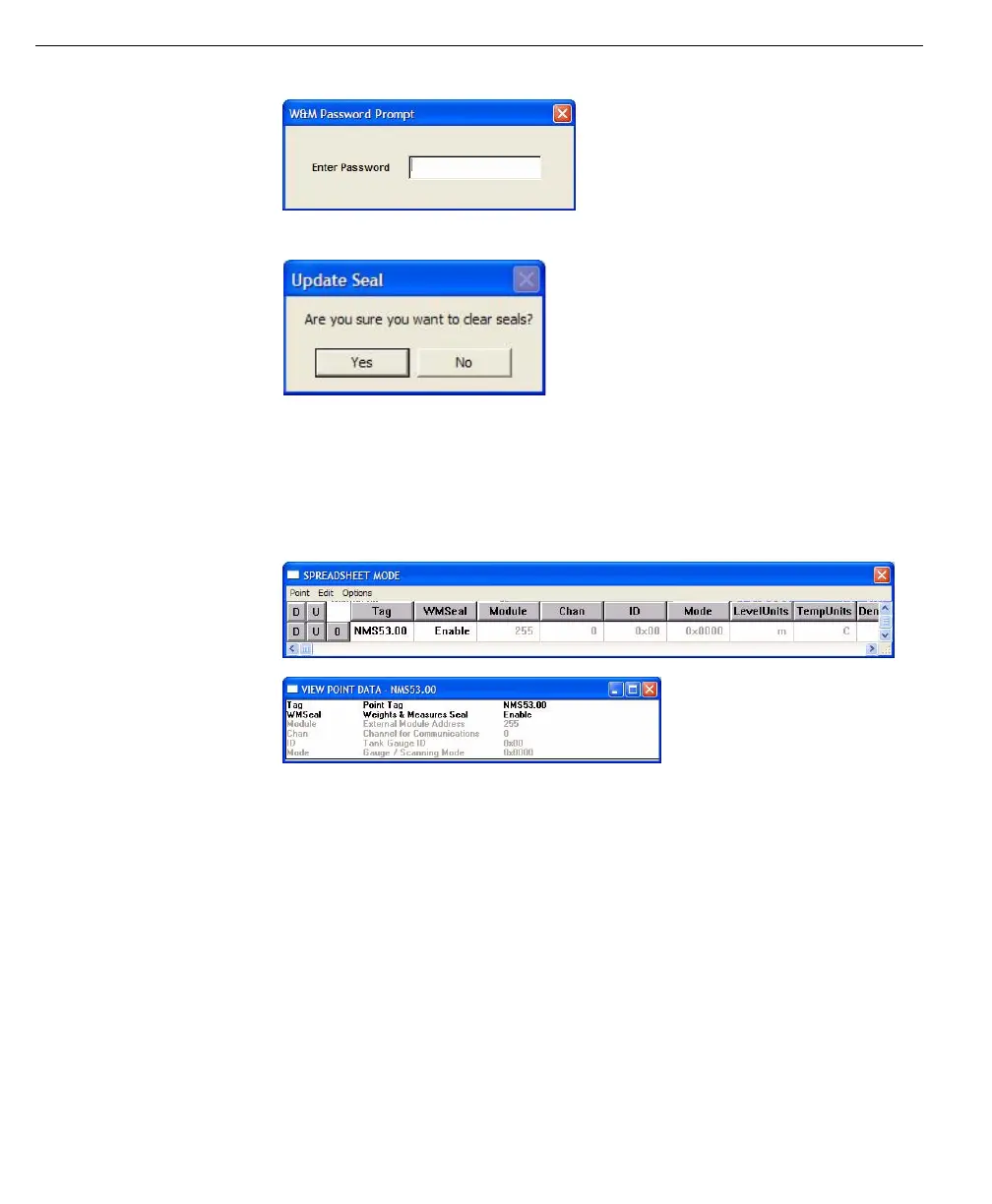
W&M Password
prompt
Update seal
confirmation
Once the point is sealed the parameters that could affect the data integrity are
disabled and cannot be modified without removing the seal. Any attempt to edit
one of these parameter results in a error message box informing the user that the
W&M Seal is Enabled for this point. All ViewRTU point displays indicate the
disabled status in the same manner.
ViewRTU spreadsheet
mode
ViewRTU Edit Point
Data
W&M Checksums
In order for the W&M official to verify that the sealed point has not been tampered
with, the 8130 RTU calculates a WMChecksum for all points that have a WMSeal
parameter. This WMChecksum is calculated by performing a CRC16 on all the
point parameters that can affect the data integrity. Users can make changes to
other point parameters without affecting the WMChecksum value.
In order to allow the W&M official to easily view the WMChecksum values for all
the sealed points, ViewRTU includes a ‘View Weights & Measures List…’ menu
option under the Options menu item. This opens a ‘Weights and Measures List’
dialog displaying all points in the 8130 RTU, their WMSeal statuses and the
WMChecksum value.
W&M Seal Communications
The status of the WMSeal parameter is communicated to FuelsManager via the
PntStatus parameter in the particular RTU point. The bit position of the WMSeal



 To Next Page