FuelsManager Defense
338 Administrator Manual
Setting the W&M Password
In order to set the W&M password the user must know the existing W&M
password.
The same W&M password is used for:
• Tag Seals in FuelsManager
• Module Seals in FuelsManager
• WMSeal enable in 8130 RTU
Step-by-step
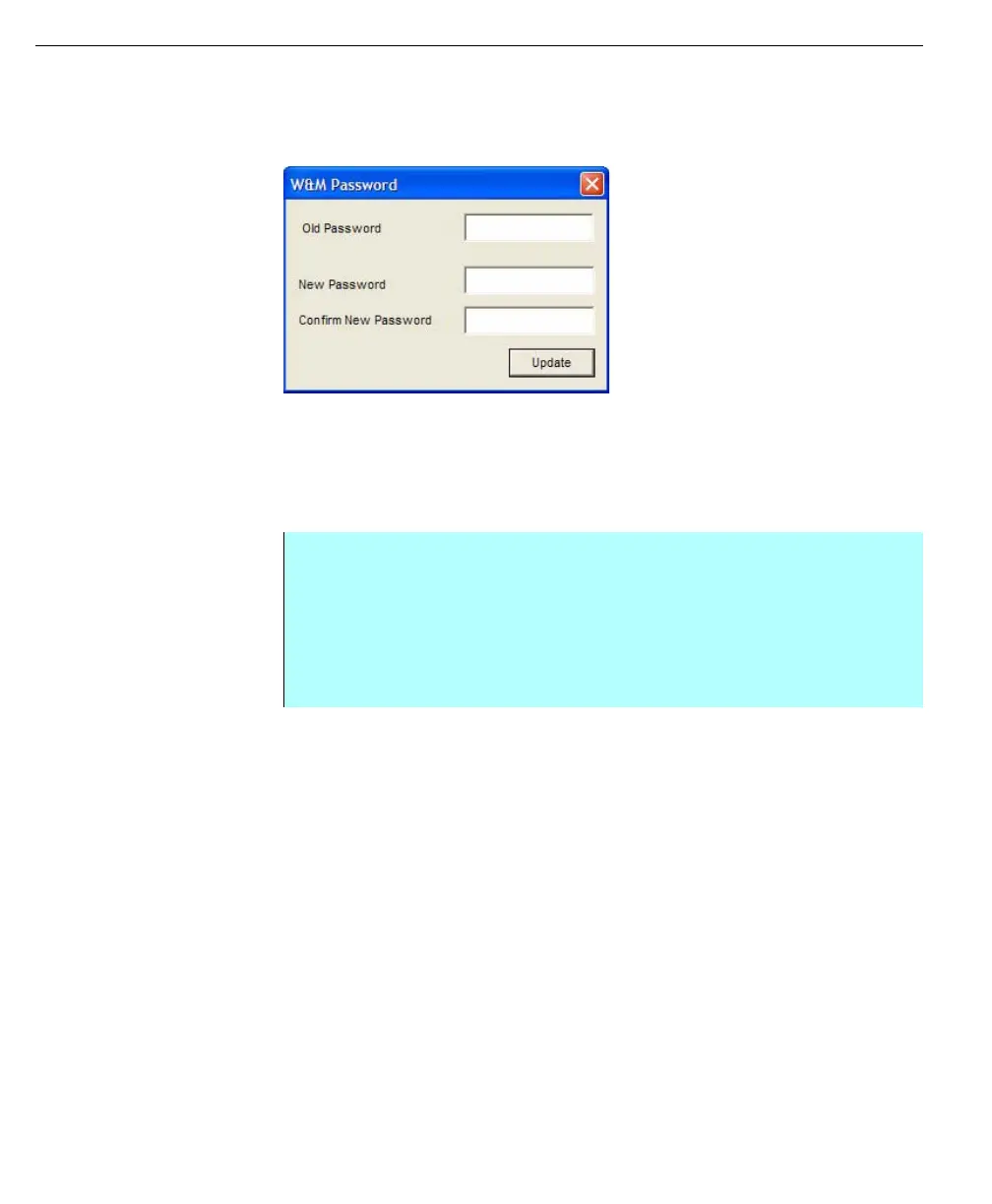
• From Security, select Password from the W&M menu. The W&M Password
dialog appears
• Enter the Old Password
• Enter the new password twice—once in New Password, and again in
Confirm New Password
• Click Update



 To Next Page