Creating and editing triggered points
ADM003GVAE1005 103
Entering Output Destinations for a triggered point
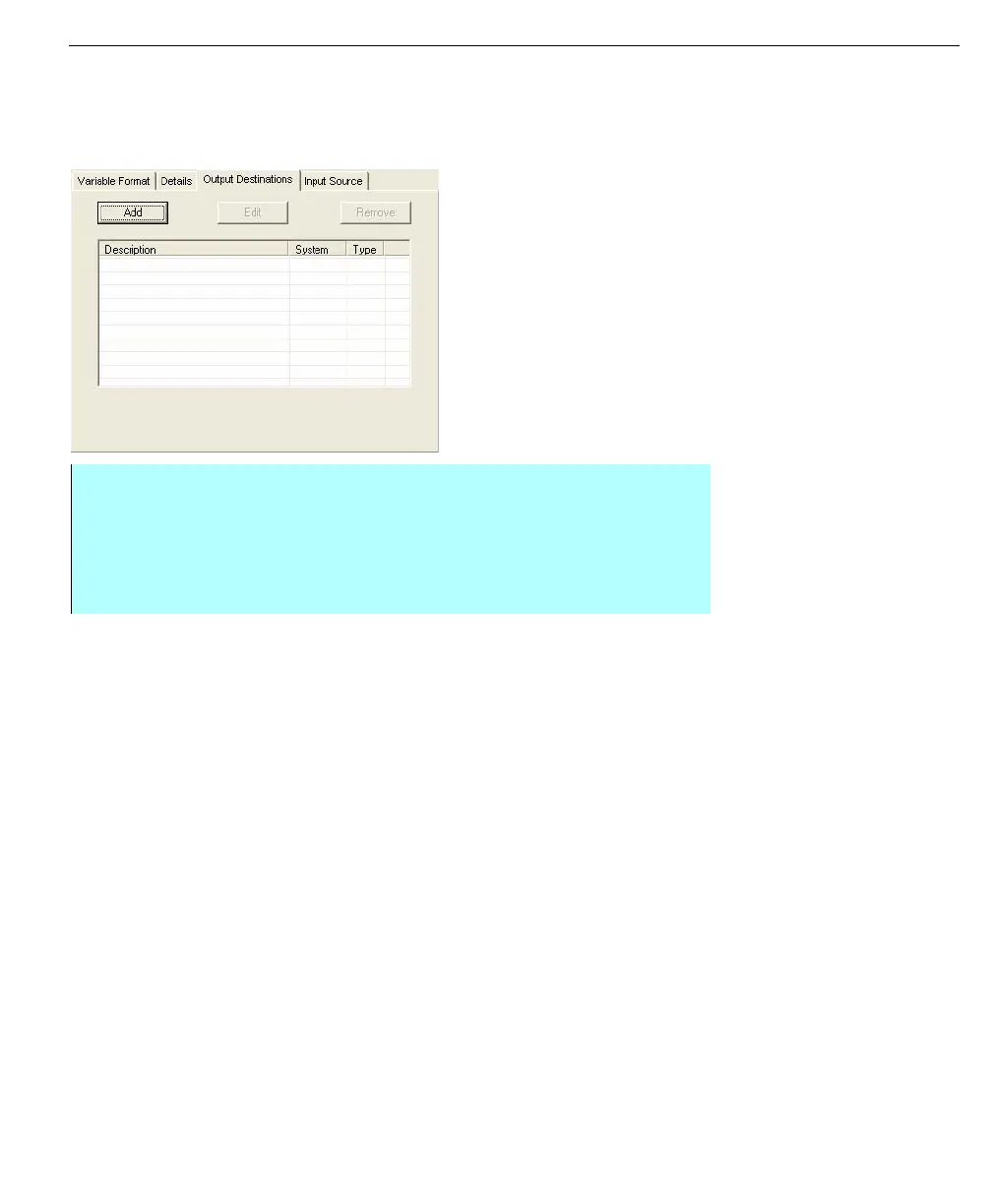
For triggered points, the output destinations are the points that get populated as a
result of the input source changing.
Output destinations -
triggered point
• From the Edit Point dialog box - select the Output Destinations tab
• Click Add to display the Select Data Source dialog and select any data
source as an output destination. The user can add output destinations of up
32 to a specific data source destinations (Comm or OPC)
• When finished selecting Data Source distinctions, click OK to return to the
Edit Point dialog



 To Next Page