Alarms
ADM003GVAE1005 79
.
Build an alarm test
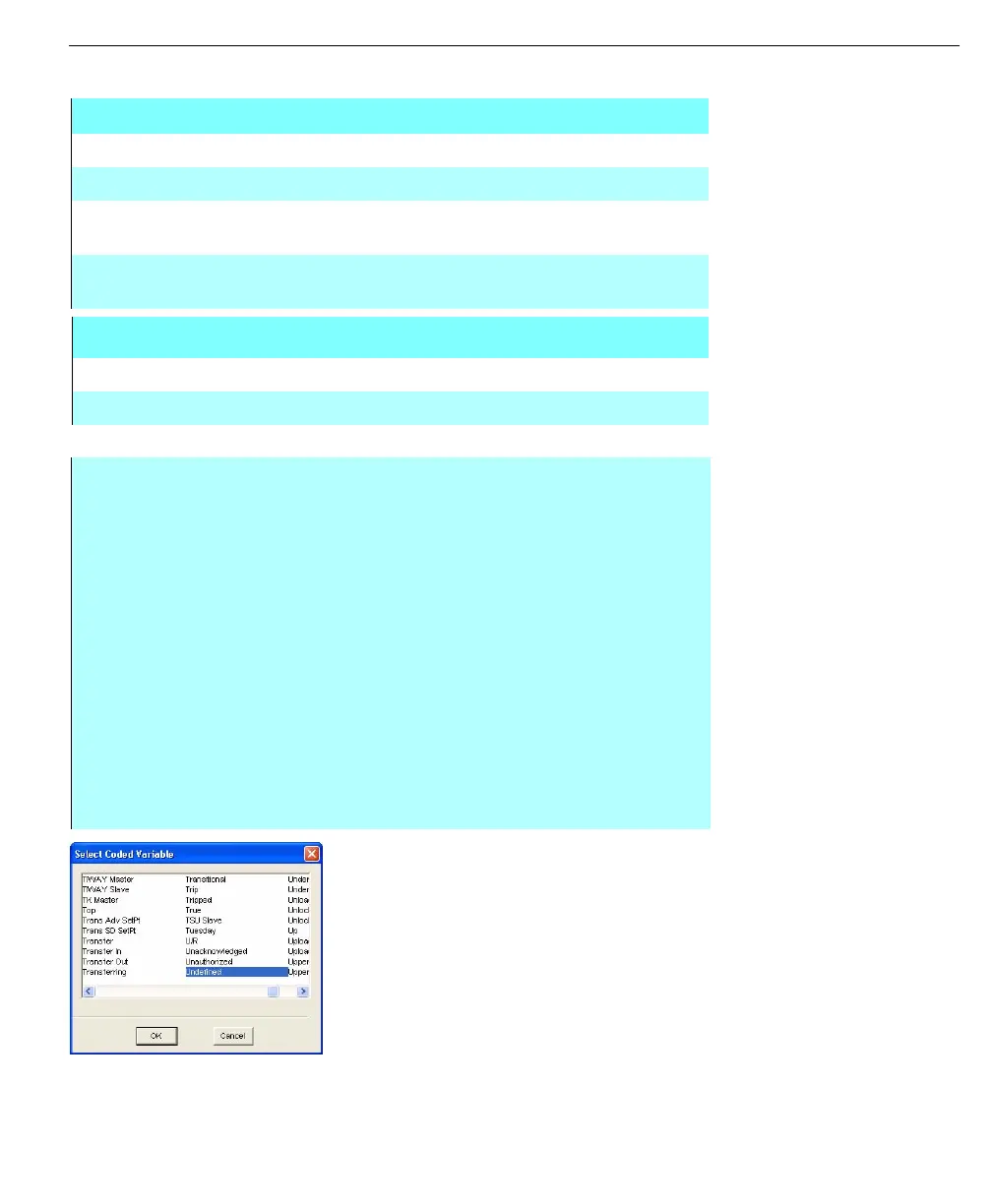
Select Coded Variable
dialog box
Alarm Test Parameter
TEST TYPE Type of comparison to be performed
TEST VALUE Comparison Value (Same format as database variable)
RESULT Alarm Result if Comparison is True. Stored as a coded
variable
PRIORITY Alarm Priority (0-3) for logging, audible alarms and
summary functions
An example limit entry is as follows:
Type Value then Result Priority
.EQU. 103.5 then HIGH Pri 3
Step-by-Step
• Click Build in the Define Global Alarm or Define Alarm Process dialog box
• Select Test Type to select a test code. The Alarm Test Codes dialog box
appears
• Select the desired code and click OK
• Select Test Value
• Select the desired test value in the Select Coded Variable dialog box and
click OK
• Click the Result Code to select the result in the Select Coded Variable
dialog box
• Select the desired coded variable and click OK
• Type in a priority number from 0 to 3 (0-Lowest, 3-Highest). Click Add when
complete
• Repeat procedure for additional tests up to the limit of 16 defined tests
• Click OK to save changes to the Alarm Definition



 To Next Page