FuelsManager Defense
36 Administrator Manual
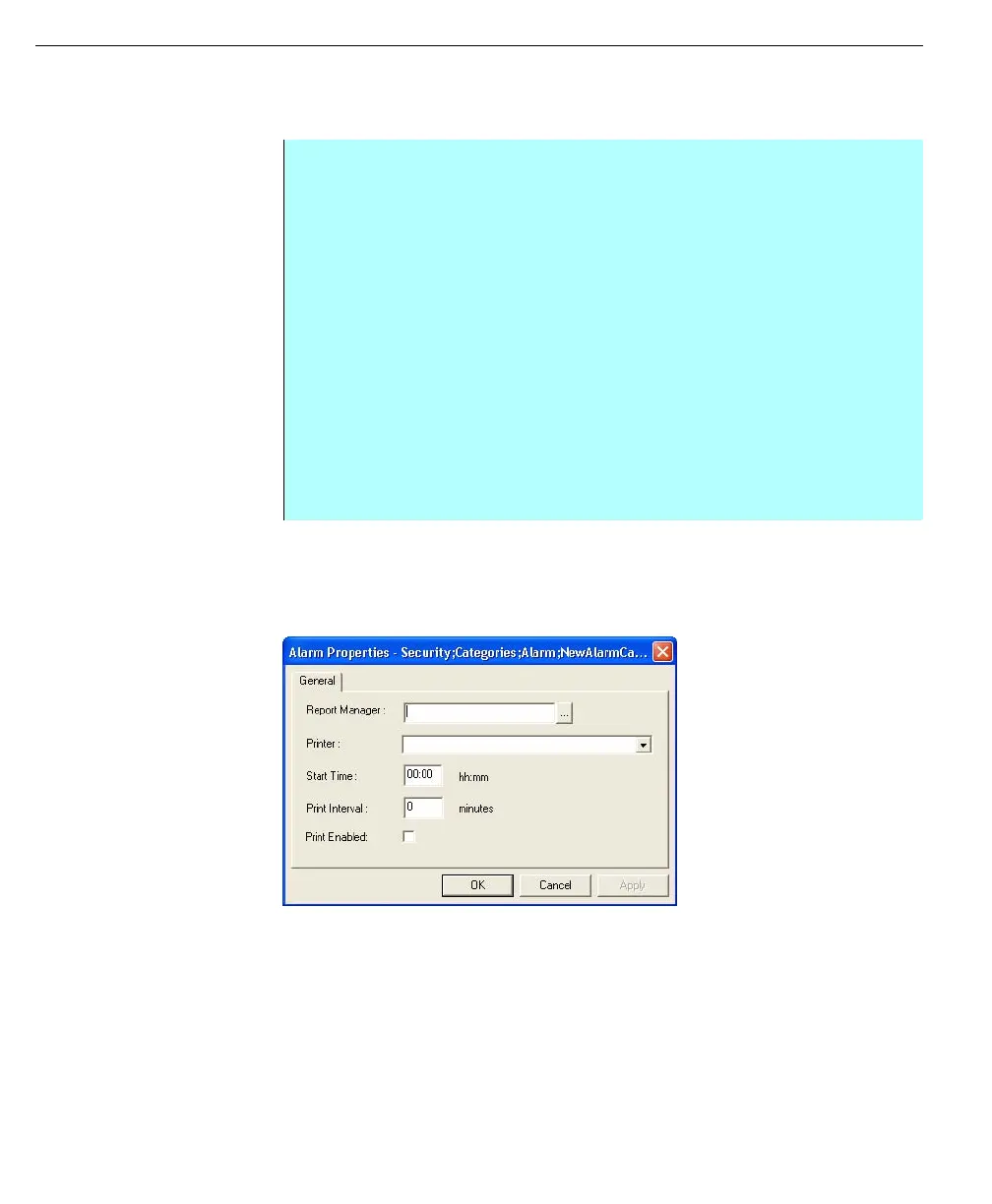
Defining Alarm Category Properties
The properties of the alarm category define which server will be used to print
alarms for this category and printer settings, such as print time and print intervals.
Use the Start time Field in conjunction with the Print Interval field to synchronize
what time periodic print outs will occur. For example, set Start Time to 00:10 and
print interval to 60 minutes to have alarms for the category printed
Alarm Properties
dialog box can be used
to create delete or
rename Security Alarm
settings
Step-By-Step
• Click to expand the Categories tree
• Select Alarm under Categories and click on the category name from the
right window to define its properties
• From the Actions menu select the Properties command
• The properties dialog box appears
• Enter in the name of the server or click on the button next to the Report
Manager box to browse for servers
• Select a printer via drop down box or by typing in the name of printer
• In the Start Time field, enter the time of day that the alarms in this category
should print. Or in the Print Interval field, enter the number of minutes
between periodic printings of alarms in this category
• Select Print Enabled to activate alarm printing
• Click OK or Apply to have the properties stored for the alarm
• Close the Security dialog box



 To Next Page