FuelsManager Defense
32 Administrator Manual
Microsoft Windows and FuelsManager security
Note! It is important to note that all
FuelsManager users must be
defined as Windows users on the
system running the application. If
Users are not already set up, refer
to Windows 2000 or XP
documentation.
FuelsManager security extends the Microsoft Windows security model by
providing additional security privileges specific to the process of fuels
management. FuelsManager security lets you:
• Create users and user groups
• Assign appropriate security privileges to user groups
• Create alarm categories to manage which alarms get annunciated to which
groups of users
• Create tag categories to manage which database points are accessible to
which groups of users
• Set up an optional audit trail to assist in monitoring configuration changes
made by users.
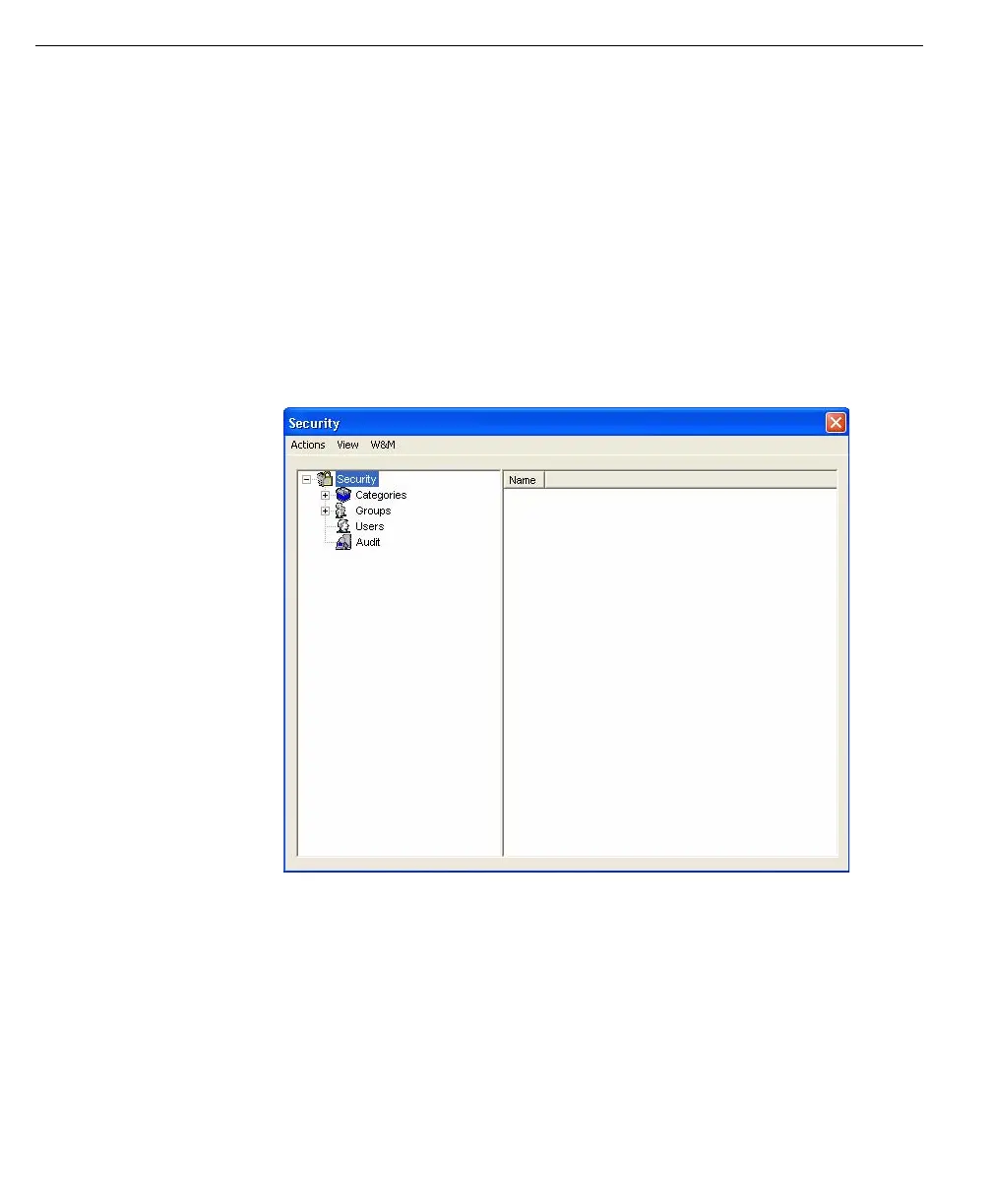
The security dialog box
has three menu
options when it is
open: Actions, View
and W&M
Opening the Security Window
Step-by-Step
• From the FuelsManager Defense Configuration window, click the System
menu.
• Select Security. The Security window opens.



 To Next Page