Sealing TankPoint variables in FuelsManager
ADM003GVAE1005 331
Changing a Seal State for a Process Variable
A checkbox indicates the state for the Tank Seal and each input Process Variable
Seal. A checkmark means that the state is sealed.
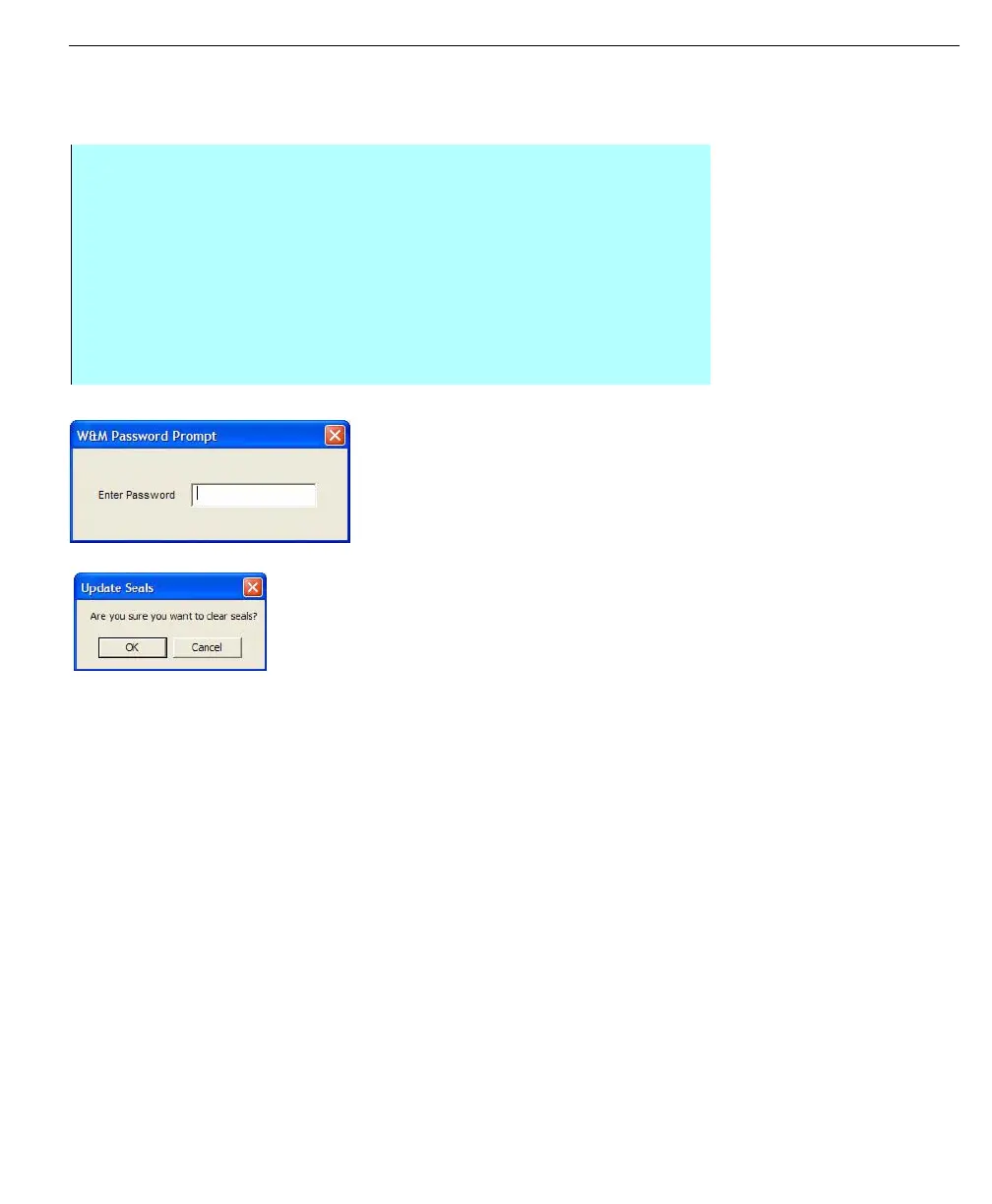
Password prompt
Update seals
confirmation
Each time the Tank Seal Data is changed, the Seal ID is incremented. This Seal
ID will be recorded by the W&M official.
If someone learns the W&M password and makes changes to the Tag Seals, the
Seal ID will be incremented and no longer match the Seal ID recorded by the
W&M official. In this manner the W&M official is able to detect unauthorized
tampering with the Tag Seals.
When a Tank is sealed, the user cannot configure or edit any process variable
scaling, engineering unit, volume correction, vessel characteristic, vapor
characteristic, or strap table parameters.
Step-by-step
• Make the change by checking or clearing the appropriate checkbox under
Calibration Seals. The Update Seals button becomes available. This
happens when any Seal State checkbox is changed
• Click Update Seals. A prompt appears to confirm the changes
• Click OK. If any Seal State changes are checked, a prompt appears to enter
the Weights & Measures password. Otherwise the prompt is simply for
confirmation
• Enter the password. The Weights & Measures password must be properly
entered to effect setting Tag Seals



 To Next Page