FuelsManager Defense
234 Administrator Manual
Defining Sources and Destinations
To configure the Movement System, you need to specify which nodes you are
using as movement sources and you must add destinations to the sources. A
source can contain multiple destinations.
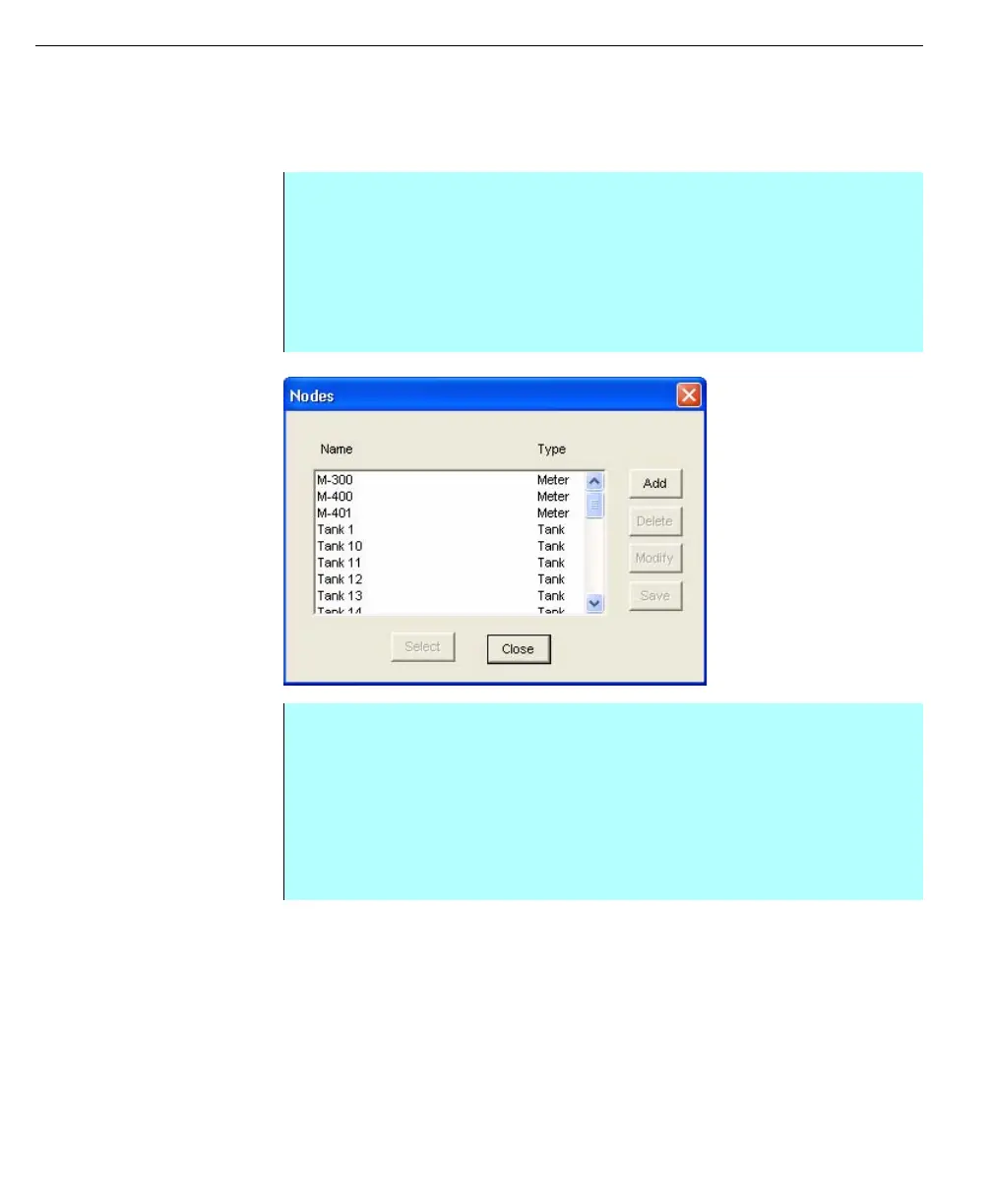
Nodes dialog
Step by Step
• From the Movements dialog box, click Add Sources. The Nodes dialog box
appears. This dialog box lists all nodes that you have not assigned as a
source and lets you select one or more of those nodes
• Select one or more nodes and click Select. Use the <Ctrl> or <Shift> key to
select multiple nodes. Click Select
• Select the Source from the list box
• Click Add Destinations. The Nodes dialog box appears. This dialog box lists
all nodes except the selected source and lets you select one or more nodes
• Select one or more nodes. Use the <Ctrl> or <Shift> key to select multiple
nodes
• Click Select. The user is returned to the Movements dialog box. The
contents are arranged in a tree-like format. View the Destinations of a
Source by double-clicking on the desired Source
• Click Save. The system saves the defined Sources with Destinations



 To Next Page