FuelsManager Defense
214 Administrator Manual
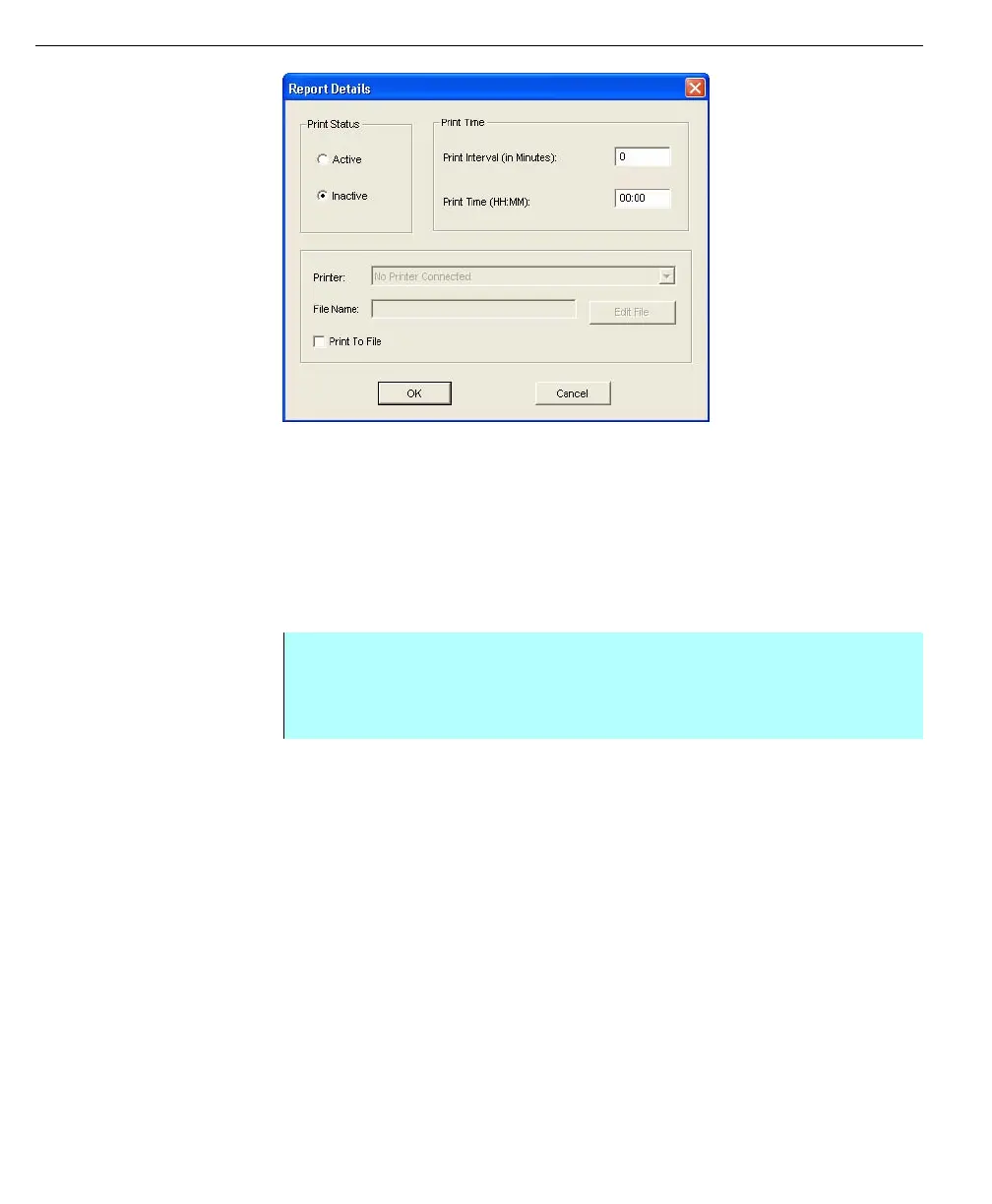
Report Details dialog
box
Editing reports
FuelsManager enables the user to edit reports of both categories - Dynamic and
Summary. Any item that was created in the reports can be edited such as labels,
values, and tables as well as report formats and print times.
After a report is edited and the changes are saved, it is necessary to regenerate
the report so the changes appear when printed or displayed in the Operate
program.
Opening an existing report
Editing FuelsManager standard reports
Since all of FuelsManager’s Standard reports are Summary reports, the editing
procedures used are the same. Editing a standard or Summary report includes
changing the attributes of the Independent Variable, creating new point variables,
editing tables, labels, and column totals.
Step-by-Step
• Select File from the Report Editor menu bar and click Open
• Select the desired report
• Click OK. The report is displayed in the Report window



 To Next Page