FuelsManager Defense
134 Administrator Manual
Selecting a Comm data source
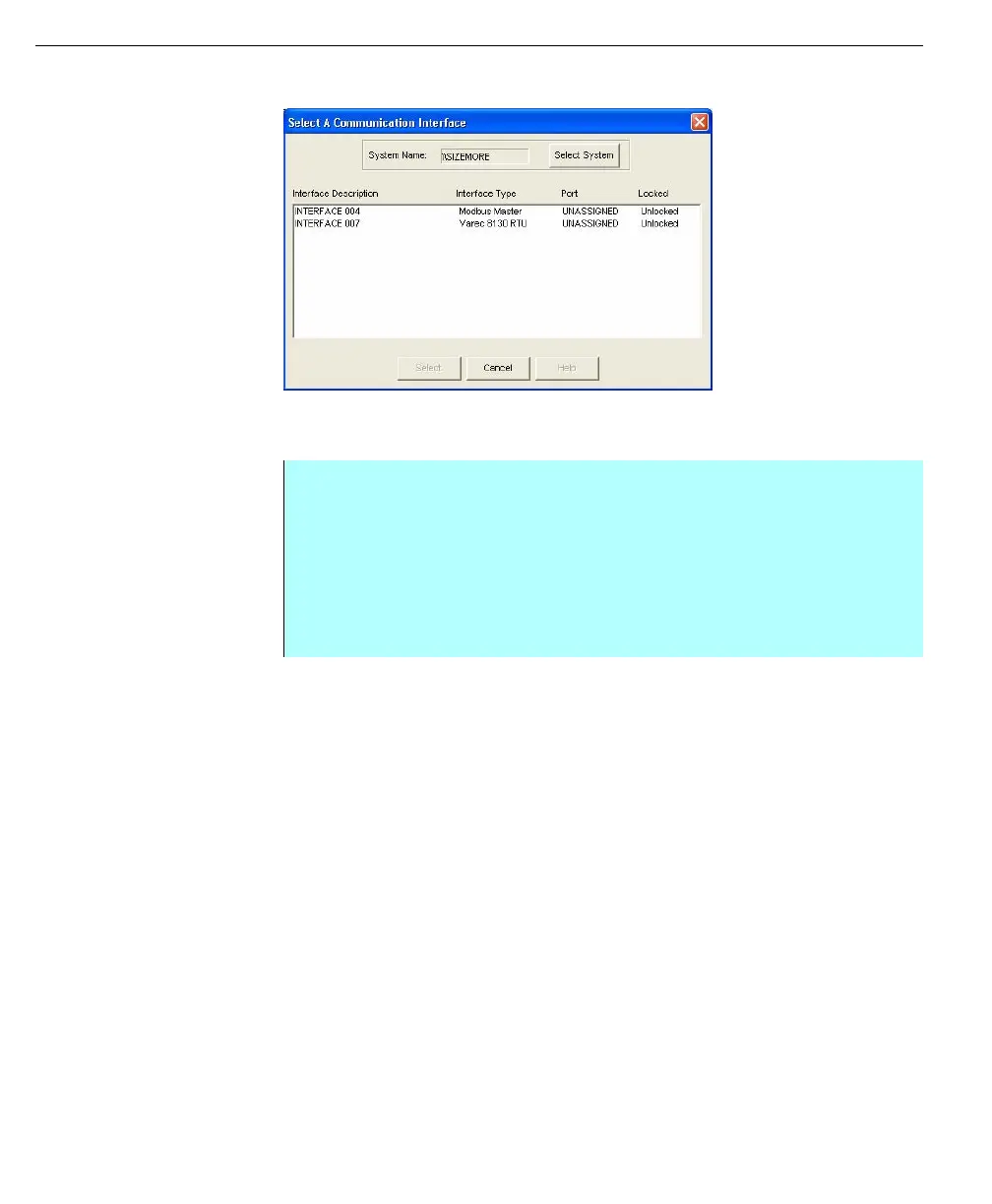
Select a
Communication
Interface dialog
Note! The exact process for
selecting the device and I/O point
is specific to the interface selected
Step-by-Step
• Open the Data Source dialog box for the point you want to clear. See
Opening the Database IO Connections dialog box steps
• Click Comm. The Select a Communication Interface dialog box appears and
lists all available Interfaces
• Select the Comm interface that you want to assign and select the device
and I/O point from the selected interface.
• Click OK to close the Select Data Source dialog



 To Next Page