FuelsManager Defense
28 Administrator Manual
FuelsManager Applications
FuelsManager can be configured and maintained through several Windows-based
user applications: FuelsManager Configuration, Operate, Draw and Report.
FuelsManager Configuration
The FuelsManager Configuration application is used to configure, maintain, and
administrate all FuelsManager specifications such as real-time database
configuration and device communications.
The FuelsManager Configuration application is for top-level users such as
administrators and maintenance personnel, and is used for administration of the
FuelsManager application suite.
The user can define start-up options, access, define resources, configure the
database points and alarms, configure or maintain the FMDataManager and
CommManager. Security can be accessed to set up users and groups, and control
data access. FuelsManager Configuration also provides access to the Operate,
Report, and Draw applications from the User Interface menu.
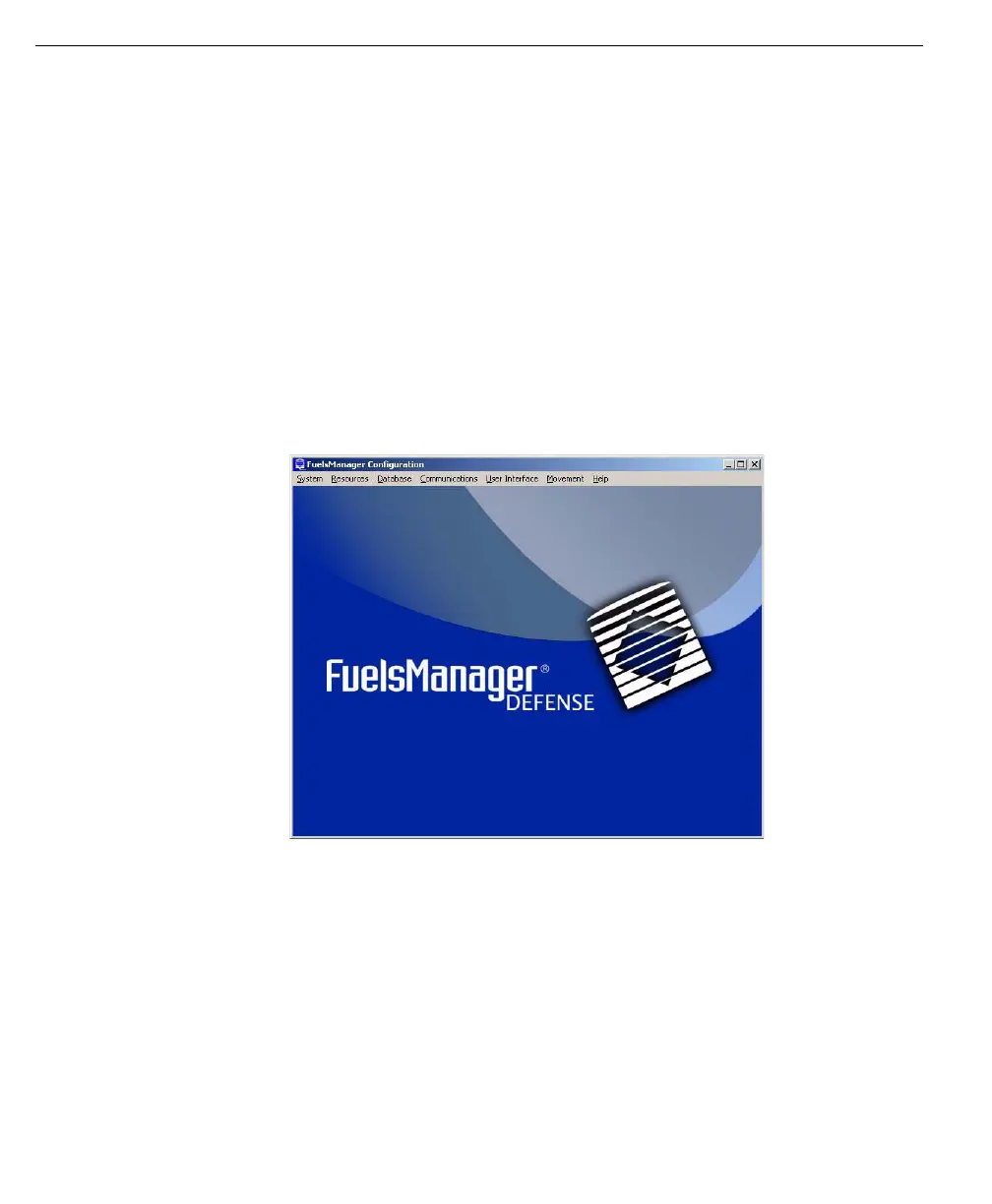
The FuelsManager
Configuration
application appears as
a window containing a
menu bar:
Operate
The FuelsManager Operate application allows an operator to track and monitor
and/or control all activity and product movements.
The Operate program is intended for operations personnel, and can be configured
with a login script to start automatically upon user log. The Operate program lets
the operator interact with the facility during run-time. It provides dynamic
interaction with the FuelsManager database. In Operate, the operator can monitor
and control equipment through the use of real-time graphics, reports, and other
windows.
The operator can also manage alarms and view trends. Other functions may
include monitoring database points and responding to data by issuing commands.
Refer to the Operate chapter for more information.



 To Next Page