Draw application
ADM003GVAE1005 175
Opening an existing graphic or symbol
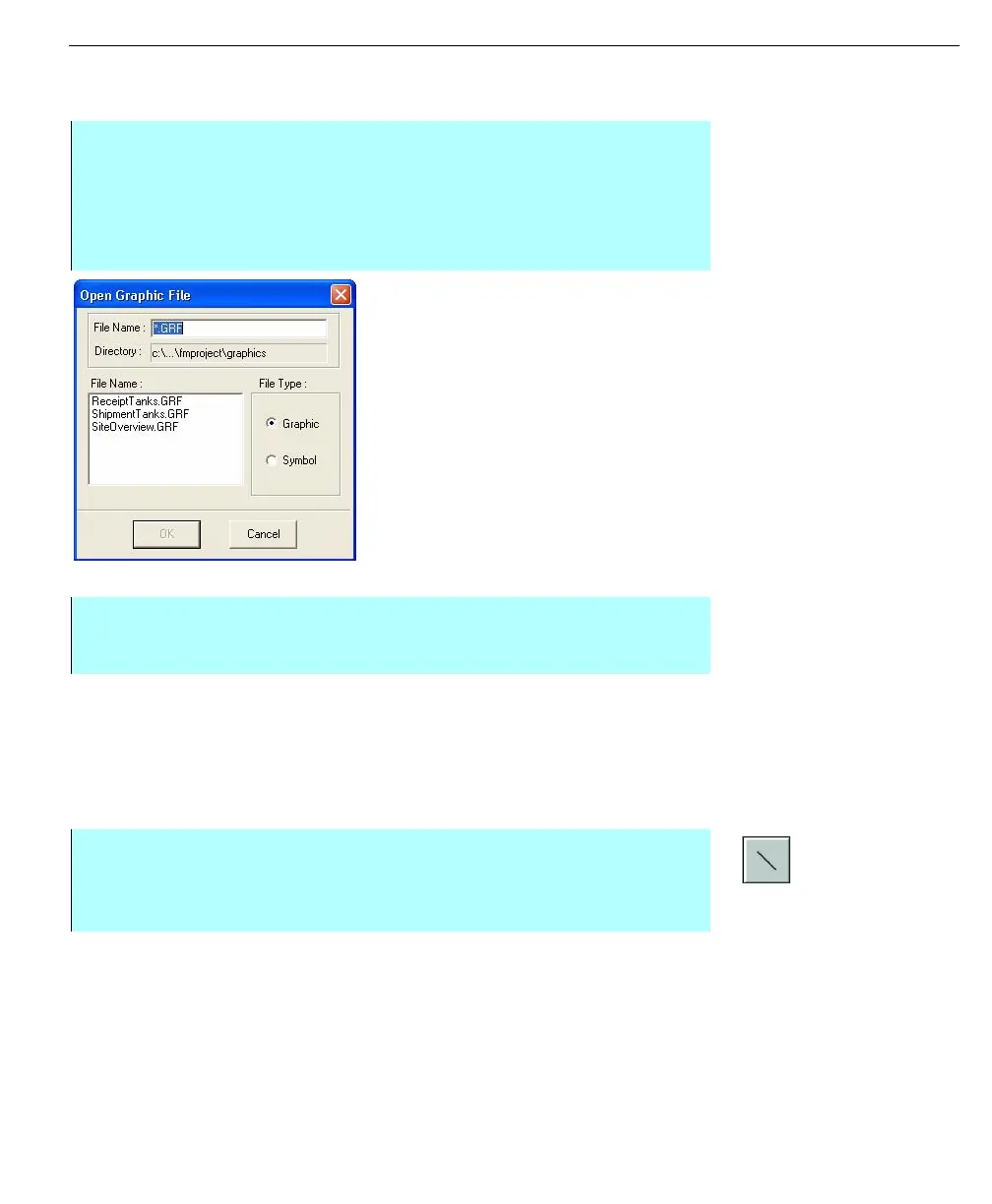
Open Graphic File
dialog box
Creating a new graphic or symbol
Geometric tools
Note! Holding down the SHIFT
key while drawing forces
orthogonal movement of the
line.
The standard geometric tools provided by Draw include the line, rectangle
(square), polygon, ellipse (circle) and arc. The tools are available in the toolbar
and in the Add menu.
Drawing a line
The Line tool draws straight lines at any angle.
Step-by-Step
• Select Open from the File menu to display the Open Graphic File dialog box.
This dialog box contains the saved Symbol files (.SYM) and Graphic files
(.GRF)
• Select the desired file from the list box and click OK
• The graphic or symbol appears on the screen
Step-by-Step
• Select either New Graphic or New Symbol from the New sub-menu in the
File menu
Step-by-Step
• Select the Line tool (or select Add and click Line). Click on area to define
start point
• Drag the cursor and release at desired length



 To Next Page