Installing FuelsManager
ADM003GVAE1005 9
Installing USB hardware key
To install a USB Hardware Key, perform the following steps:
Uninstalling FuelsManager
You can uninstall FuelsManager by running the SETUP program from the CD-
ROM, following the Installation Wizard and selecting Remove.
You can also uninstall FuelsManager from Windows’ Add or Remove Programs
tool in the Control Panel. Scroll down and select FuelsManager Defense V6.0 and
click Remove.
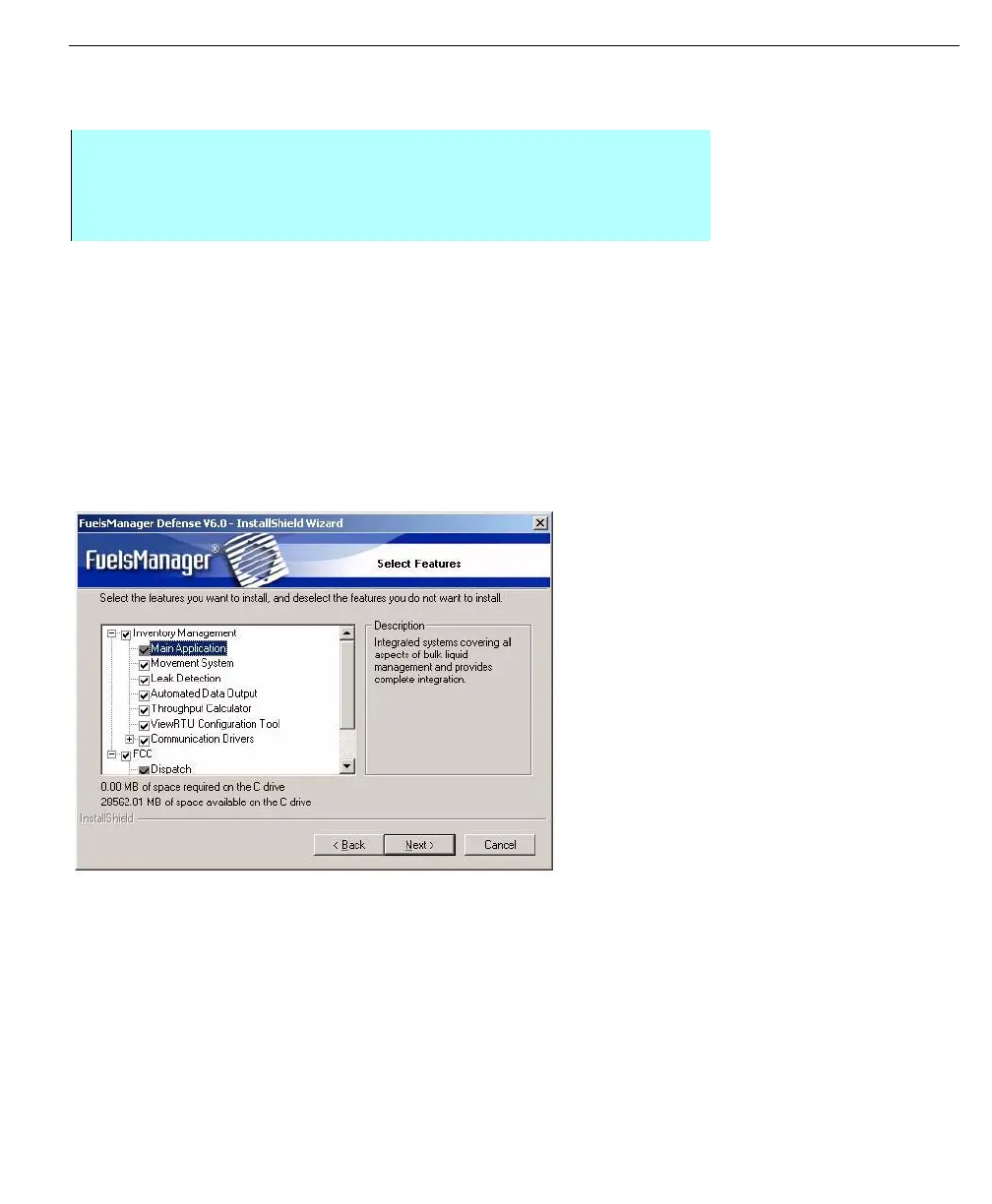
Modifying Installation
FuelsManager Defense automatically installs all available features drivers.
However, you can uninstall or re-install features by running the Install program
and selecting Modify install.
You can select or deselect options as needed and continue the installation.
Step-by-Step
• Attach the USB hardware key to an available USB port
• If Windows prompts you to install drivers for the key, follow the on-screen
instructions



 To Next Page