FuelsManager Defense
206 Administrator Manual
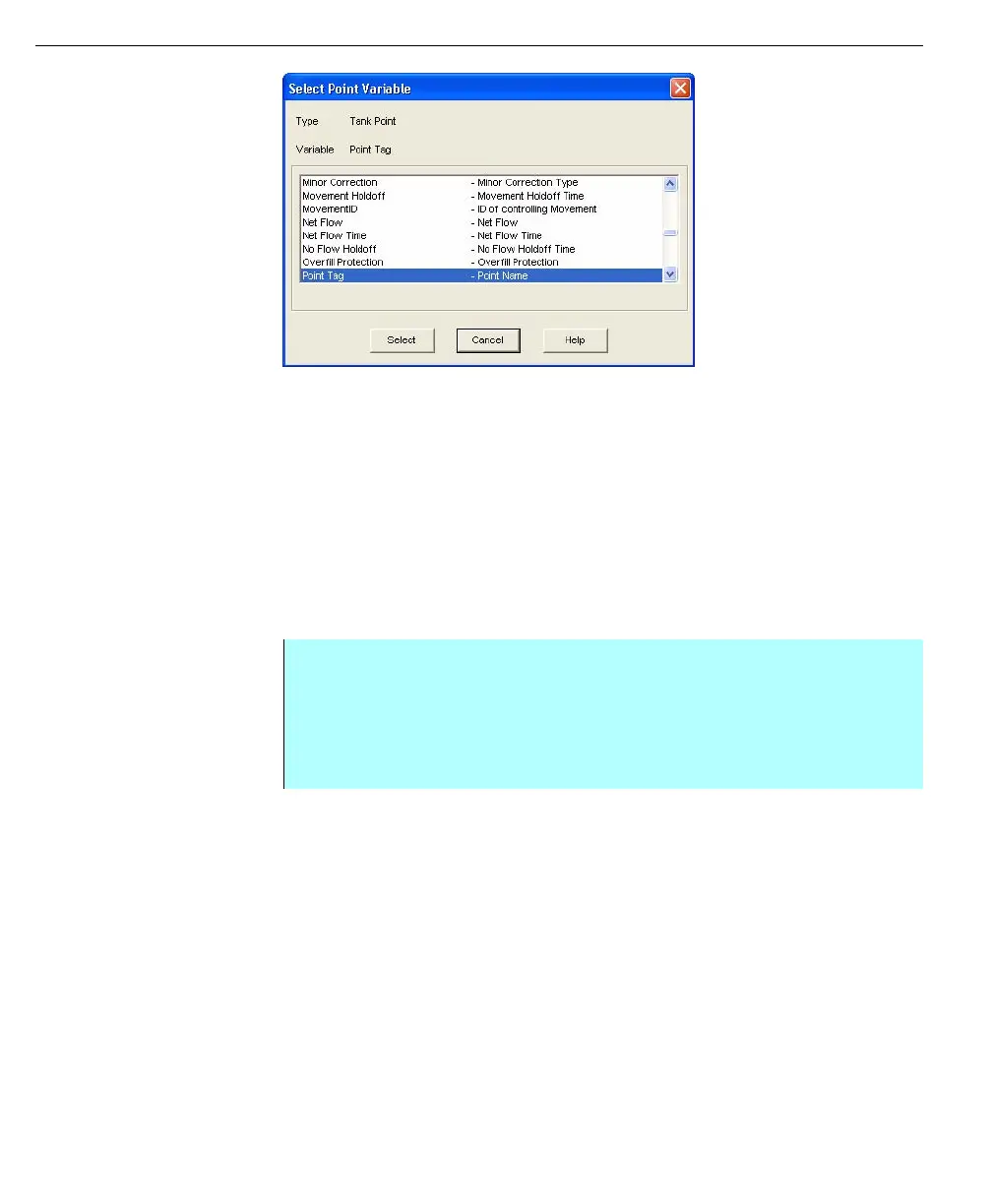
Select Point Variable
dialog box
After the Independent Variable has been defined, the remaining columns can be
filled with Tank point variables such as temperature, level, and volume.
After all values have been entered, the user has the option of displaying column
totals. If not, the next step is to save and generate the report for viewing in the
Operate program. Refer to the Saving Reports section. If any editing needs to be
done, refer to the Editing Reports section.
Creating column totals
The user can display grand column totals, or totals for each product or database
system. If only two rows are displayed in the table, return to the Summary Report
Setup dialog box to select a column totals option. This dialog box is found under
the Report menu.
Step-by-Step
• Select Edit, click Add, and click Summary
• Click on cell where you want the total to be placed. The Row/Column
Summary dialog box appears. Clicking Edit allows you to modify the column
total appearance
• Click OK. A number appears in the selected cell



 To Next Page