FuelsManager Defense
64 Administrator Manual
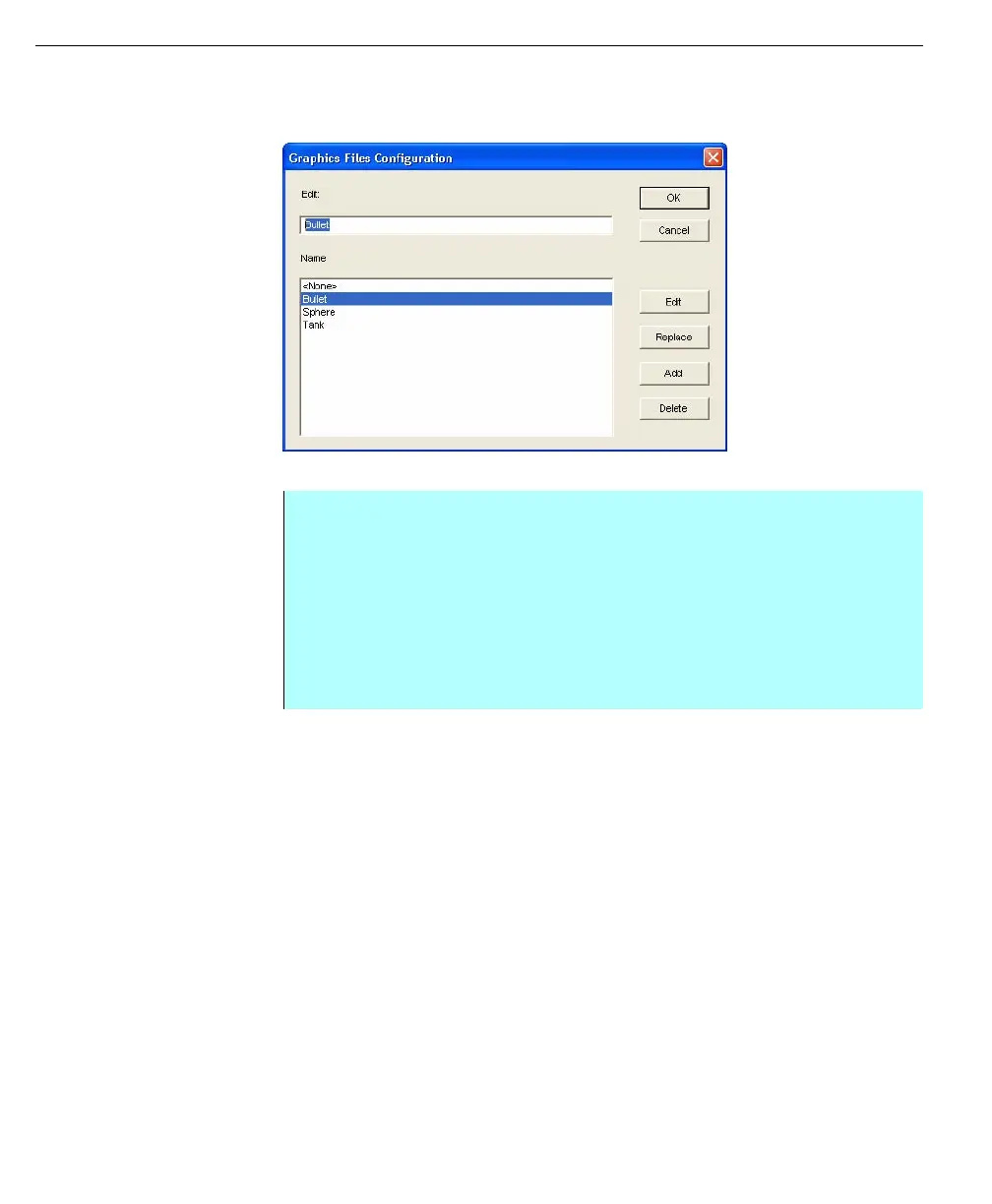
Graphic Files dialog box
Graphic Files can be added, edited, deleted or replaced using the action buttons
in the Graphic files dialog box.
Graphic Files dialog
box
Adding a graphic file name
Help file names
Entering a help file name as a system resource makes the existing help file
available for different purposes. There are two types of Help files that are
supported: Text Help and Windows Help Format. Help file entries can be assigned
to:
• Input and Output points, in the database, in the Operate program
• Buttons in the Draw application
Input and output points in the database
Sometimes the user may want a particular help file to appear in the Operate
program when the associated database point alarm becomes active. The operator
selects the HELP button in the Alarm toolbar or Alarm Summary to display the
help file. This help file could be used to instruct the operator to perform a
sequence of steps in response to the alarm.
Buttons in the Draw application
Sometimes the user may want a particular help file to appear when the operator
selects a button in a graphic. When creating a graphic in the Draw application, the
user can create buttons or Appends that displays a help file when selected in
Step-by-Step
• From the Resources menu in the Configuration dialog box, select the
Graphic File Names command, the Graphic Files Configuration dialog box
appears
• Type in the graphic’s file name as it appears in the Graphic Index of the
Draw application. The graphic must have been saved and generated for it to
be available for assignment
• Click Add. The graphic file name is added to the list
• Click OK. The file is now available for assignment



 To Next Page