FuelsManager Defense
284 Administrator Manual
Product and Water Strapping Tables
It is typical for inventory management customers to have two separate strapping
tables, one for product and one for water bottom. These tables can be either
related to one another or totally independent. This application note details the
calculation methods used by Endress+Hauser Systems & Gauging’s
FuelsManager Inventory Management system when configured to use separate
water and product tables.
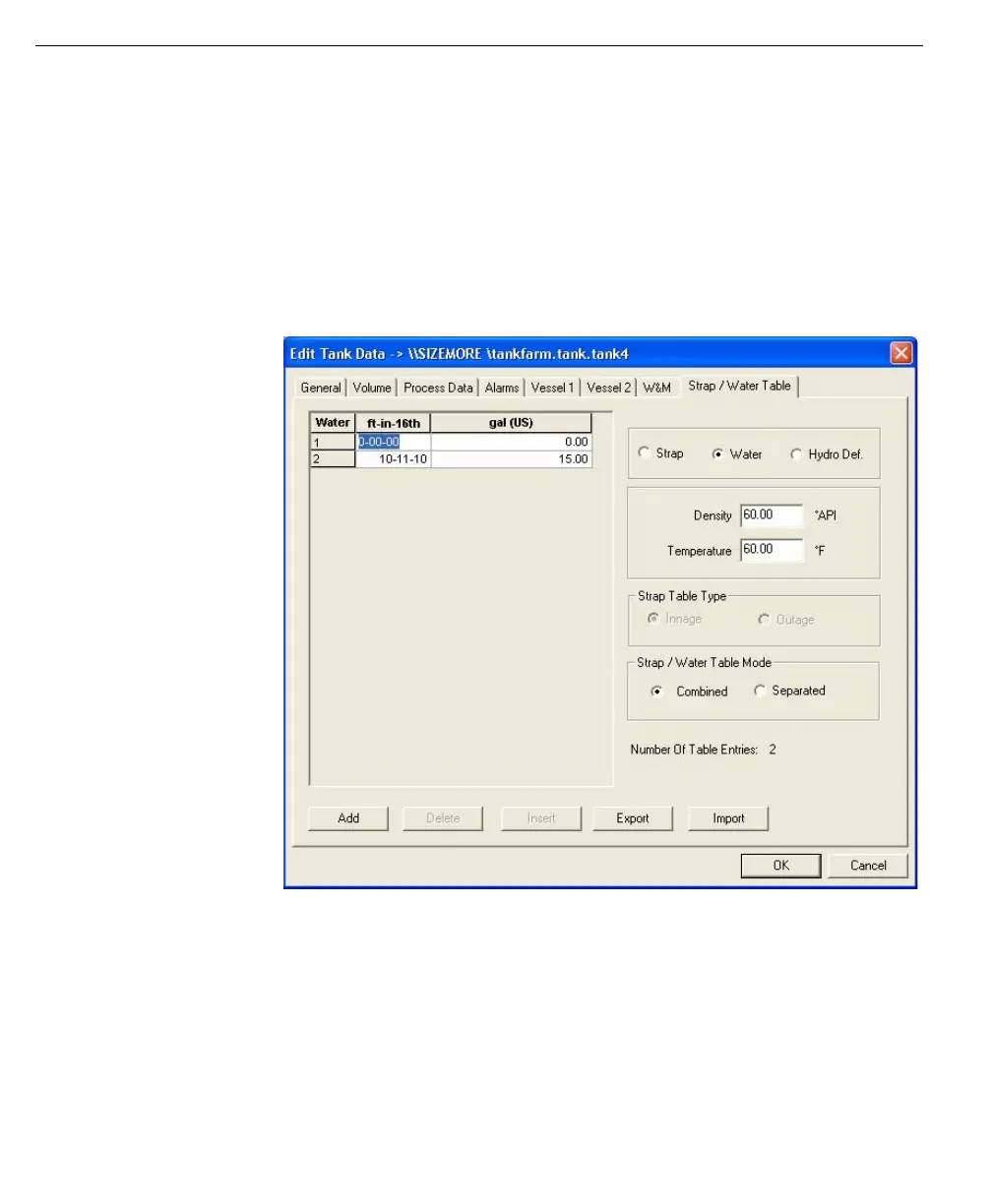
In order to configure Inventory Management to use separate water and product
tables, simply use the Strap/Water table tab of the Edit Tank Data dialog to either
manually enter a water table or import a previously defined water table.
Note! Use the import option to
save time by importing previously
defined product or water tables.
When using product and water tables, Configuration can be used to set the water
and strapping table method for either integrated Product and Water tables or
Separated Product and Water tables. Under Strap/Water Table Mode, select either
Combined or Separated.
Integrated Product and Water Tables (Combined)
The key concept in the integrated product and water table mode of operation is
that the top point of the water table is assumed to coincide with the bottom point of
the product table.



 To Next Page