Defining Movement Paths
ADM003GVAE1005 235
Defining groups
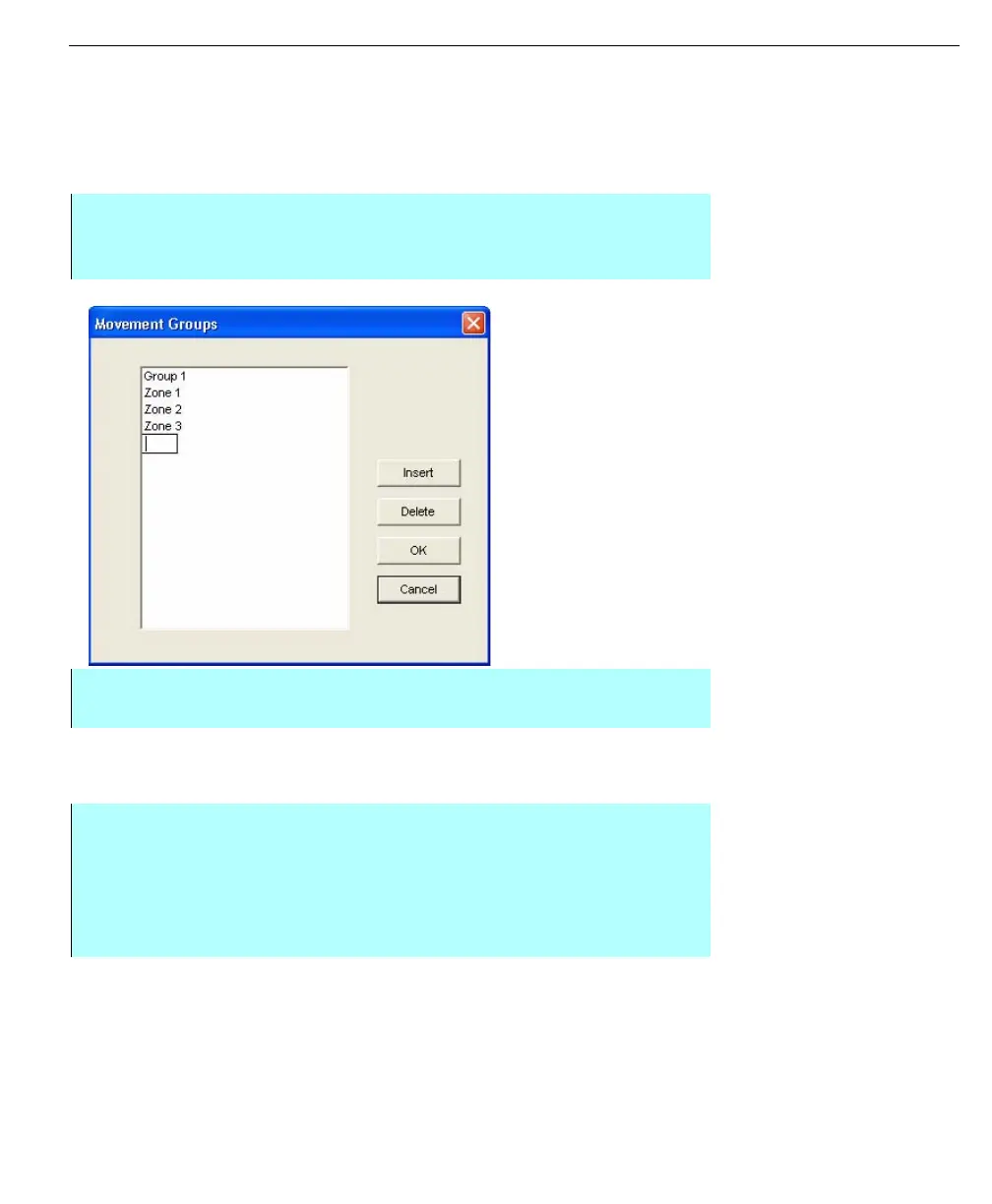
Groups may be used to correlate multiple Movements. You can add groups
anytime during the configuration process. Clicking the Groups button allows you
to view all previously defined Groups or create new ones.
Inserting a group
Movement Groups
dialog
Note! Each Group name must
be unique.
Deleting a Group
To delete a group from the movement system, perform the following steps:
Step by Step
• From the Movements dialog box, click Groups. The Movement Groups
dialog box appears
• Click Insert. Type in the new Group name
• Click OK. The system returns you to the Movement dialog box
• From the Movements dialog box, click Groups. The Movement Groups
dialog box appears. This dialog box lists all the groups
• Select the group to be deleted
• Click Delete. The selected group is erased from the list
• Click OK to save changes. The system returns you to the Movement dialog
box



 To Next Page