Upgrading from FuelsManager 4.3
ADM003GVAE1005 11
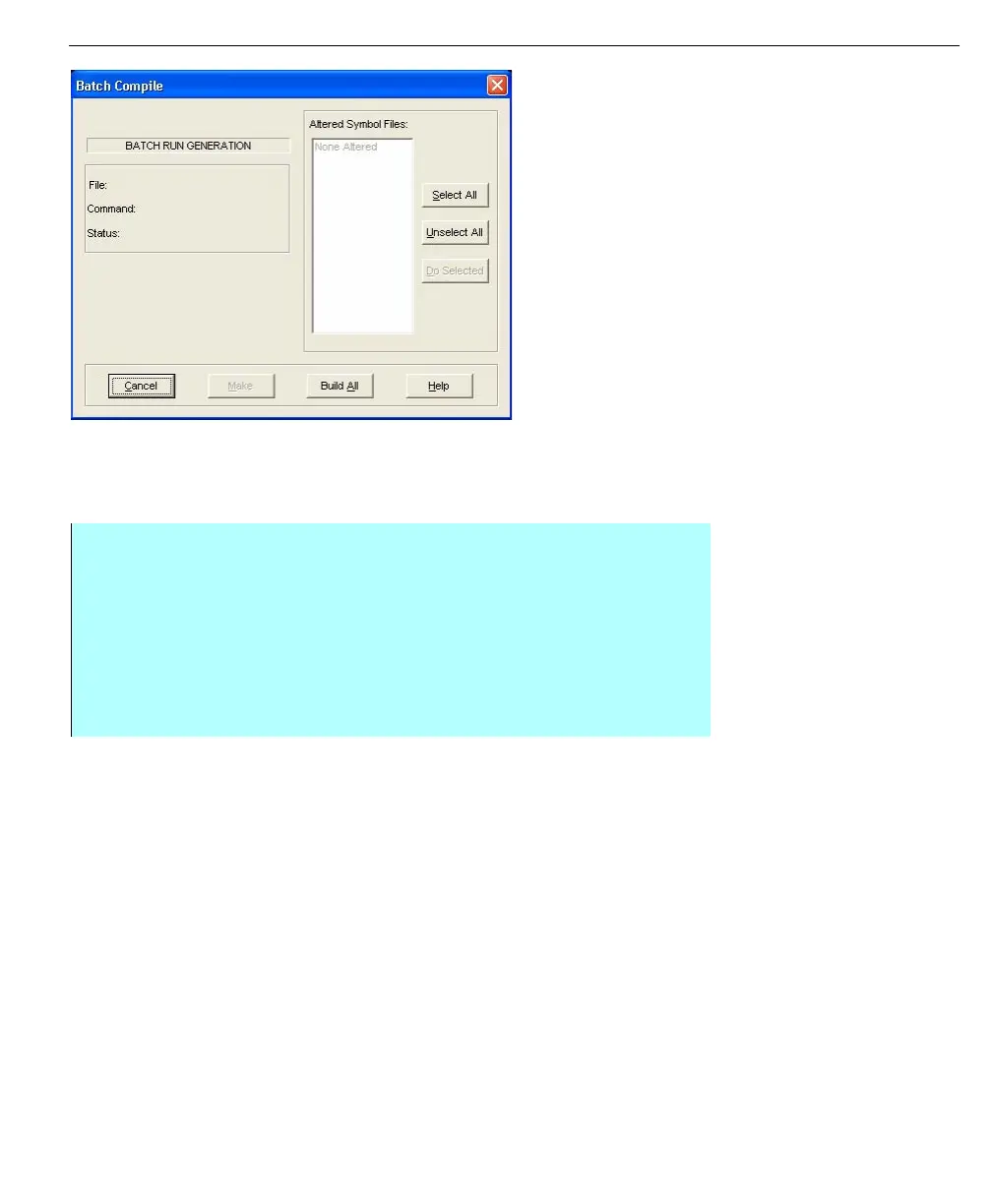
Batch Compile dialog
box
Regenerating reports
After upgrading from the previous version of FuelsManager the user must
‘regenerate’ all reports. Failure to do so will result in the inability to view any
reports created on the earlier system.
Regenerating Tank Details and other graphic files
FuelsManager ships with regenerated Tank Detail displays. However, if you want
to continue using an existing v4.3 custom detail, you will need to ‘regenerate’ the
custom tank detail.
Step-by-Step
• From the FuelsManager Configuration Menu bar, click User Interface, and
select Create Reports command
• The Report application will start
• Click on the File menu and select Batch Run Files command
• The Batch Compile dialog box appears, select the Build All option
• A confirmation dialog box appears, select OK
• Select Cancel to close the Batch Compile dialog box



 To Next Page