ArchiveManager
ADM003GVAE1005 159
Selecting a real-time database
Note! You must have permission
to access these database systems,
or the data transfer fails
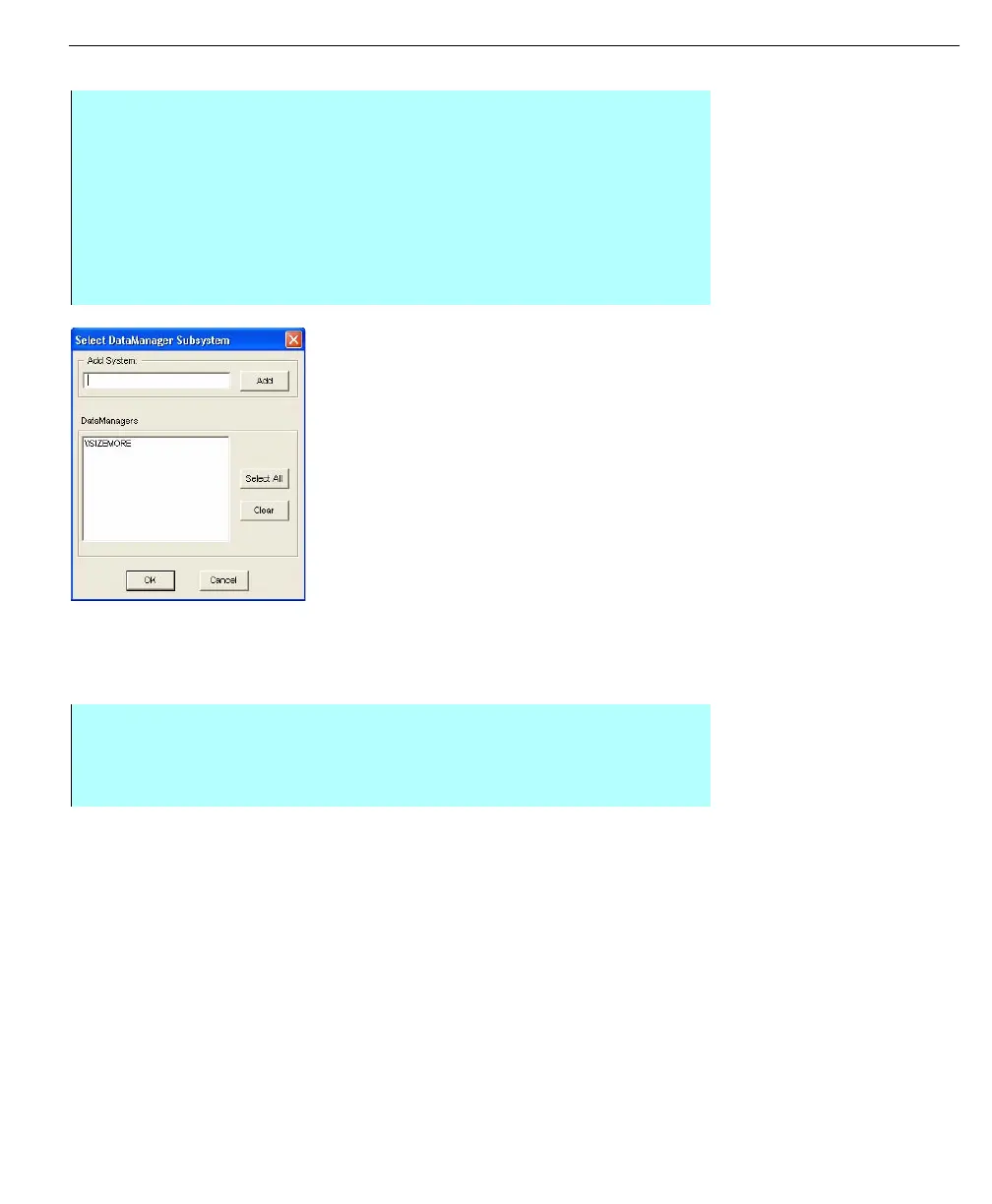
Select
FMDataManager
Subsystem dialog box
Adding or connecting to an archival data source
Before ArchiveManager can begin transferring data, you must first connect to an
archival data source. Without the archival data source, the system will not have a
destination to store the data.
Step-by-Step
• From the Archive Manager Configuration dialog box, click Select. The
Select FMDataManager Subsystem dialog box appears
• Select the database systems you want ArchiveManager to transfer from. To
select more than one, press <Ctrl> and click on multiple DataManagers. Or
click Select All to select all options in the window
• Click OK after you make your selections. The system returns you to the
Archive Manager Configuration dialog box. Your database selection
appears in the Real-time Database display field
Step-by-Step
• From the Archive Manager Configuration dialog box, click Connect. The
Select Data Source dialog box appears
• Click the Machine Data Source tab



 To Next Page