FuelsManager Defense
334 Administrator Manual
Display of W&M Indicator on Graphics & Reports
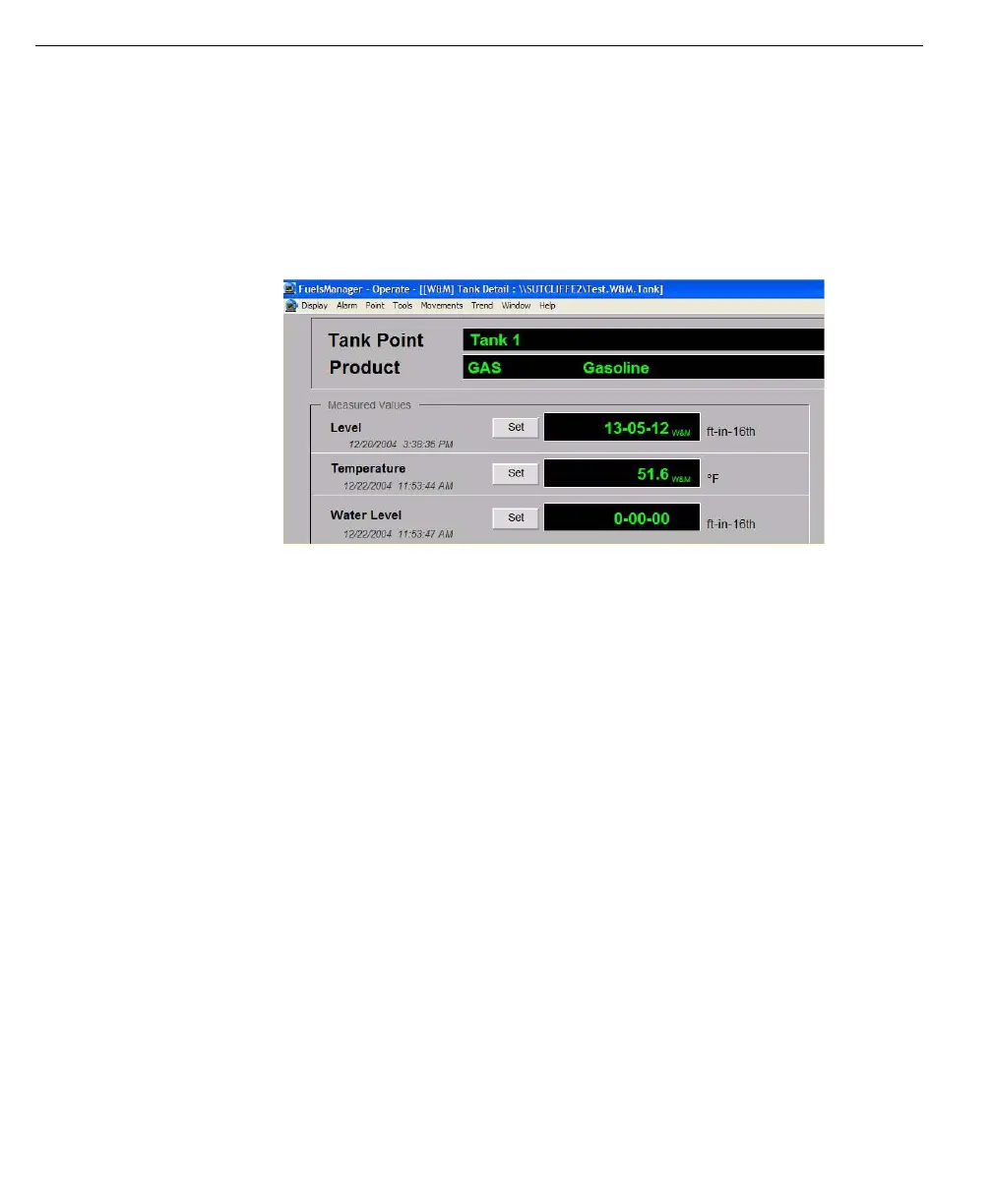
The FuelsManager Operate program indicates any Weights & Measures Seal for
Tank Detail and Historical Report displays. The Weights & Measures Seal is
shown by the prefix [W&M] on the title bar of the display.
If a particular tank process variable has been sealed, FuelsManager displays or
prints values with the subscript “W&M.” This is determined by the Input Process
Variable Seal and, if applicable, an I/O Seal that is communicated from the
external device. An illustration of the “W&M” seal indication is provided below.
Any FuelsManager user-defined reports will include W&M indicators. The system
checks the database for the Seal and displays the subscript if applicable. The
indicator appears at the footer of each report page.



 To Next Page