Users and Groups
ADM003GVAE1005 39
Creating, Deleting or Renaming a User
Note! To select multiple users to
delete simultaneously use the
<Ctrl> key in conjunction with the
mouse to highlight all users
desired to be deleted.
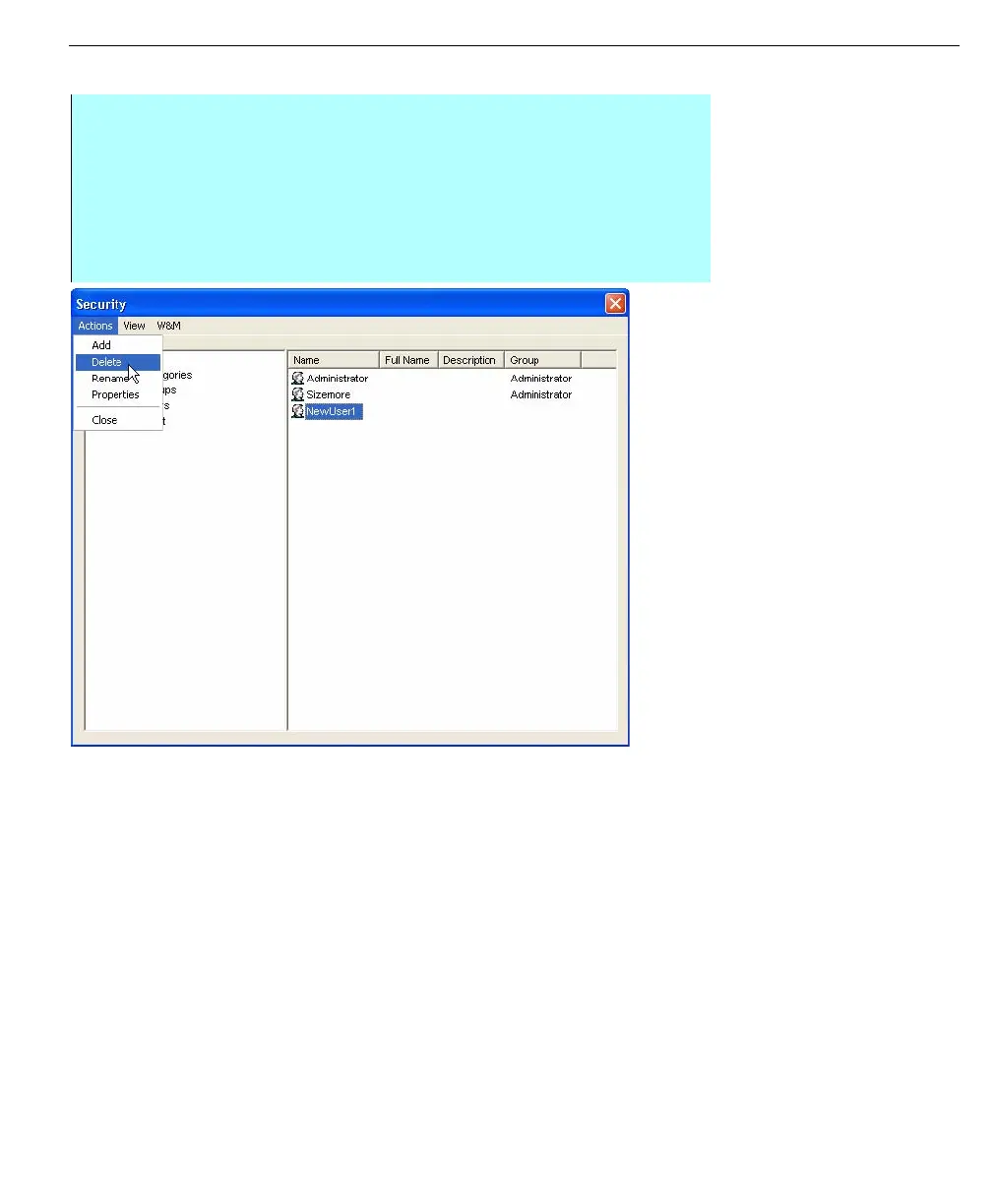
The security dialog
box: Action menu
Step-By-Step
• Click on the Users icon to display a list of users in the right side window
• This list contains all the FuelsManager users and their corresponding
groups. FuelsManager is capable of supporting fifty (50) different users.
• From the Actions menu select the Add command
• Enter the case-sensitive user name, as it appears in Windows
• Close the Security dialog box



 To Next Page