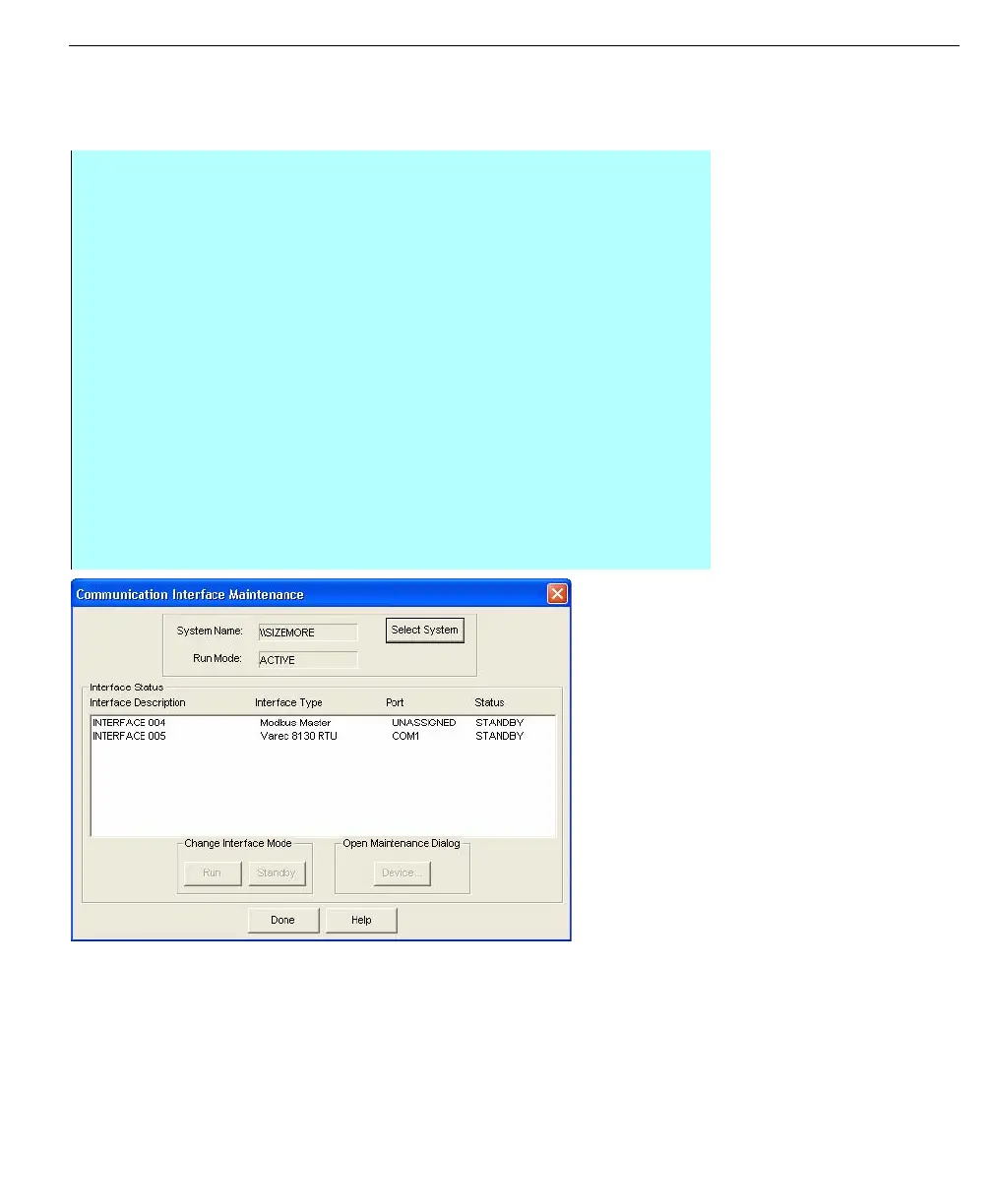
Communications interface configuration
ADM003GVAE1005 149
Creating a new interface
The types of interfaces that can be created are dependent on the drivers installed
on the system. Once drivers have been installed, a new interface can be created.
Communication
Interface Configuration
dialog box
Step-by-Step
• From the Configuration application, Communications menu, select the
Configuration command
• From the Communication Interface Configuration dialog box select New
• The Choose The Type of Device dialog box appears
• Select the type of device you want to create. Only devices with the drivers
already installed will appear for selection
• Click OK
• The Port Type dialog box appears
• Select the port type that the device is connected to, Local Serial Port, LAT
Terminal Server Port or Dial Up Modem
• The port type selected will determine what dialog box will appear next and
the available settings
• Edit the port configuration necessary for the device you are creating
• Select OK once the device has been configured
• The Communication Interface Configuration screen will appear with the
recently created configuration listed



 To Next Page