FuelsManager Defense
70 Administrator Manual
Alarms
The purpose of Alarms is to notify operators of a significant inventory occurrences
that may require immediate attention. These occurrences are recognized by
datamanager monitoring points and situations that are set to be monitored for
alarms. Administrators can set up criteria for an alarm such as a significant
temperature or level change. When one of those situations occurs, the operator
will be notified of the alarm.
In the Operate program, the operator is notified of an alarm by audible alarms or
flashing, color-coded visuals at the bottom of the Operate window. Alarm Priorities
determine the severity of the alarm and consequently the color and sound
notifications.
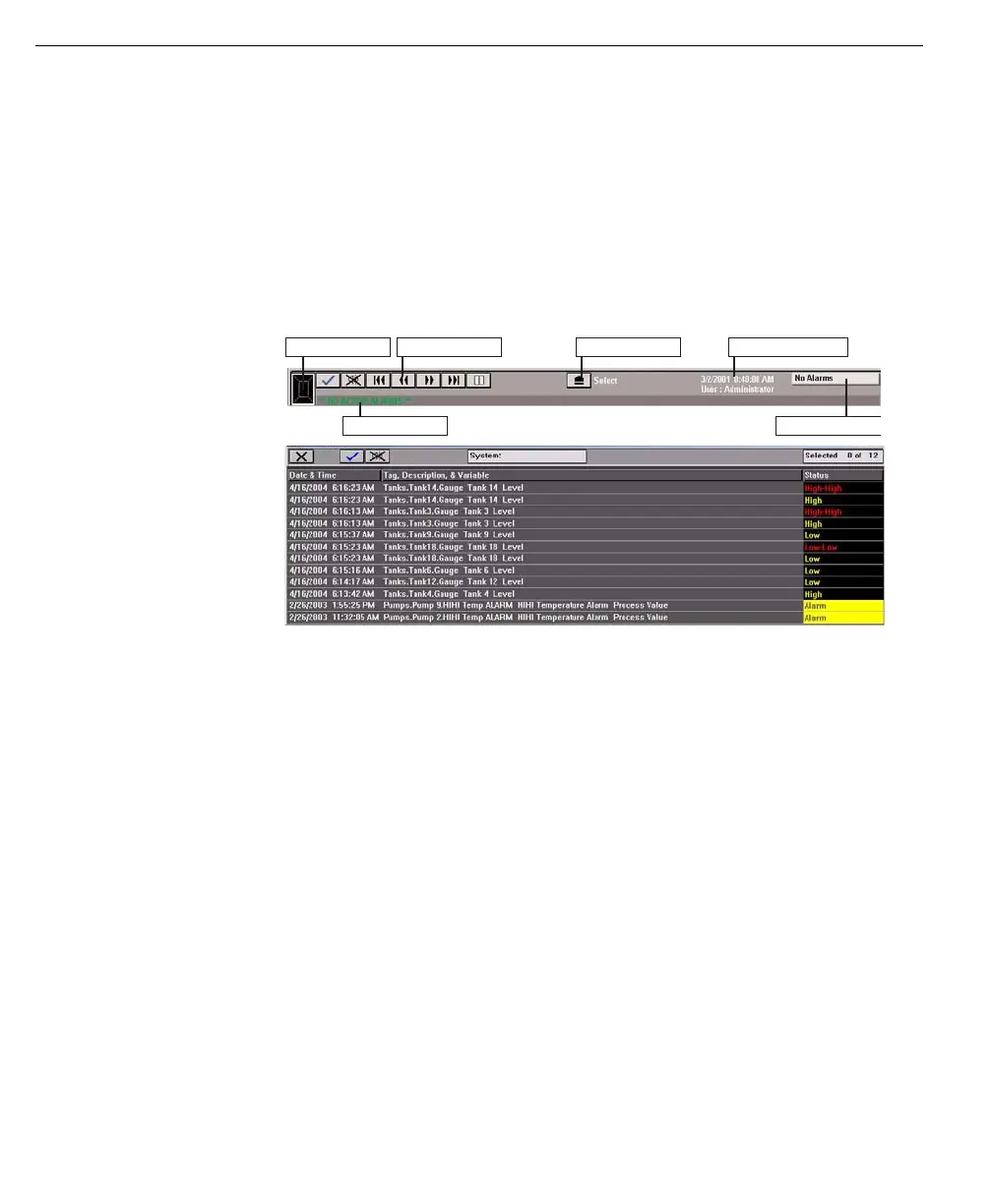
Operate application
toolbar includes the
Alarm line
Operate application
includes a complete
Alarm Summary
Events
Events are changes to a database point value that are not associated with an
alarm definition but are important enough to be recorded. Examples of events are:
• Operator commands – such as opening a valve or raising a tank gauge
• Value Change (operator) – such as the operator entering a new manual value
for water level or changing a high level alarm setpoint
• Value Change (system) – such as a communication request from another
system, via OPC or a CommManager driver, to change the density value or
issue a command to reset a tank gauge
Alarm & Event Logs
All Alarms and Events are recorded to the same log file and can be viewed via the
FuelsManager Log File Browser feature. FuelsManager creates one alarm and
event file per day. By default this file is written to the following folder:
\Program Files\FuelsManager\FMProject\Log. Alarms and events can be printed
manually, or at specified times depending on the configuration of the Alarm
Category to which the alarms belong (see Security Section)
It is possible to reduce the number of events logged to the event log, by disabling
the logging of events from OPC data sources.
Tank Group name Status
ButtonsIndicator box
Alarm Mode button Operator infor



 To Next Page