FuelsManager Defense
98 Administrator Manual
Entering Variable Format information for an input or output point
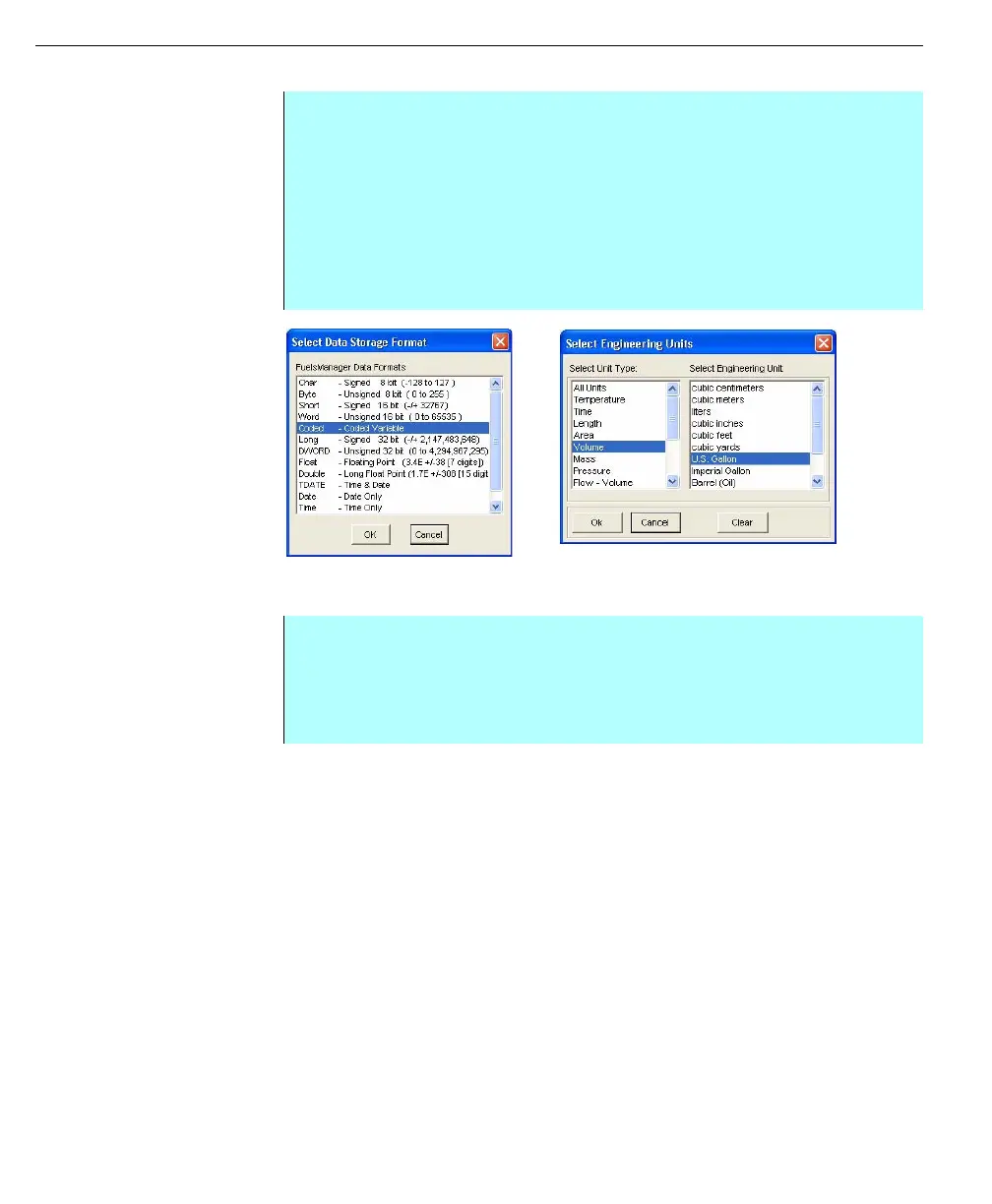
Left - Select Data
Storage Format dialog
box
Right - Select
Engineering Units
Dialog box
• From the Edit Point dialog box, Variable Format tab - Click Format to select
the data storage format. The Select Data Storage Format dialog box
appears
• Make the Data Storage format selection and click OK to return to the Edit
Point dialog
• The user can select to use Bitfield Data for the point
• Or click the Units button to display the Select Engineering Units dialog to
use for the point. Just select the appropriate type, unit, and click OK to
return to the Edit Point dialog
• If needed, the user can select a modifier by clicking the Modifier button
• Select the appropriate Modifier and click OK to return to the Edit Point dialog
• If you are using a numeric format, the user can set the minimum and
maximum value by entering the parameters in the Min. Value and Max.
Value fields



 To Next Page