Microsoft Windows and FuelsManager security
ADM003GVAE1005 33
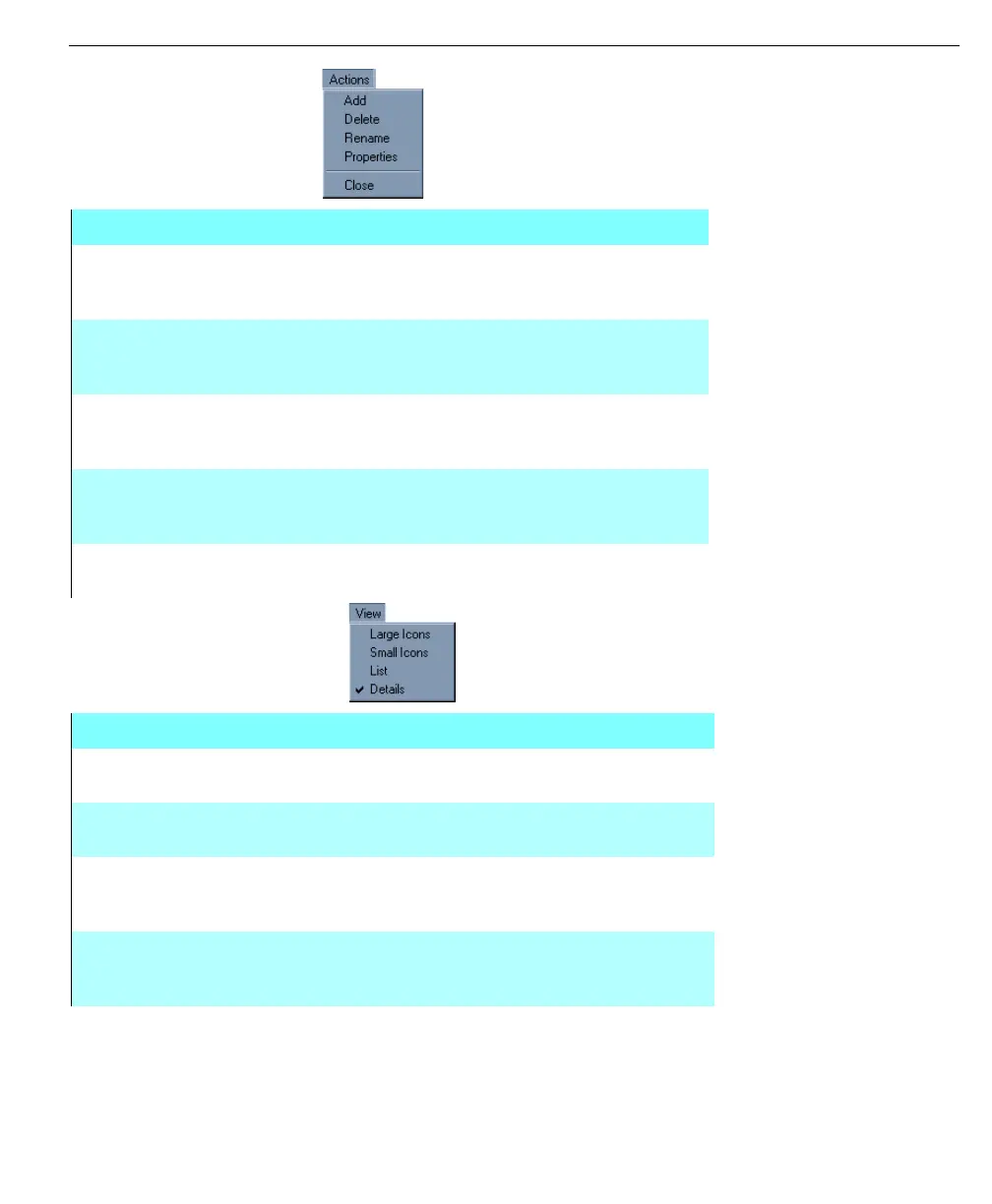
The Actions menu
includes the options to
add, delete, rename,
properties or close
The View menu allows
the users to change
the way elements are
displayed in the
security dialog box
Actions Menu
ADD The Add command allows the administrator to add a user,
group, tag, or an alarm according to what section is selected in
the security dialog box
DELETE The Delete command allows the administrator to delete a user,
group, tag, or an alarm according to what section is selected in
the security dialog box
RENAME The Rename command allows the administrator to rename a
user, group, tag, or an alarm according to what section is
selected in the security dialog box
PROPERTIES The Properties command allows the administrator to define the
properties of a user, group, or an alarm category according to
what section is selected in the security dialog box
CLOSE The Close command will close the Security dialog box
completely
View Menu
LARGE
ICONS
The Large Icons command will make all of the icons in the right
hand window appear large
SMALL
ICONS
The Small Icons command will make all of the icons in the right
hand window appear small
LIST The List command will arranges the elements, in a column, in the
right hand window. Small Icons will be shown next to each
element and no details will be displayed
DETAILS The Details command will arranges the elements, in a column, in
the right hand window. Small Icons will be shown next to each
element along with any applicable details



 To Next Page