Draw application
ADM003GVAE1005 181
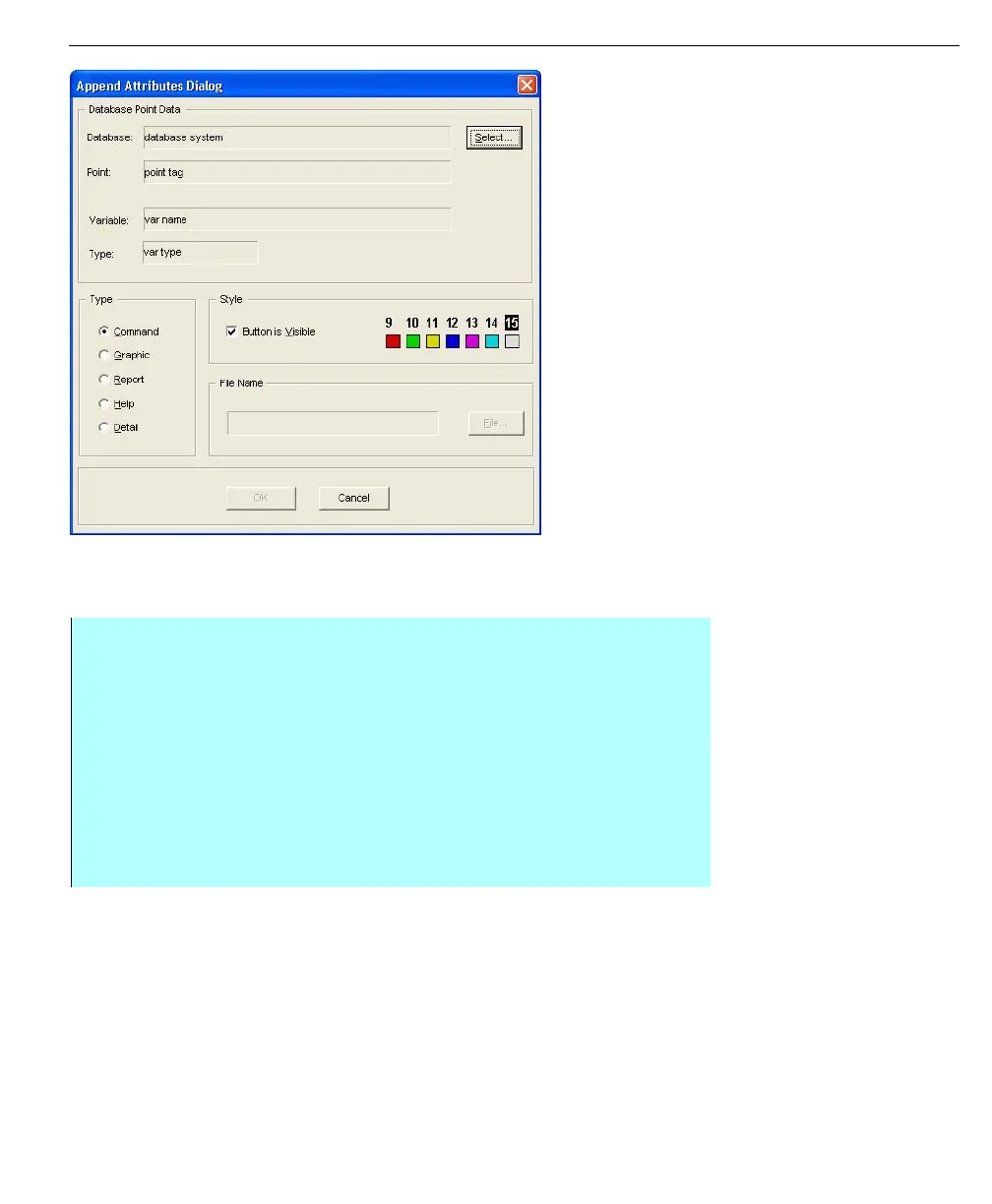
Append Attributes
dialog box
Command append
This option button displays an Operator Command dialog box. From the dialog
box, the operator can issue a command or type in a new value.
Step-by-Step
• Select the Command option button in the Append Type group box
• Click Select in the Database group box
• The Select Database Point dialog box appears
• Select the appropriate database, point, and corresponding variable by
clicking the Database, Point or Variable buttons. Refer to the Values section
for more information
• Click OK. This button displays an Operator Command dialog box in the
Operate program
• The commands available via this button are defined by the modifier
assigned to the database point selected



 To Next Page