Categories
ADM003GVAE1005 37
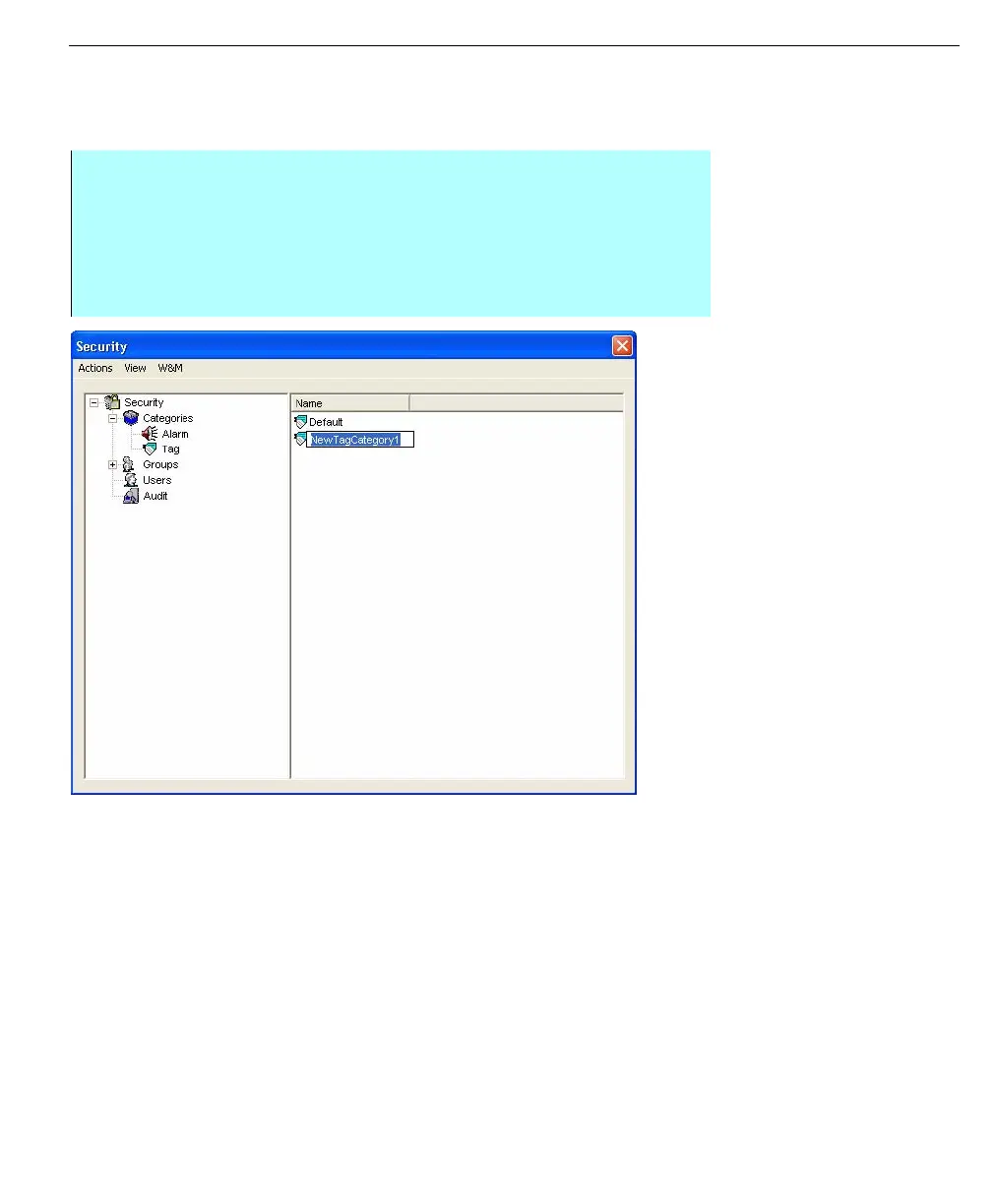
Creating, Deleting or Renaming Tag Categories
In this example we will Delete a Tag Category, but you can also follow the
instructions to Create or rename a Tag.
The security dialog box
can be used to create
delete or rename
Security Tag settings
Step-By-Step
• Click on + next to Categories to expand the tree structure
• Select Tag under the Categories
• Click on the tag name that is to be deleted from the Tag listing
• From the Actions menu select the Delete command
• Close the Security dialog box



 To Next Page