Defining Movement Paths
ADM003GVAE1005 231
Defining nodes
All available Source and Destination elements are called nodes. You can add
nodes anytime during the configuration process. There are three types of nodes:
Tanks, Units, and Meters. Tank nodes represent the facility’s tanks, Unit nodes
represent a vehicle or other temporary storage container, and Meter Nodes
represent a flow meter through which the product is being moved.
Adding a Tank Node
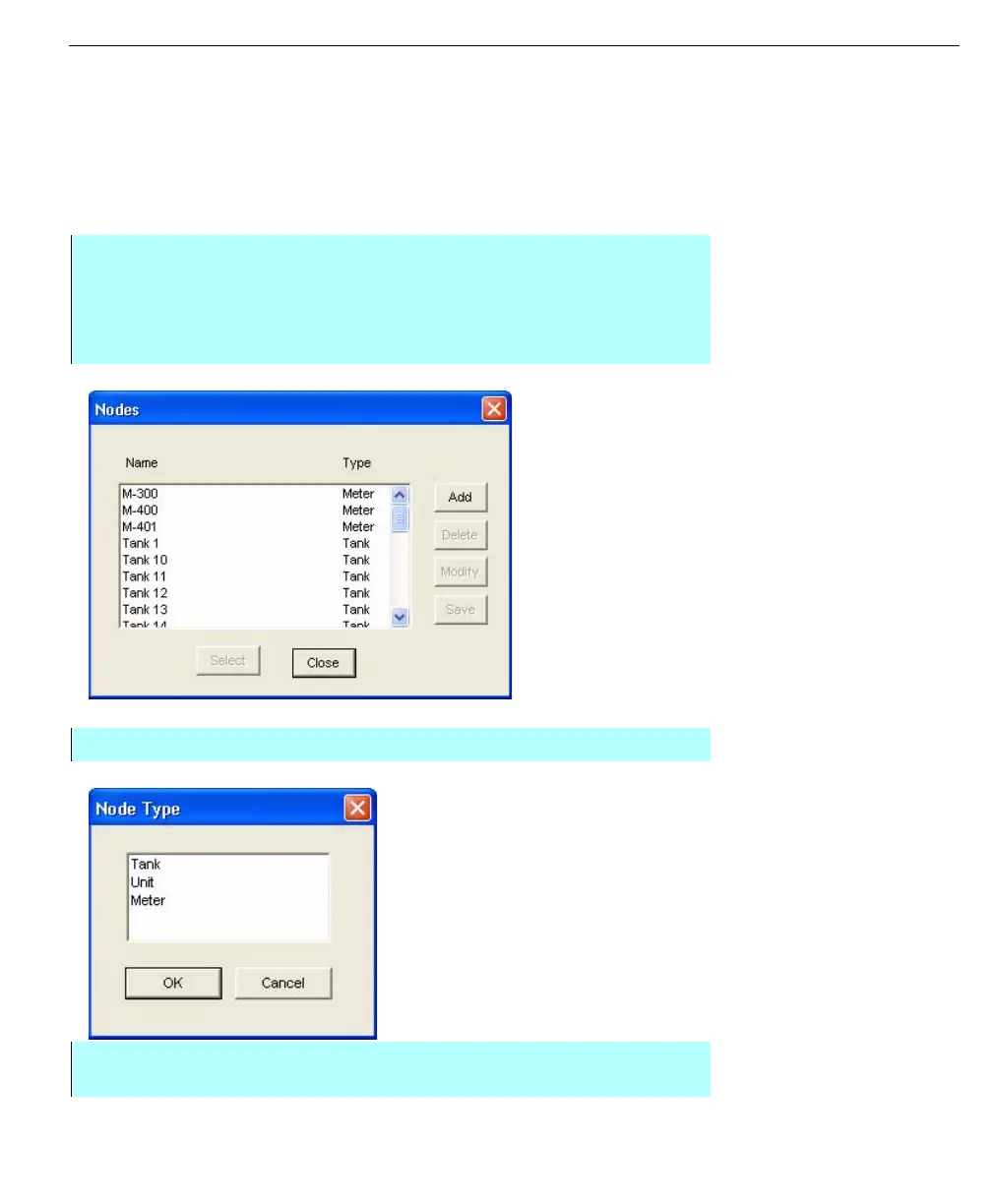
Nodes dialog
Node Type dialog
Step by Step
• From the Movements dialog box, click Nodes. The Nodes dialog box
appears. This dialog box lists all the nodes available for selection. The
defined nodes are listed by name and type. From this dialog box you can
add, delete, or modify nodes in the movement system
• Click Add. The Node Type dialog box appears
• Select Tank and click OK. The Tanks dialog box appears. This dialog box
includes all database points that have not already been selected as nodes



 To Next Page