FuelsManager Defense
104 Administrator Manual
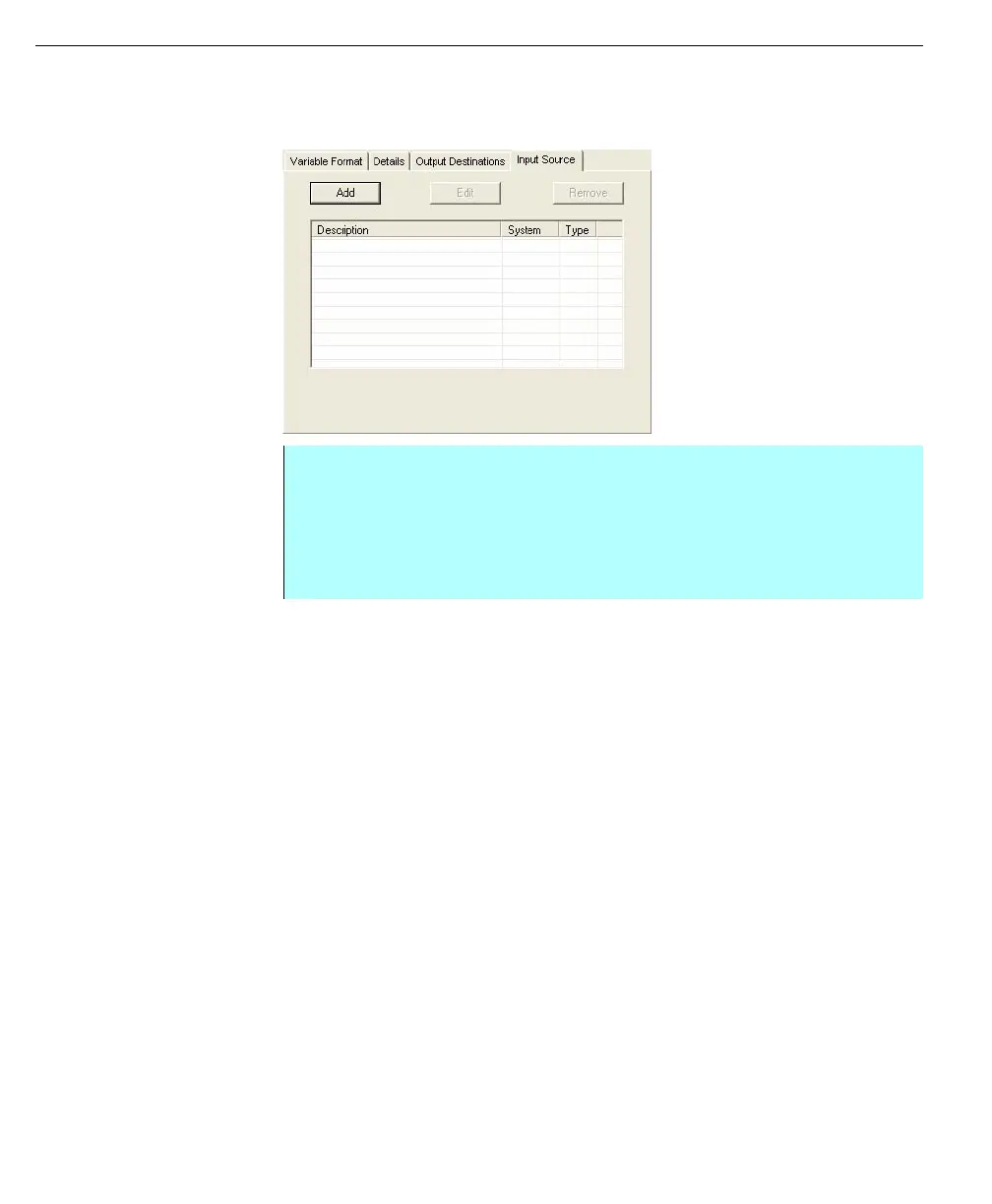
Entering Input Source for a triggered point
For triggered points, the input source is the point that the trigger point will monitor.
Input Source -
triggered point
• From the Edit Point dialog box - select the Input Source tab
• The user can add input sources from a specific data source (Manual,
Comm, or OPC)
• Click Add to display the Select Data Source dialog and select any data
source
• When finished, click OK to return to the Edit Point dialog



 To Next Page