Error messages and troubleshooting
ADM003GVAE1005 259
Error messages and troubleshooting
Error messages
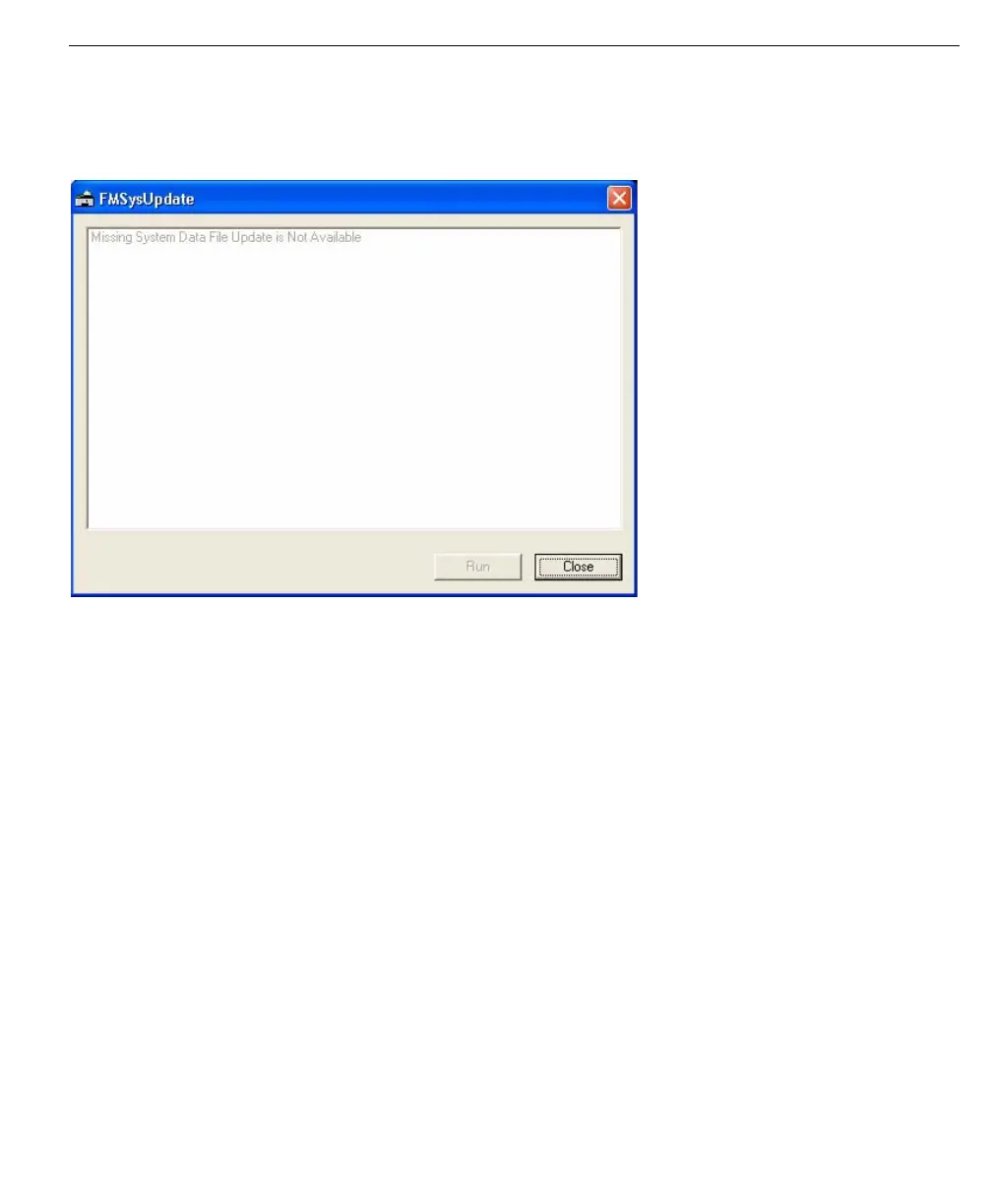
Missing System File Update is Not Available
Invalid file message
will keep the utility from
updating.
You may get this message in the FMSystemUpdate window.
This message means that either the utility does not recognize the system file as a
version that it can update or that there are files missing. If your version is not 4.0,
4.1, or 4.2, the utility cannot update your database system. If this is so, the Run
button is disabled.
System Data File Version 4.3
If the utility recognizes the version as 4.3 (System Data File Version 4.3), then the
system is already updated and you do not need to run this utility. In this case, the
Run button is also disabled.
Unsupported Graphic Revision in File: 3401.SYM
You will get this message if you created your graphics and symbols in a version
previous to 4.0. This will not keep the update from successfully running. But you
should make sure that your graphics and symbols are displaying correctly; and if
not, manually correct them.
Database is Corrupt
You may get a “Database is Corrupt” message. This can reflect a couple
situations:
• Any of your data files may be from a version previous to 4.0.
• Your data files are not consistent; you may have a 4.0 movement database
and a 4.2 product database.
Whatever the reason is, the last update statement in the FMSystemUpdate
window tells you where the corruption was found. For example, it may list the
Movement Data database (MoveData.dat and MoveSchedule.dat).



 To Next Page