Creating and editing tank points
ADM003GVAE1005 113
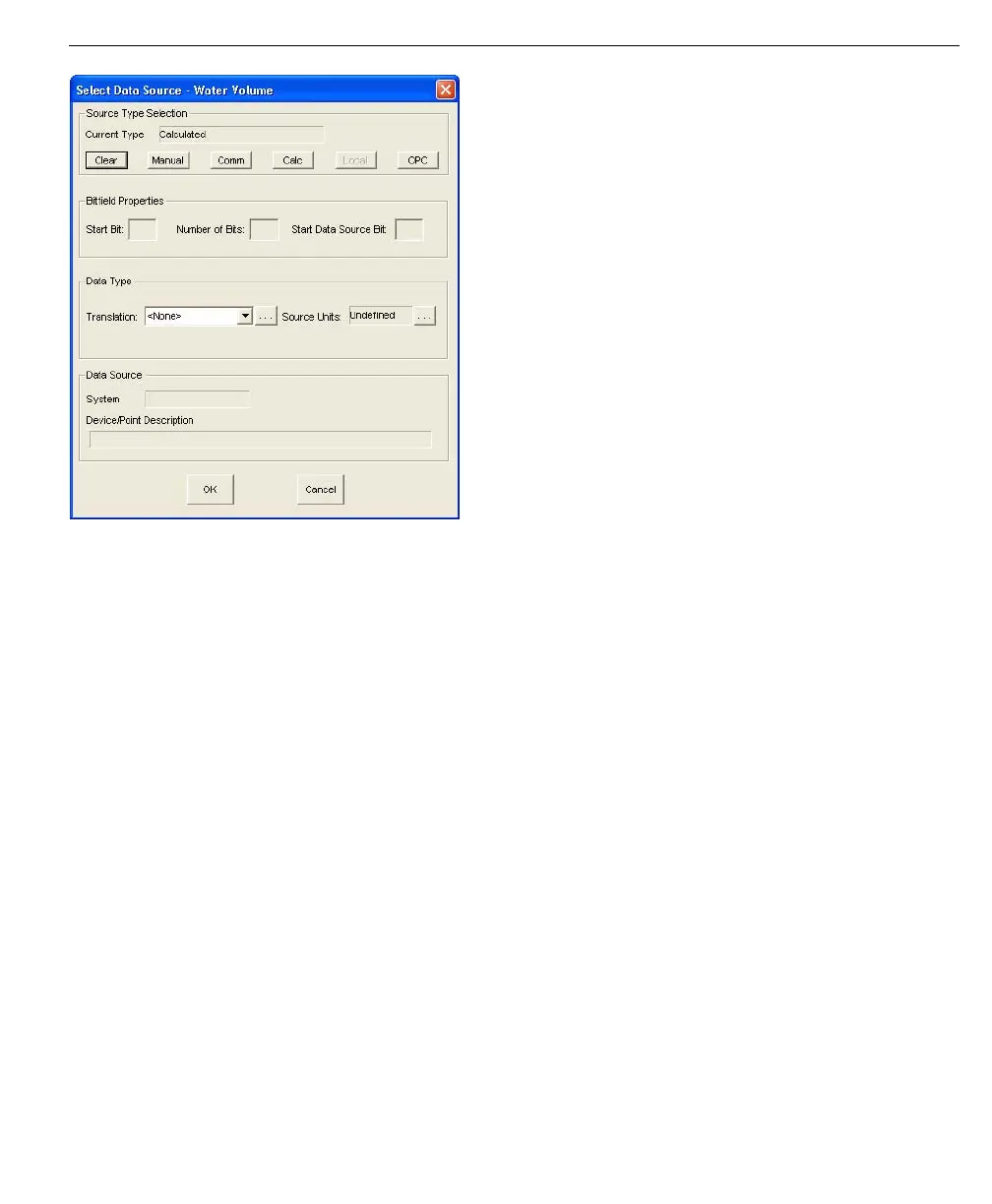
Select Data Source
dialog box
When a new Tank Point is created, FuelsManager sets the default Data Source's
to the most common settings, however, the Data Sources for Level and
Temperature are left unassigned. This means that you will have to assign data
sources for level and temperature, but will not have to modify all the data sources
for the tank point.



 To Next Page