214323 132 Revision A
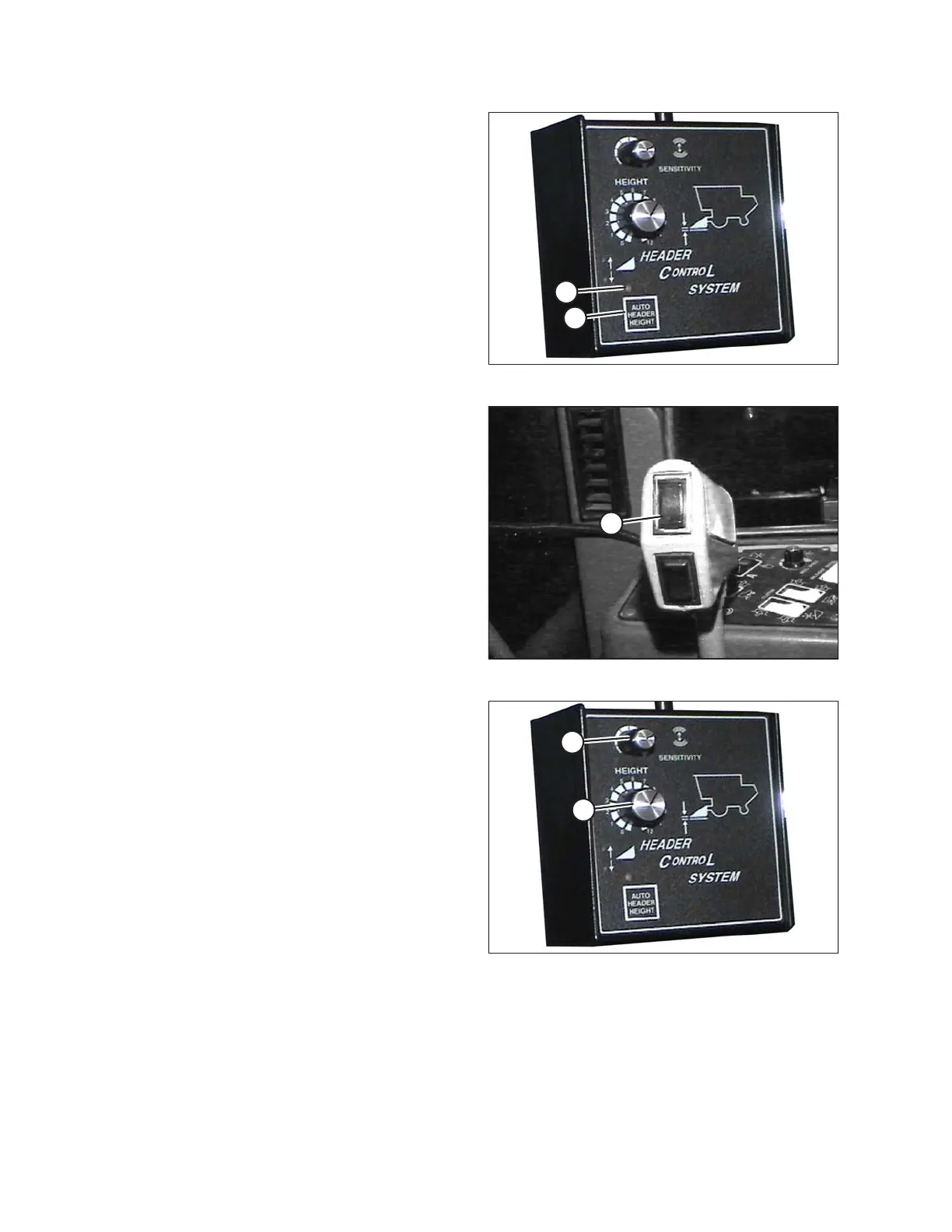
Figure 3.190: Combine Header Control System
3. Push AUTO HEADER HEIGHT button (A). The LED
light (B) should flash continuously indicating that it is in
standby mode and waiting for a response from
Operator.
Figure 3.191: Header Down Button
4. Briefly press HEADER DOWN button (A). The header
should lower automatically and LED light should stay
illuminated indicating that auto height system is
engaged and working.
Figure 3.192: Combine Header Control System
5. Turn HEIGHT dial (A) to increase or decrease ground
pressure.
6. Turn SENSITIVITY dial (B) to control how quickly
AHHC reacts to varying ground conditions.
OPERATION









 To Next Page