214323 467 Revision A
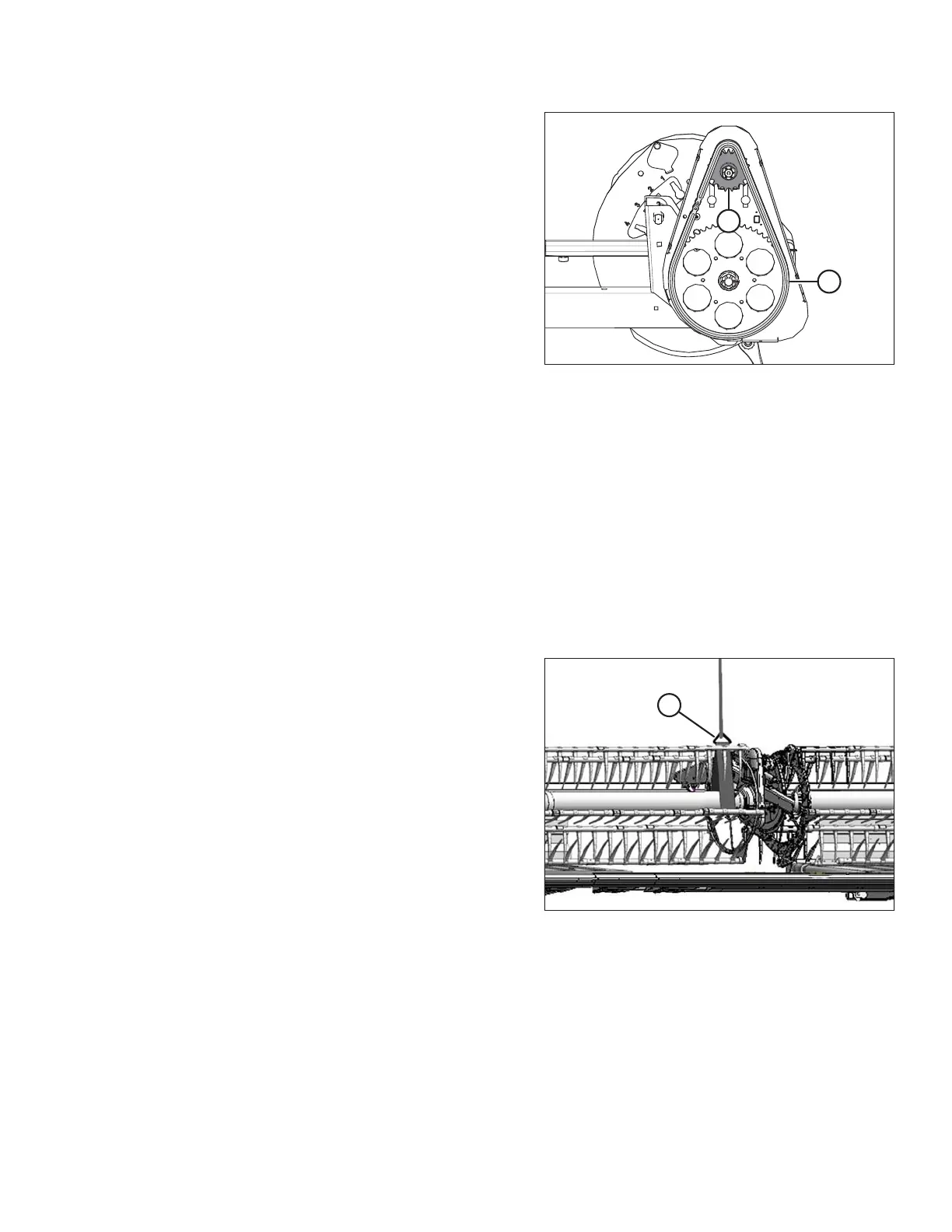
Figure 5.293: Reel Drive
4. Install drive chain (A) onto drive sprocket (B).
5. Tighten the drive chain. Refer to Tightening Reel Drive Chain, page 464.
5.14.4 Replacing Double-Reel U-Joint
The double-reel drive U-joint allows each reel to move independently from the other.
Lubricate the U-joint according to the specifications. Refer to 5.3.6 Lubrication and Servicing, page 328.
Replace the U-joint if severely worn or damaged. Refer to Removing Double-Reel U-Joint, page 467.
Removing Double-Reel U-Joint
1. Shut down the combine, and remove the key from the ignition.
2. Remove the drive cover. Refer to Removing Reel Drive Cover, page 461.
Figure 5.294: Supporting Reel
3. Support the inboard end of the right reel with a front end
loader and nylon slings (A) (or equivalent lifting device).
IMPORTANT:
Avoid damaging or denting the center tube by
supporting the reel as close to the cam end disc
as possible.
MAINTENANCE AND SERVICING









 To Next Page