214323 366 Revision A
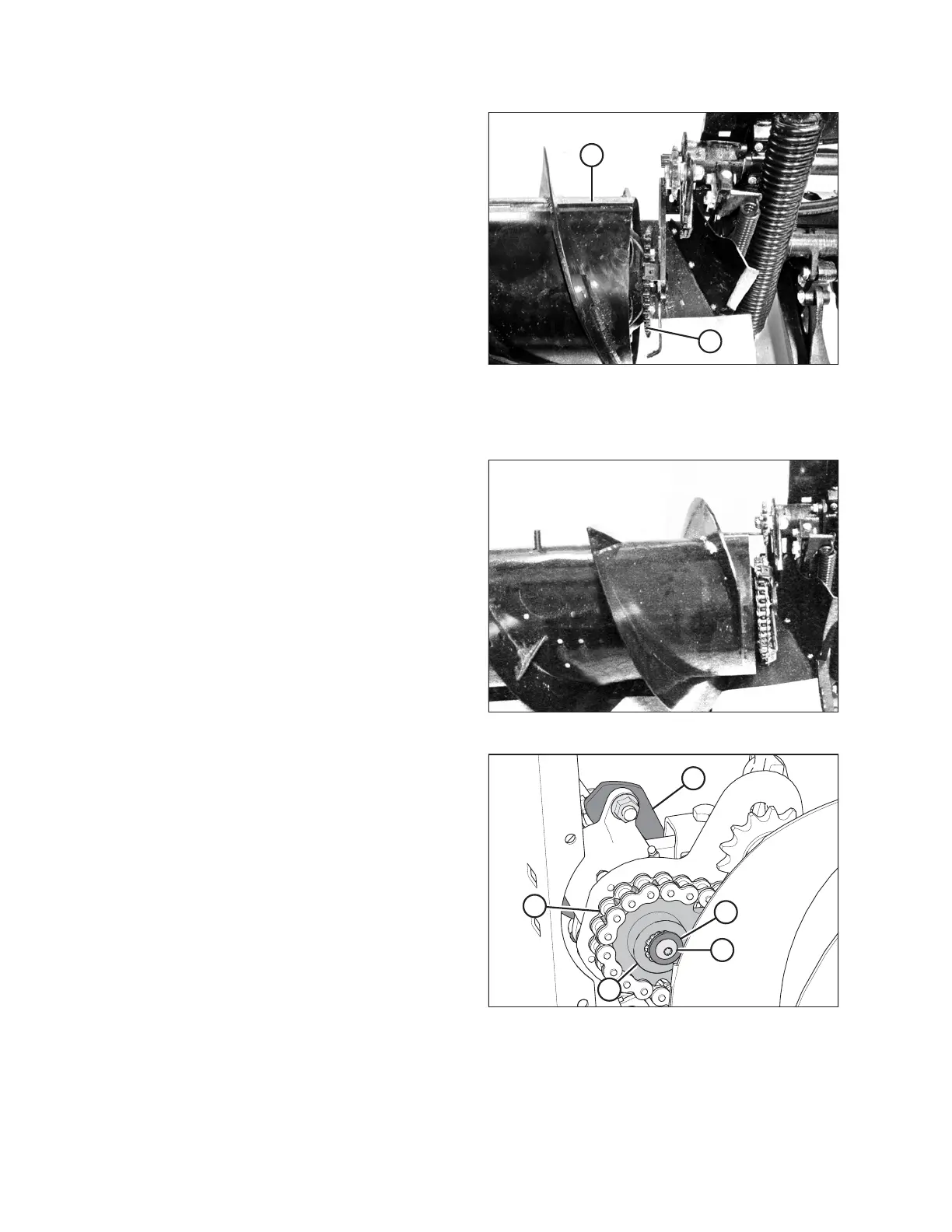
Figure 5.73: Auger Drive
15. Slide left housing (A) back into position so endless
chain (B) can be removed.
5.7.5 Installing Auger Drive Chain
Figure 5.74: Auger Drive
1. Place the drive chain over the sprocket on the left side
of the adapter. Slide the left housing towards the drum
and mount, leaving the driveshaft exposed 13 mm
(1/2 in.). Bolt the assemblies together.
NOTE:
Use blocking on the left side of the drum if necessary.
2. Remove the block if used.
3. Rotate the drum in forward and reverse a couple of
times to ensure the drum has been correctly rebuilt
before connecting the chain to the drive assembly.
Figure 5.75: Auger Drive
4. Align the sprocket on the shaft, and put drive
sprocket (A) into chain (B).
NOTE:
The shoulder of drive sprocket (A) faces the auger.
5. Slide the entire drum assembly back into place, and bolt
C-clamp (C) over the housing.
6. Apply Loctite
®
242 to threads of the screw. Install
screw (E) and washer (D).
MAINTENANCE AND SERVICING









 To Next Page