214323 164 Revision A
NOTE:
The numbers depicted on displays in these illustrations
are for reference purposes only; they are not intended
to represent specific settings for your equipment.
Operating Auto Header Height
To operate your auto header height, follow these steps:
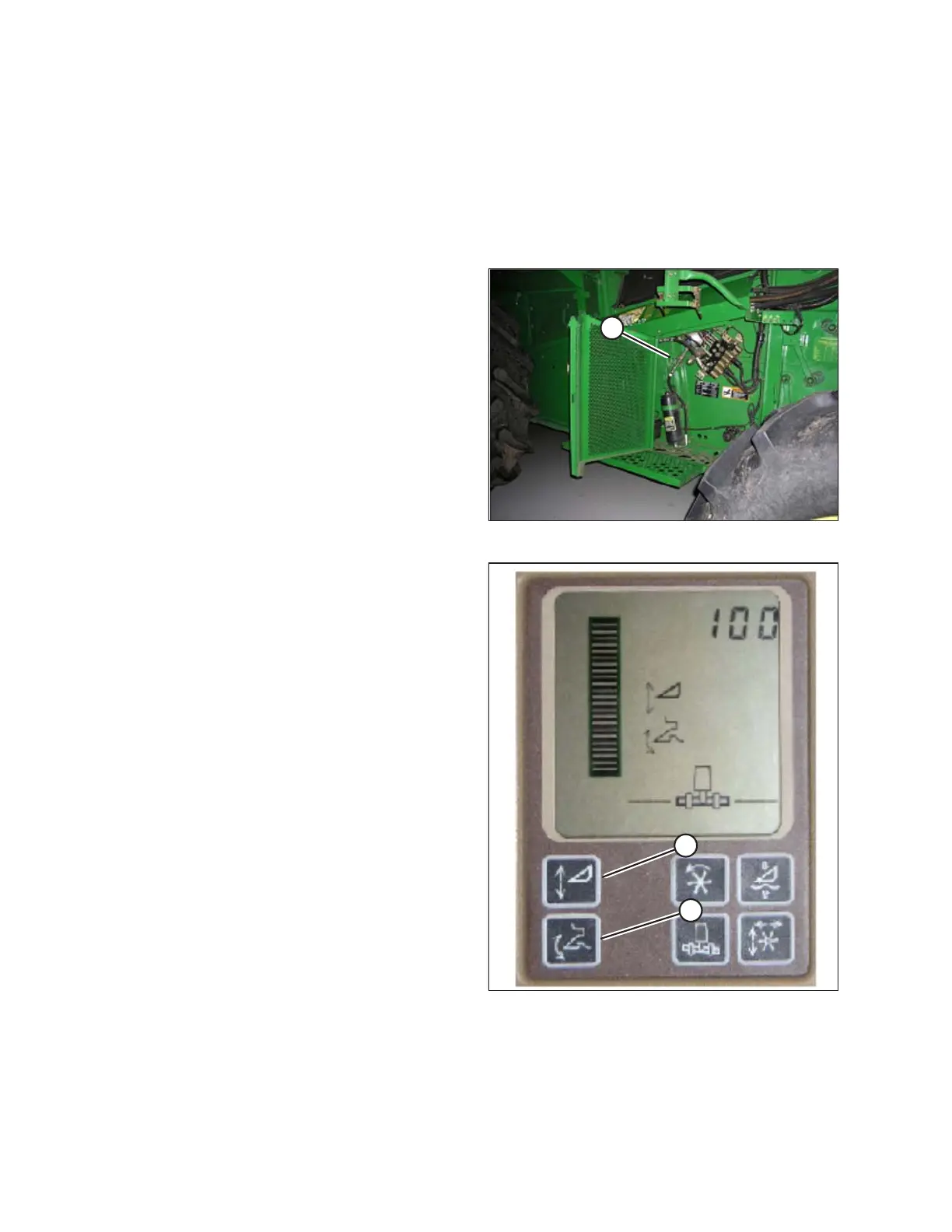
Figure 3.253: Accumulator Shut-off
IMPORTANT:
For proper performance, deactivate accumulator (A) as
described in combine’s operator’s manual.
Figure 3.254: Active Header Control Display
1. Ensure HEADER HEIGHT RESUME and ACTIVE
HEADER CONTROL functions are ON by pressing
buttons on top monitor. Icons will appear on monitor
with same picture that is displayed on buttons. This
indicates that your auto header height, resume, and
active header control are turned ON.
• ACTIVE HEADER HEIGHT (A) is indicated with an
arrow going up and down in front of it.
• HEADER HEIGHT RESUME (B) is indicated with a
header diagram with a curved arrow in front of it.
OPERATION









 To Next Page