214323 191 Revision A
3.8.12 John Deere S7 Series Combines
This section applies to John Deere S7 Series combines only.
Setting up Header (John Deere S7 Series)
NOTE:
Changes may have been made to combine controls or display since this document was published. Refer to
combine operator’s manual for updates.
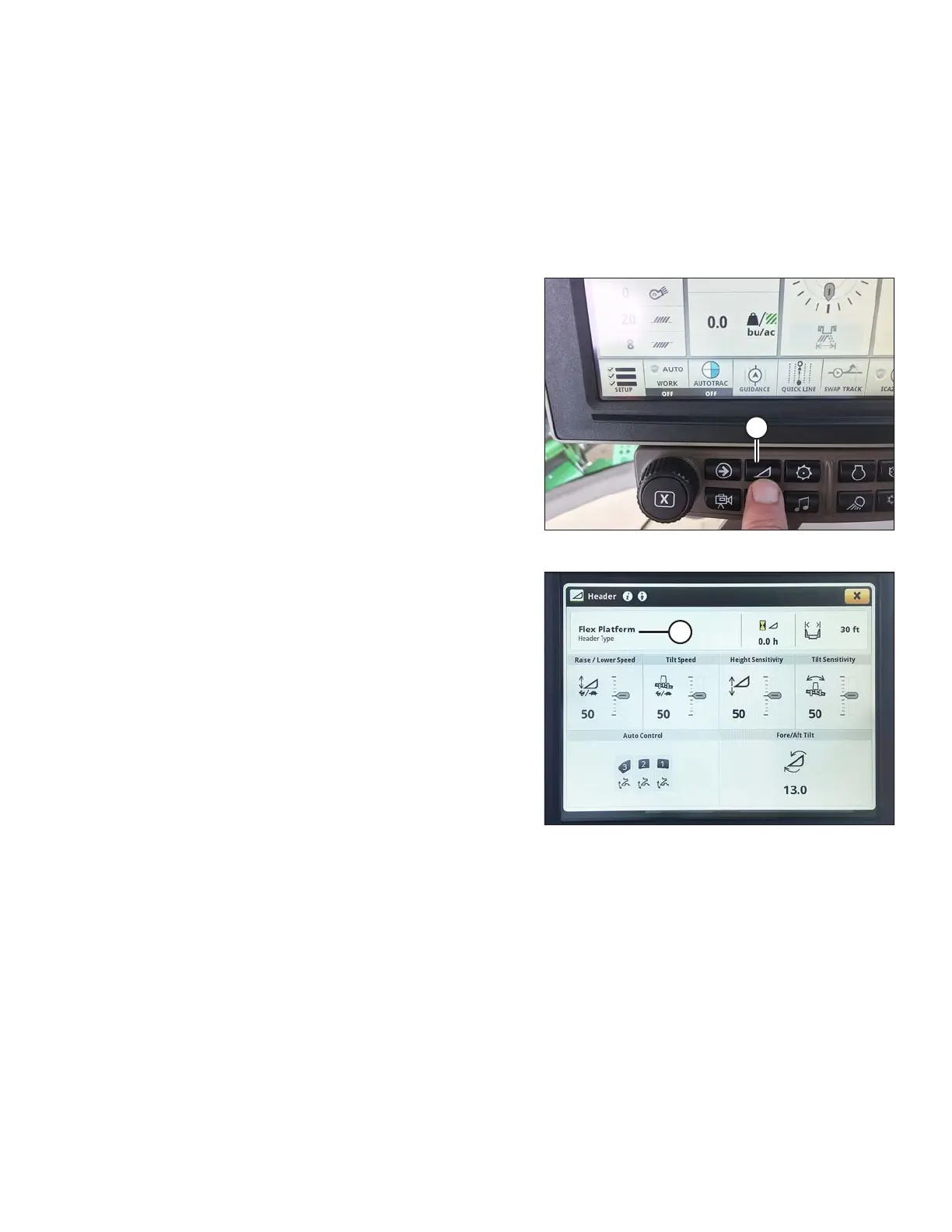
Figure 3.315: John Deere S7 Display
1. Press the header button (A) on the panel below the
display. The HEADER page opens.
Figure 3.316: John Deere S7 Display –
Header Page
2. Select the HEADER TYPE field (A). The HEADER
DETAILS window opens.
OPERATION









 To Next Page