214323 67 Revision A
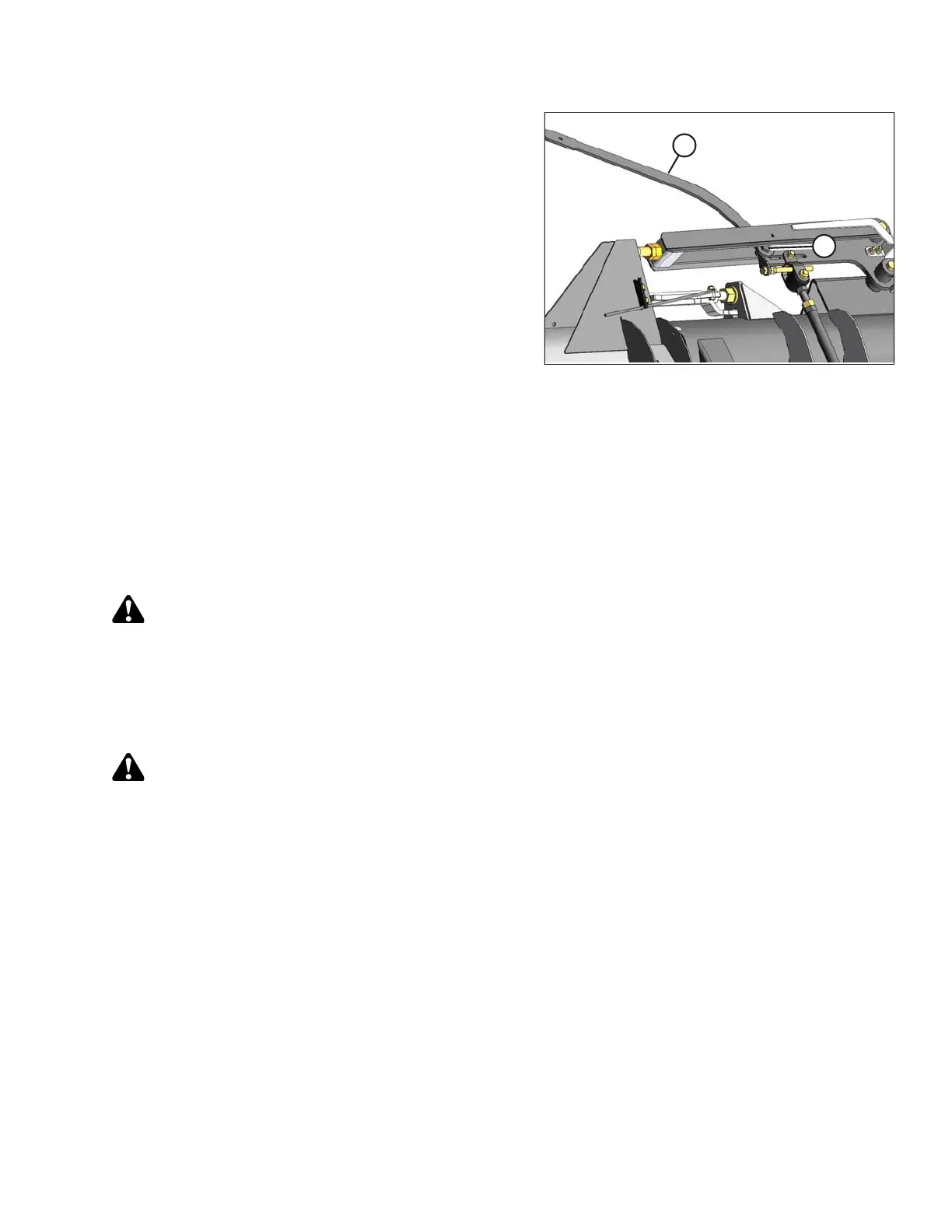
Figure 3.52: Header Wing
5. Place torque wrench (A) on bolt (B) and use it to move
the wing until the lock engages.
6. Replace torque wrench (A) and reinstall the
linkage cover.
NOTE:
The wings will not move relative to the header.
3.7.3 Checking and Adjusting Header Wing Balance
NOTE:
Before proceeding, the header float must be set properly. Refer to Checking and Adjusting Header Float, page 59.
The header wing balance allows the wings to react to changing ground conditions. If set too light, the wings will
bounce or not follow ground contours, leaving uncut crop. If set too heavy, the end of the header will dig into the
ground. After the header float has been set, the wings must be balanced for the header to follow the ground
contours properly.
CAUTION
To avoid personal injury, before servicing machine or opening drive covers, refer to 5.1 Preparation for
Servicing, page 321.
Checking Wing Balance
This procedure describes how to check the balance of each wing.
WARNING
To avoid bodily injury or death from unexpected startup of machine, always stop engine and remove key
before adjusting machine.
OPERATION









 To Next Page