214323 219 Revision A
Setting Cutting Height (CLAAS 700 Series)
To set cutting height, follow these steps.
CAUTION
Check to be sure all bystanders have cleared the area.
NOTE:
Changes may have been made to the combine controls or display since this document was published. Refer to the
combine operator’s manual for updates.
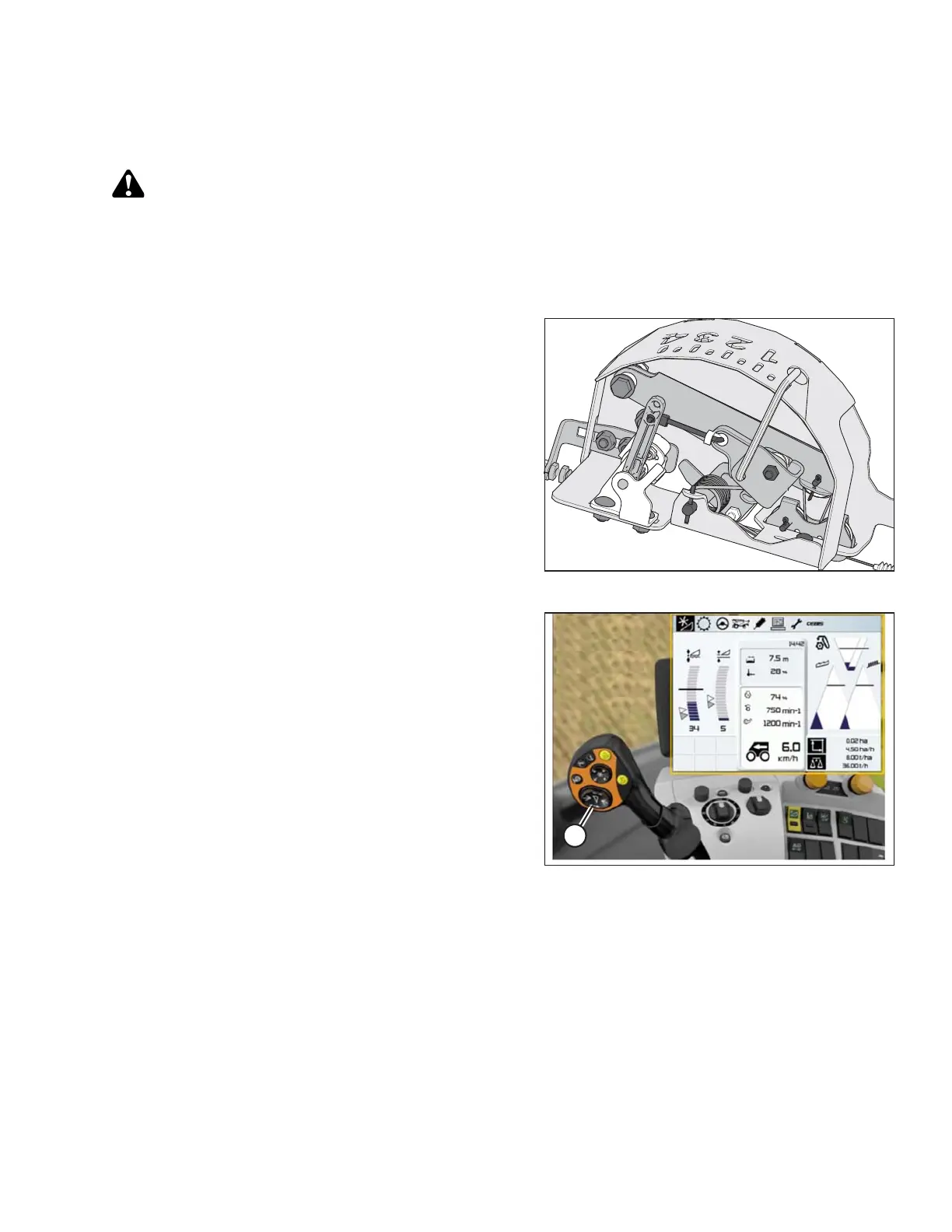
Figure 3.378: Float Indicator
1. Lower header to desired cutting height or ground
pressure setting. The float indicator (the white module
on top of CA25 adapter) should be set to 1.5.
Figure 3.379: CLAAS Combine Display,
Console, and Joystick
2. Push and hold left side of header raise/lower switch (A)
until you hear a ping.
NOTE:
Two different cutting heights can be programmed.
Setting Sensitivity of Auto Header Height Control (CLAAS 700 Series)
NOTE:
Changes may have been made to the combine controls or display since this document was published. Refer to the
combine operator’s manual for updates.
OPERATION









 To Next Page